Screenshot gallery
此内容尚不支持你的语言。
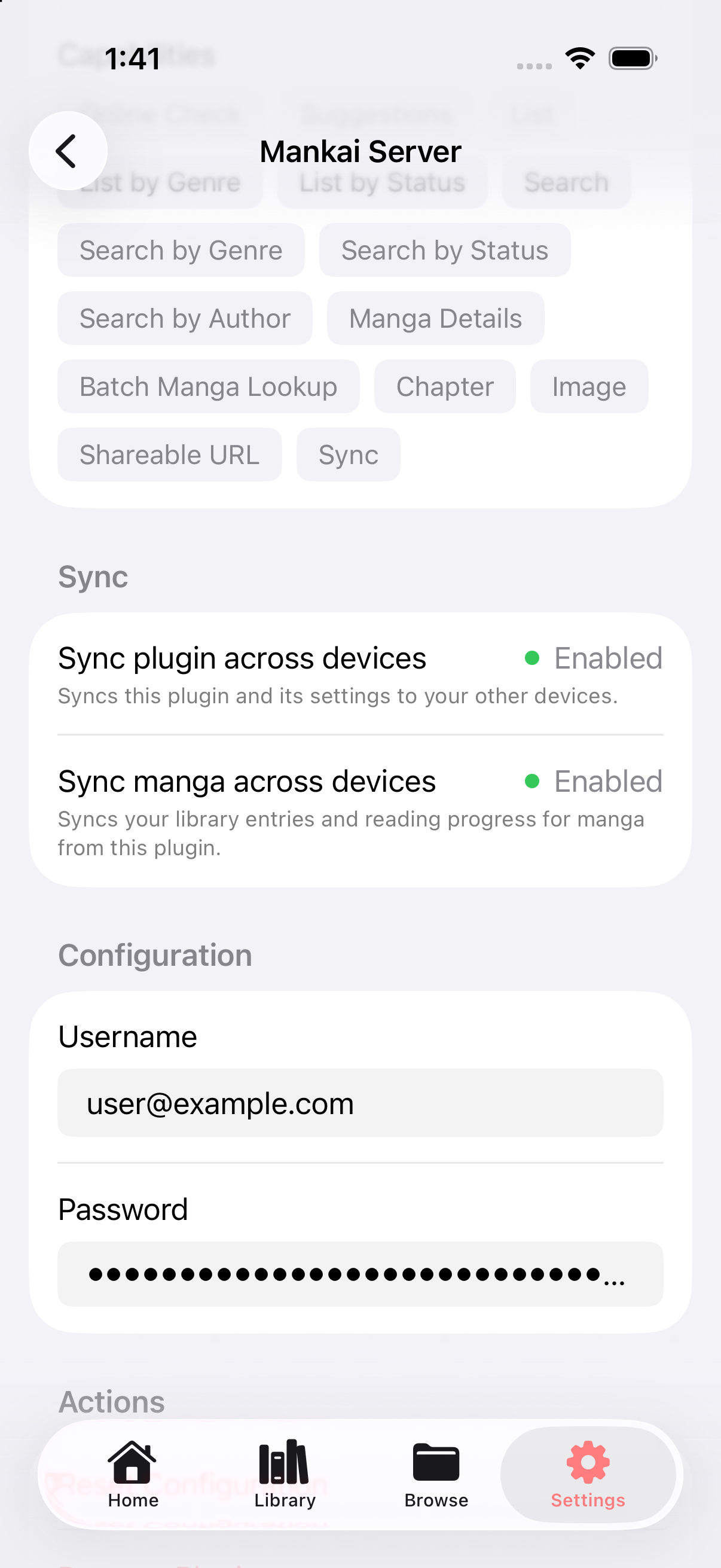
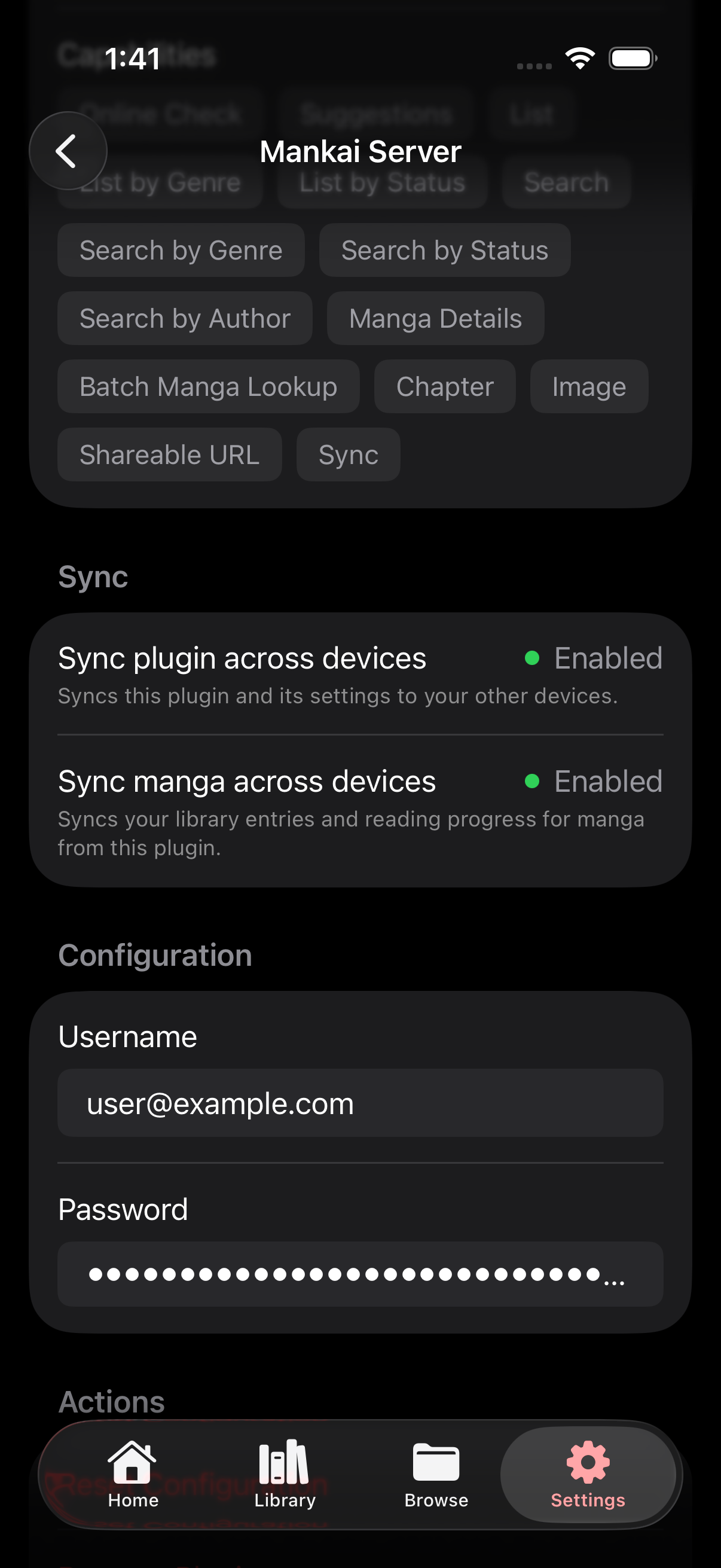
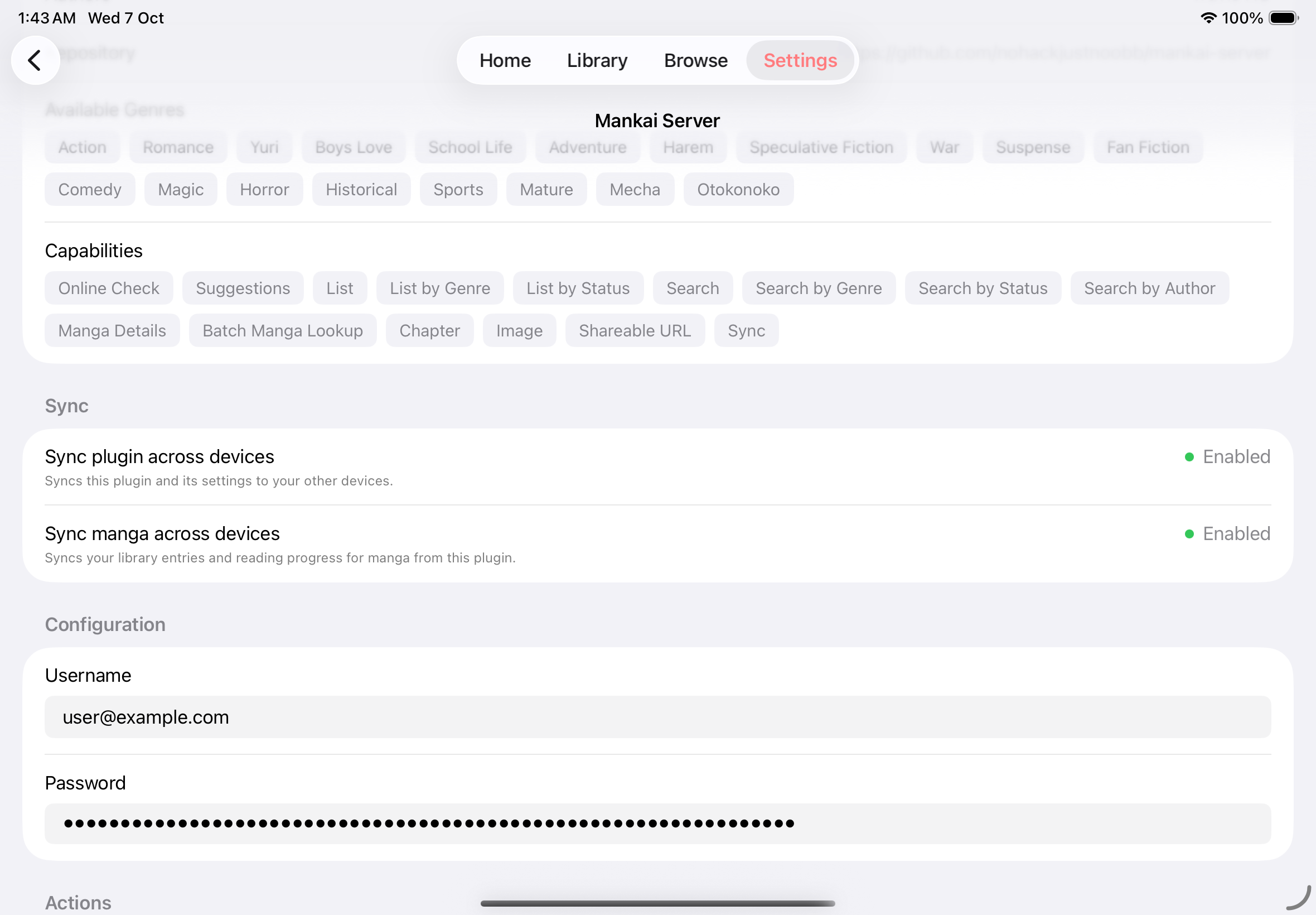
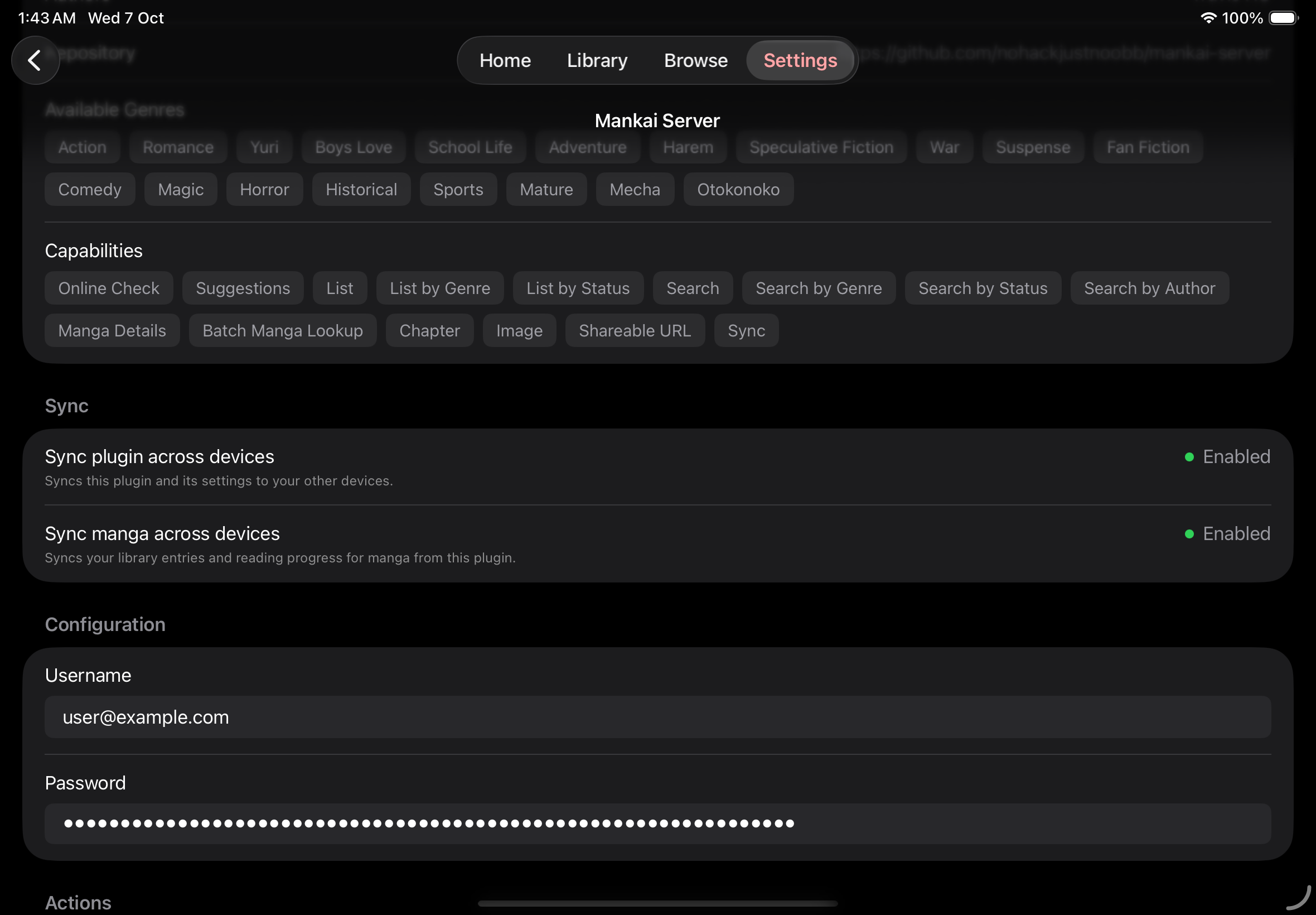
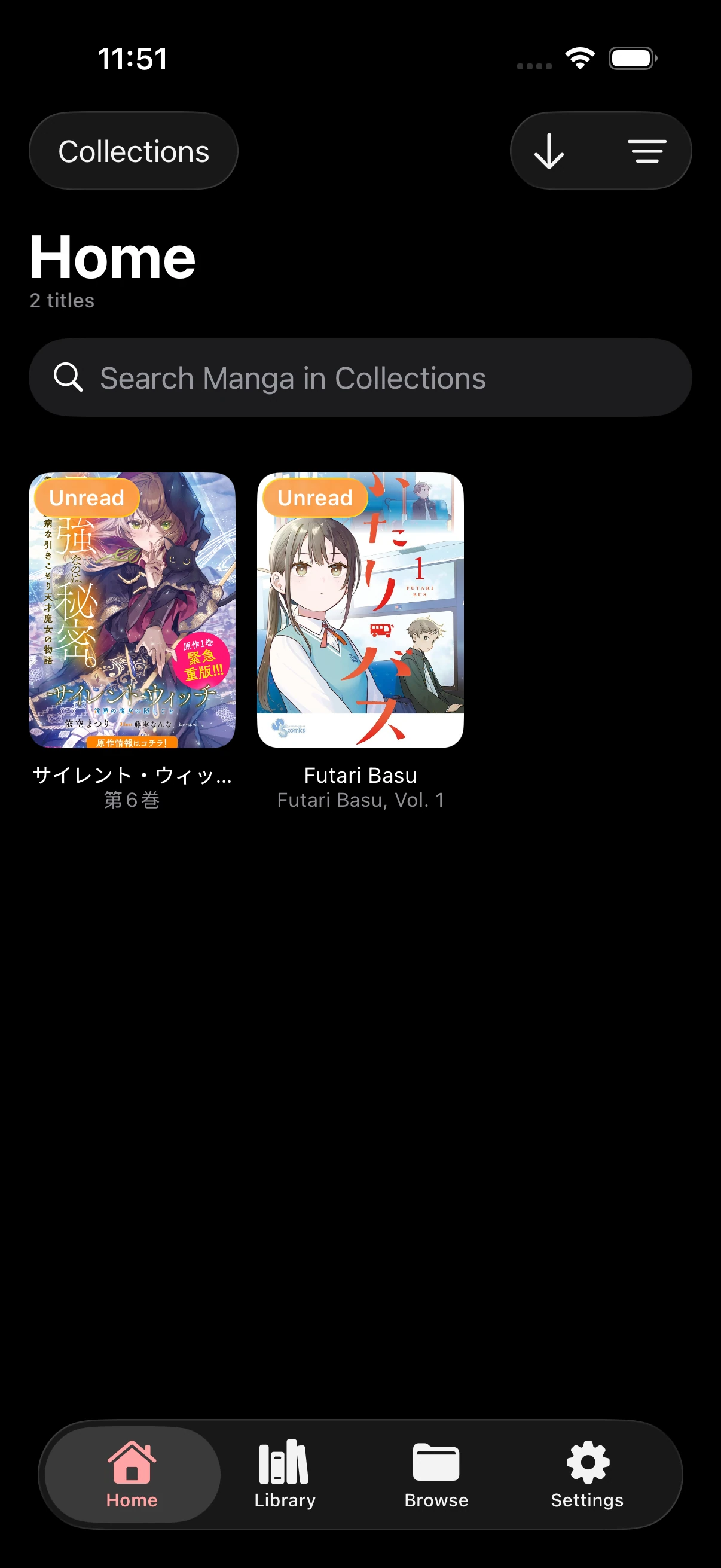
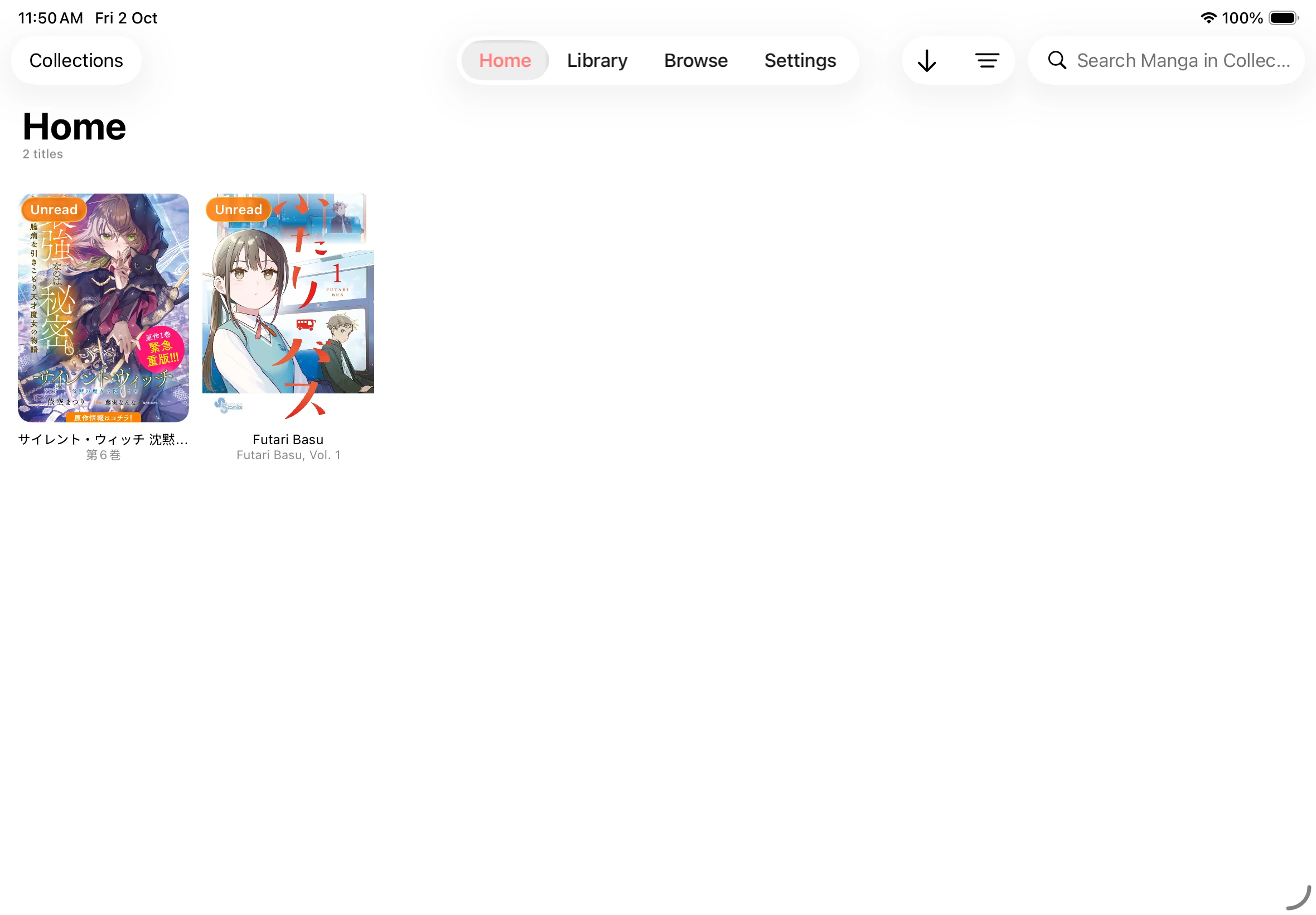
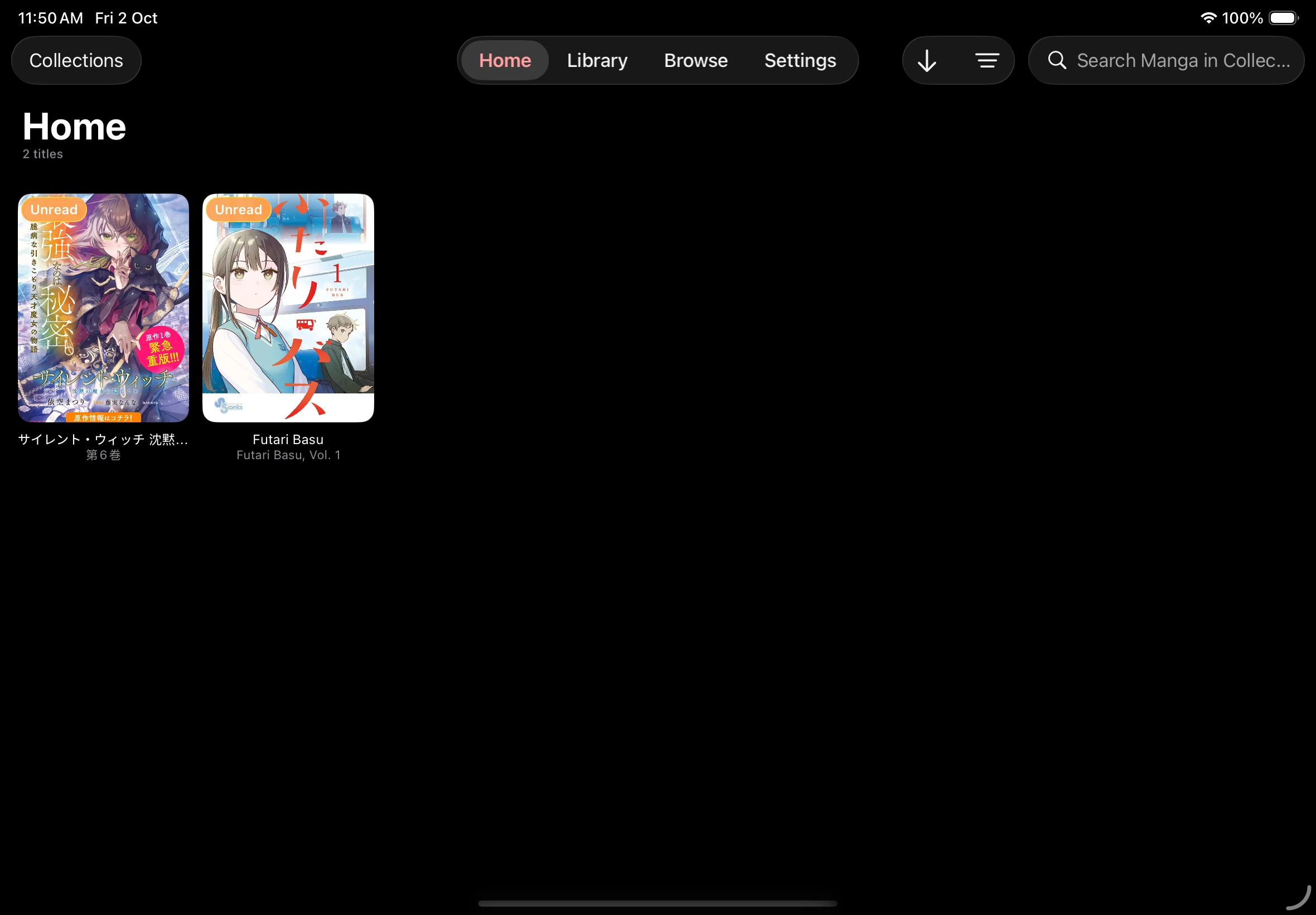
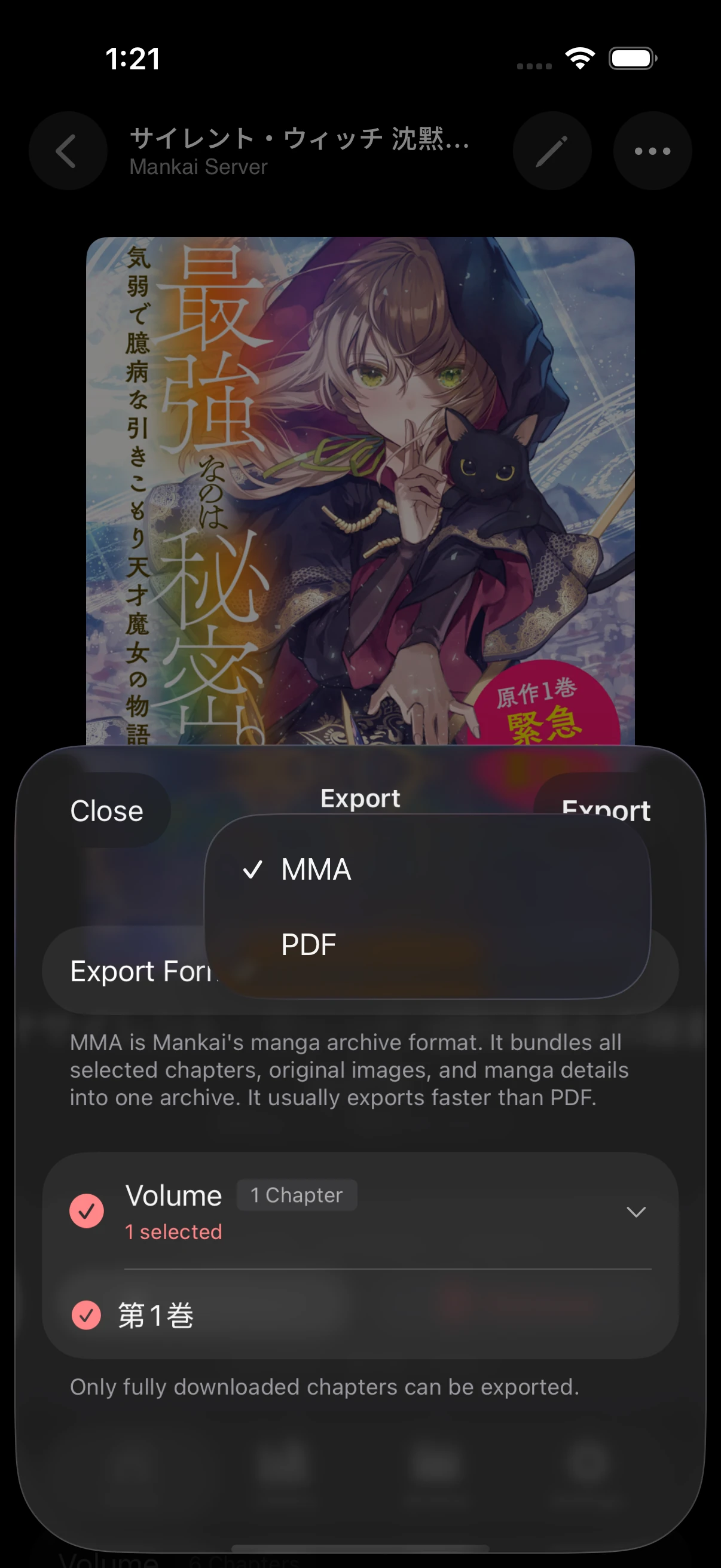
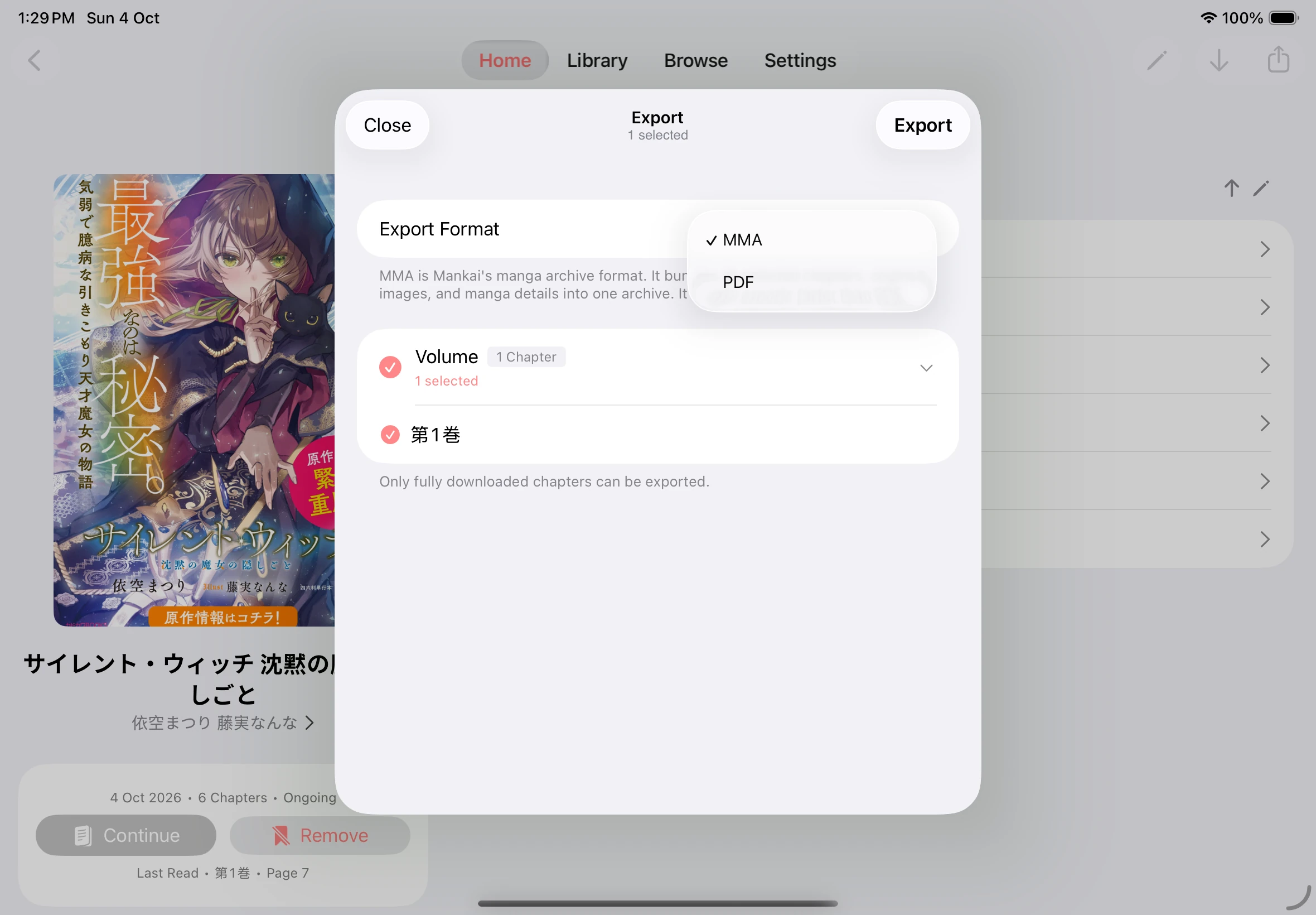
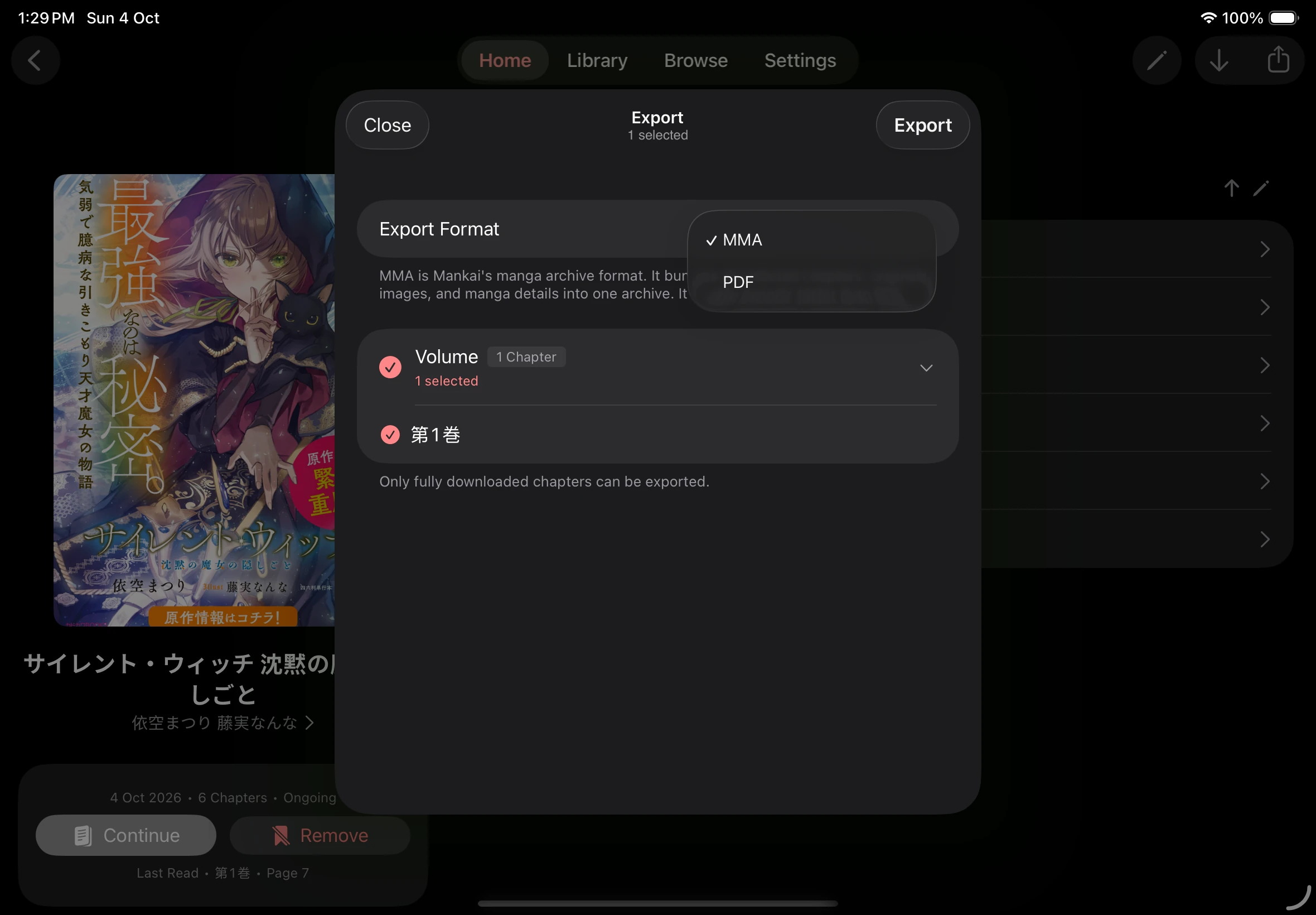
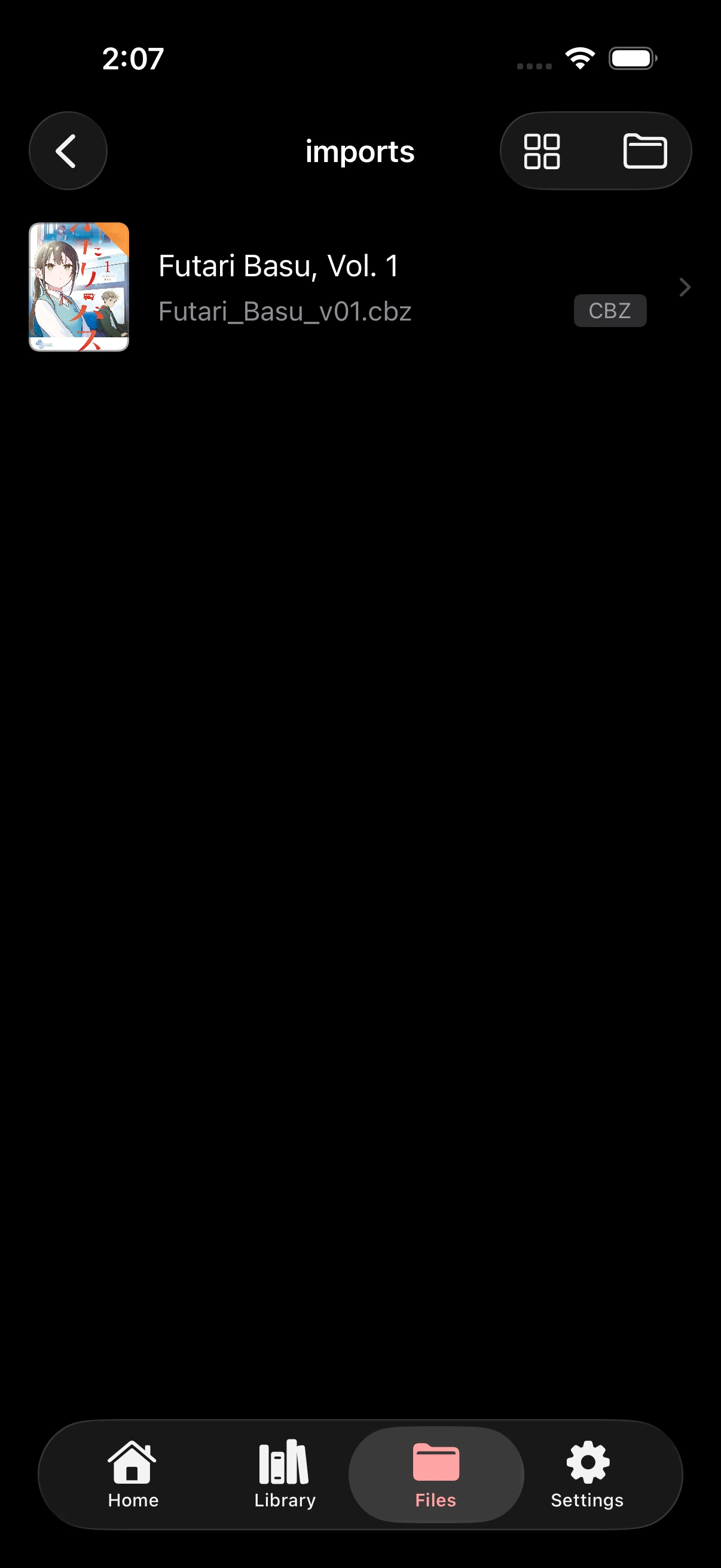
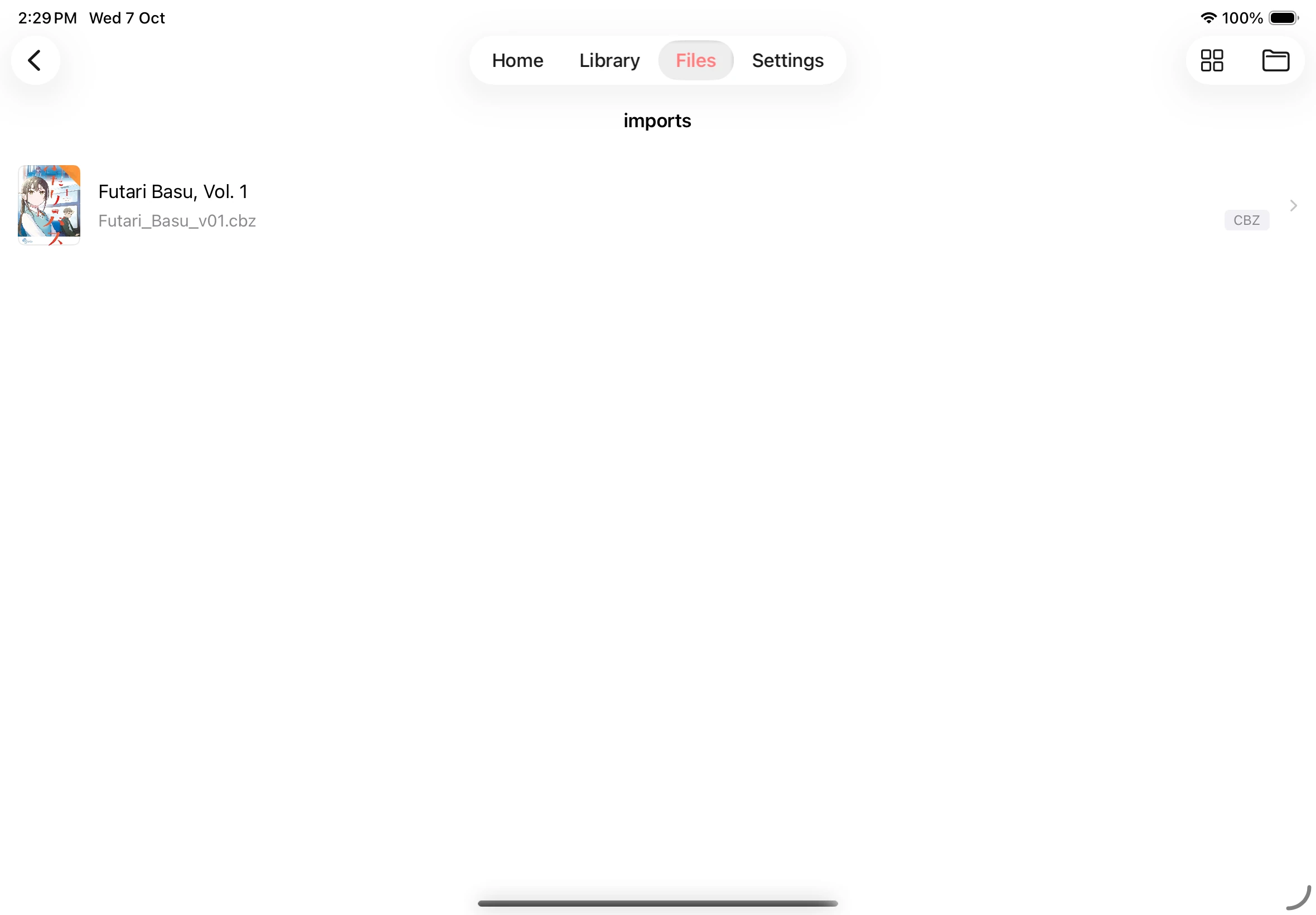
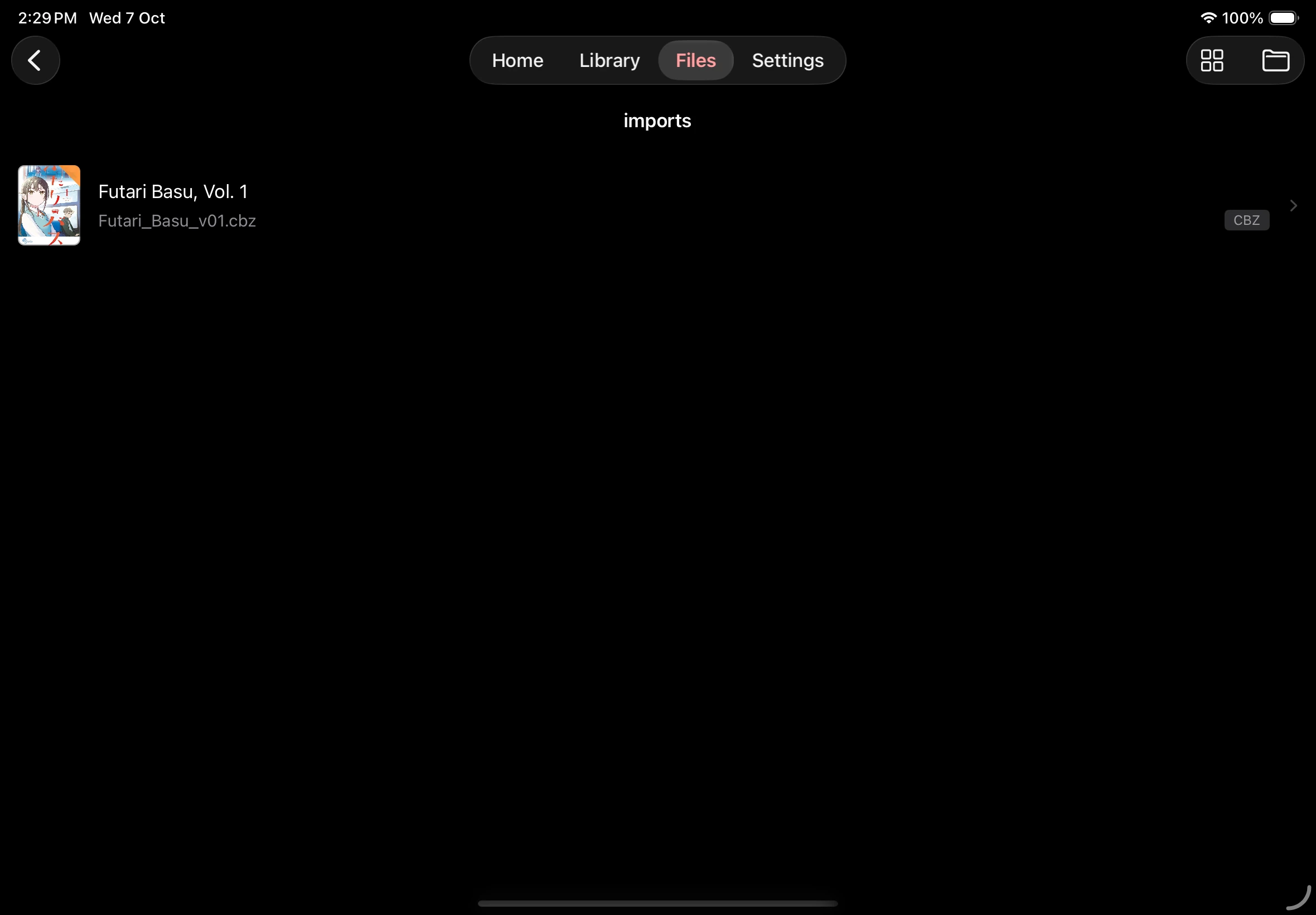
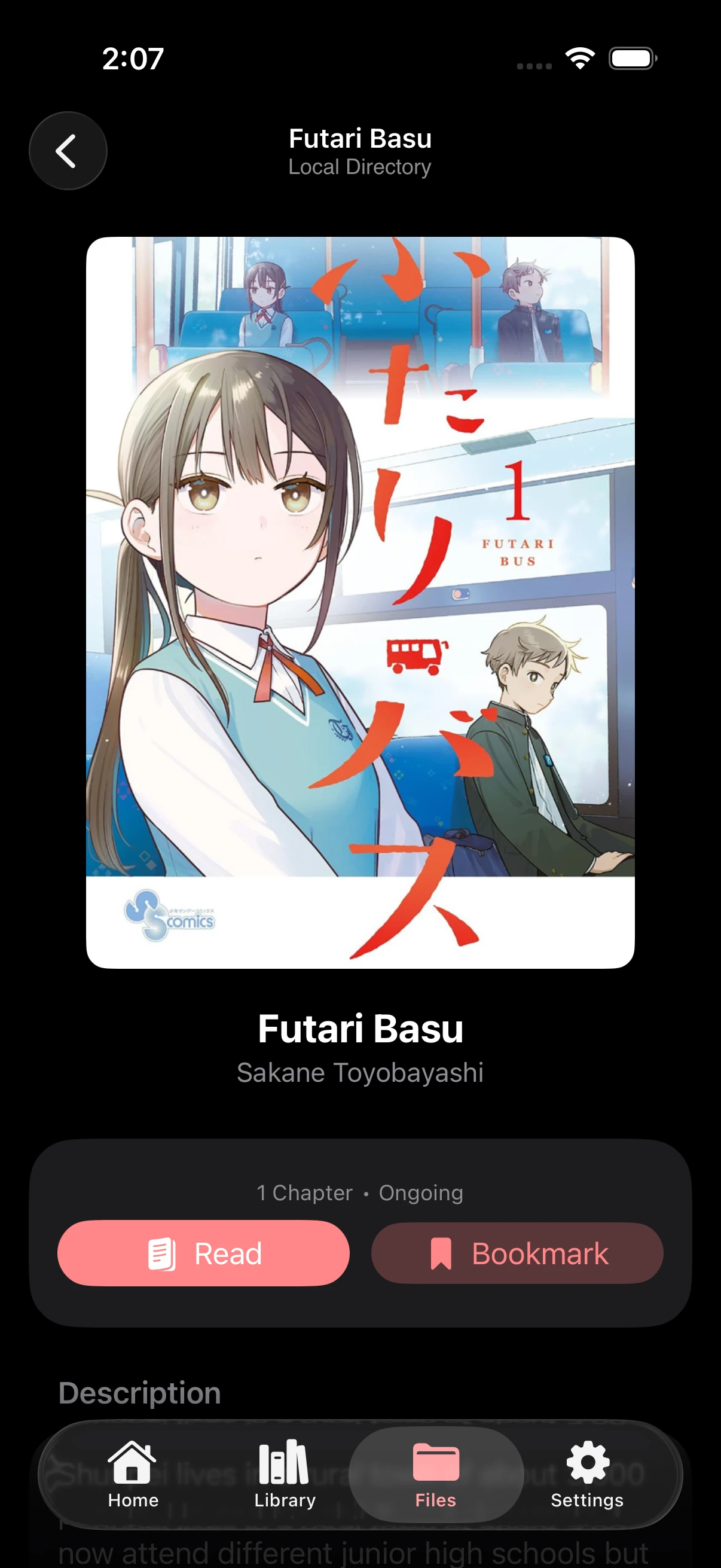
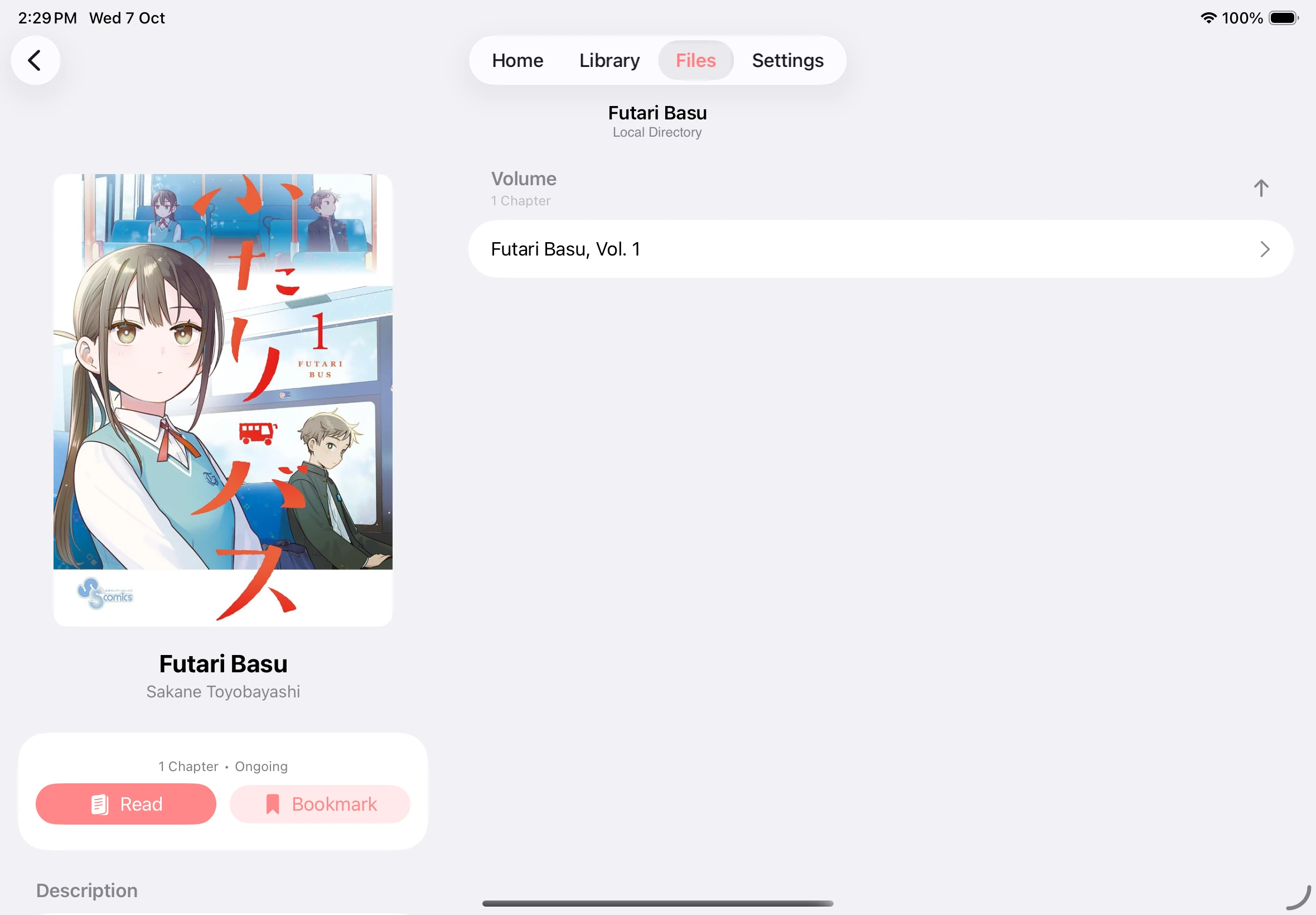
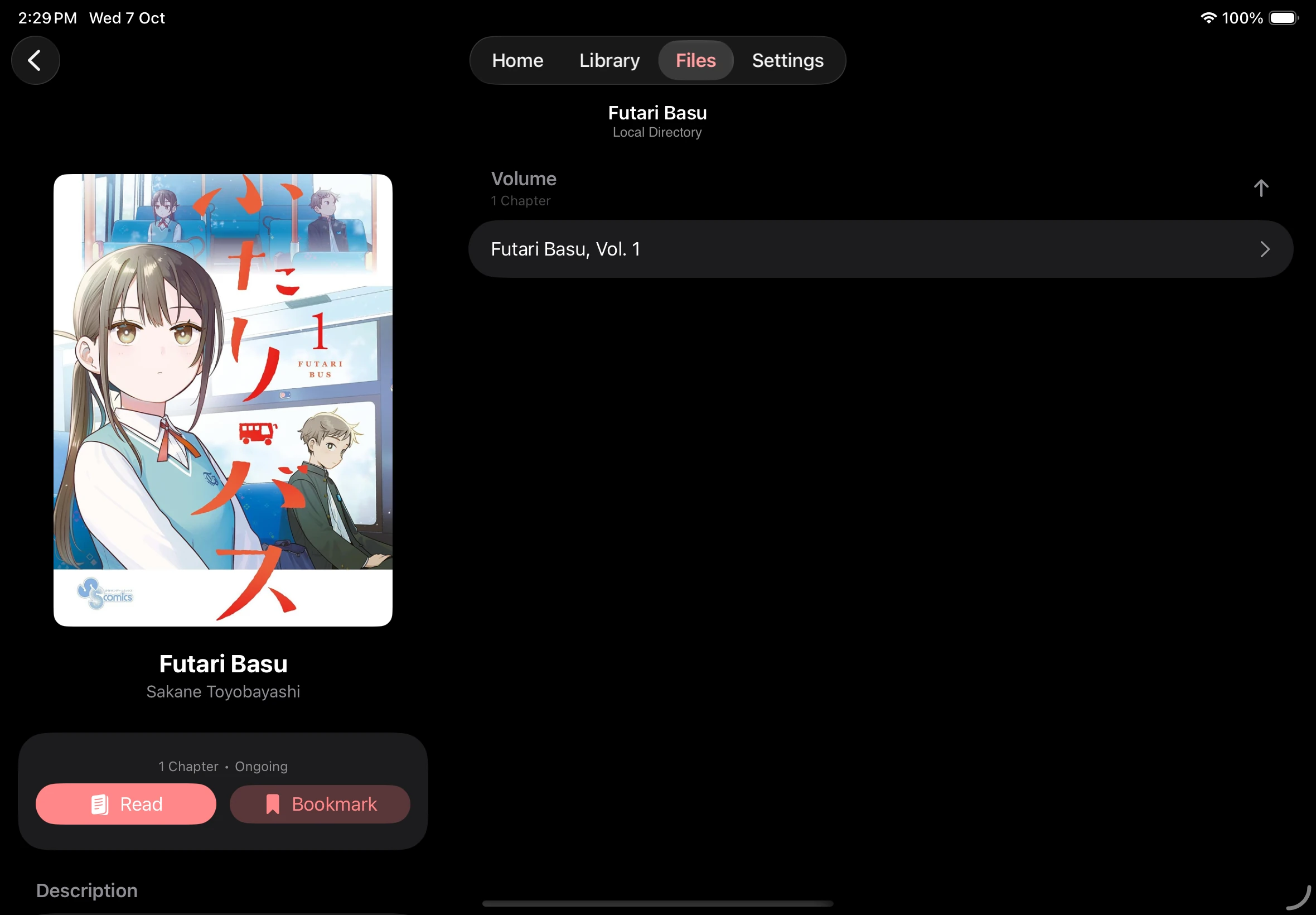
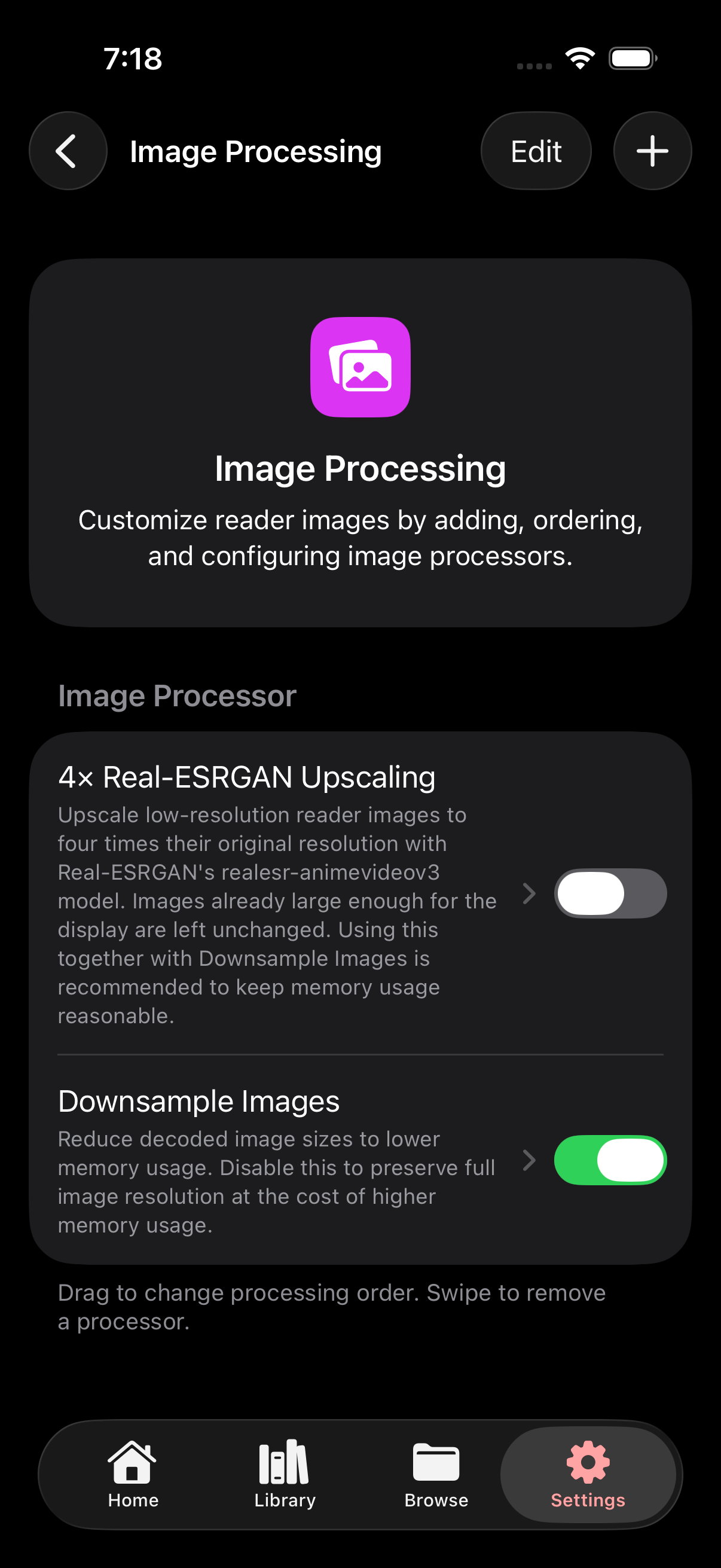
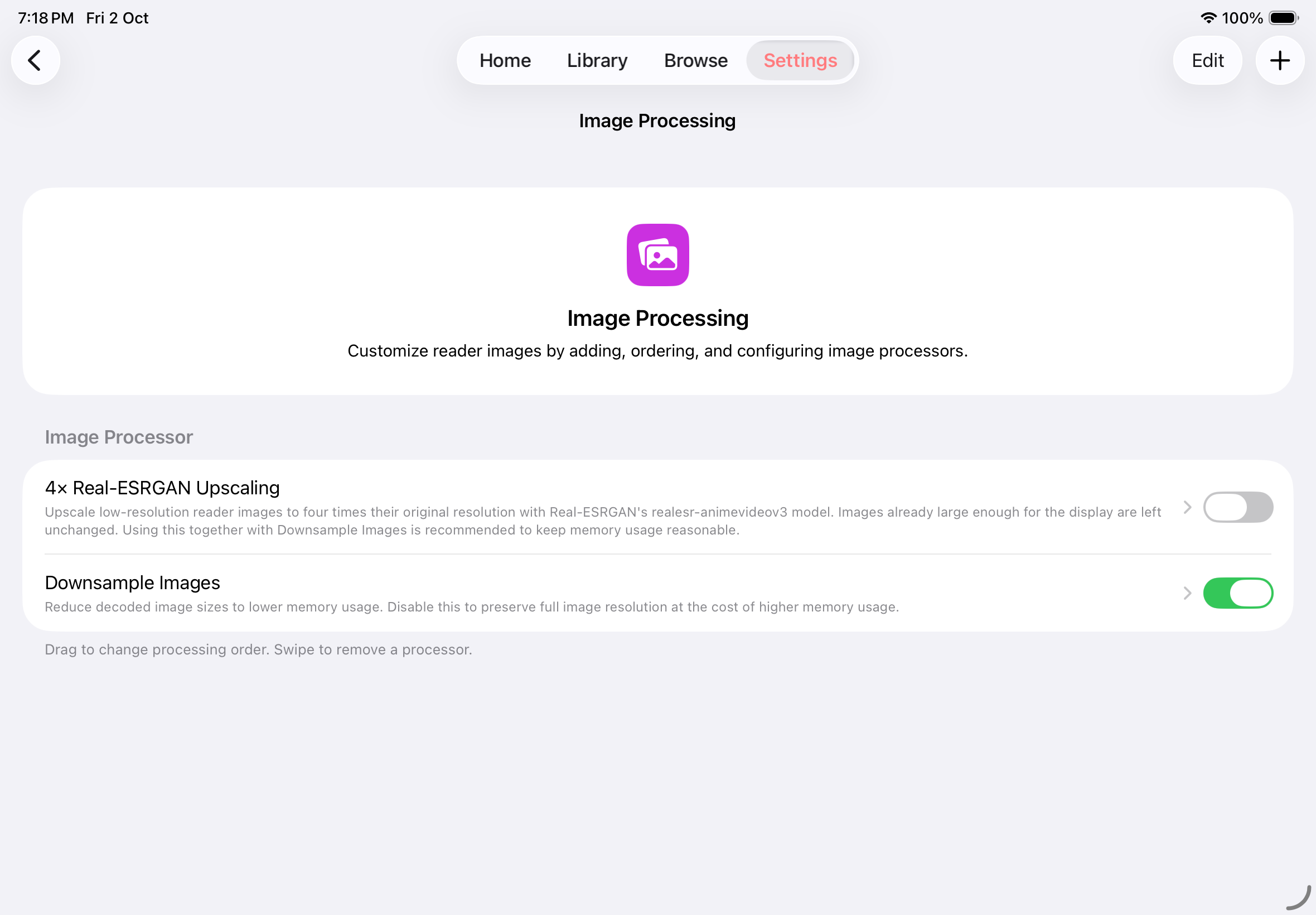
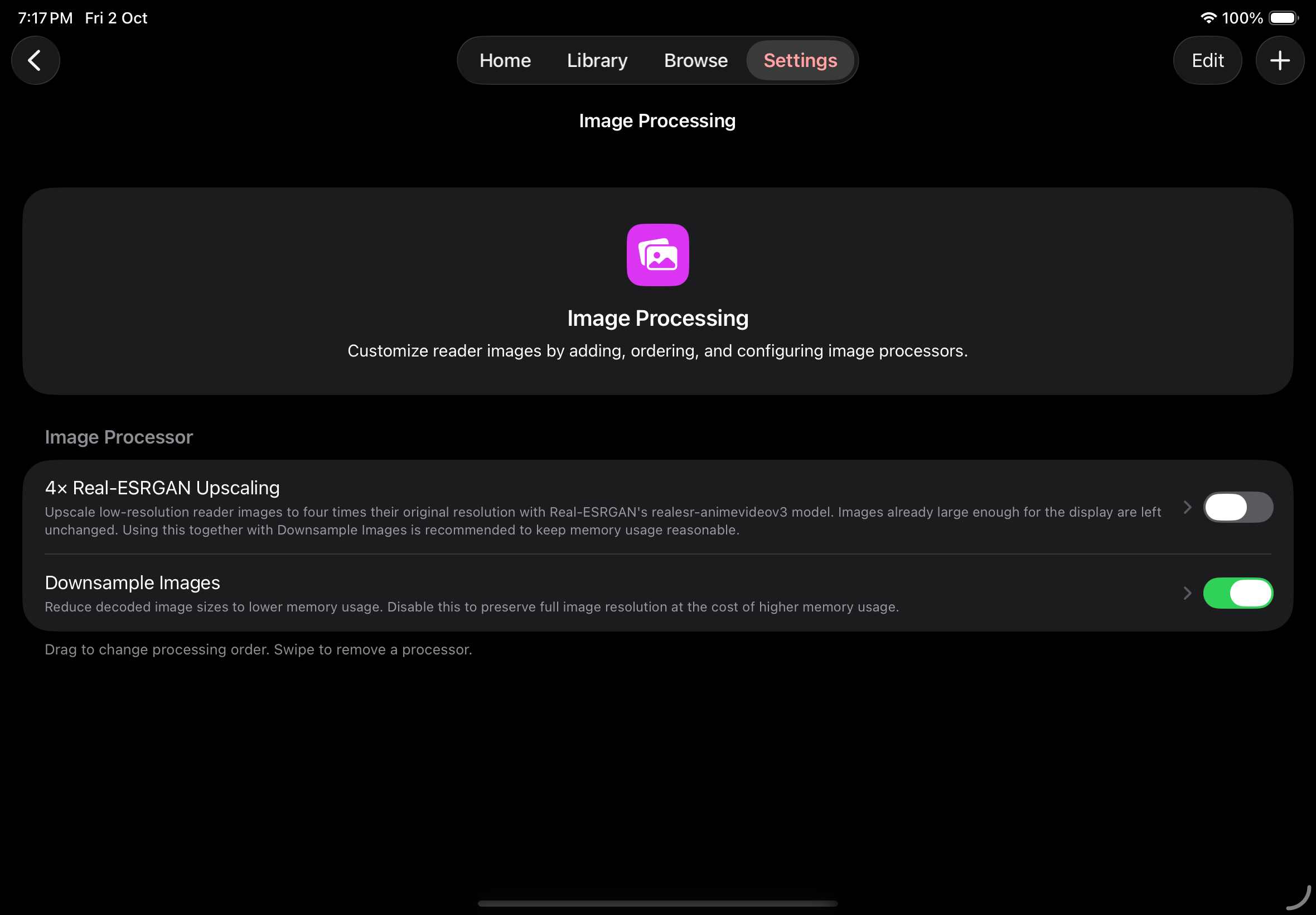
Explore Mankai on iPhone and iPad. Each scene includes screenshots of both devices in light and dark themes. Select a screenshot to view it at its original size.
72 screenshots · 18 scenes · English app interface
Home and downloads
Section titled “Home and downloads”Your collection on Home
Section titled “Your collection on Home”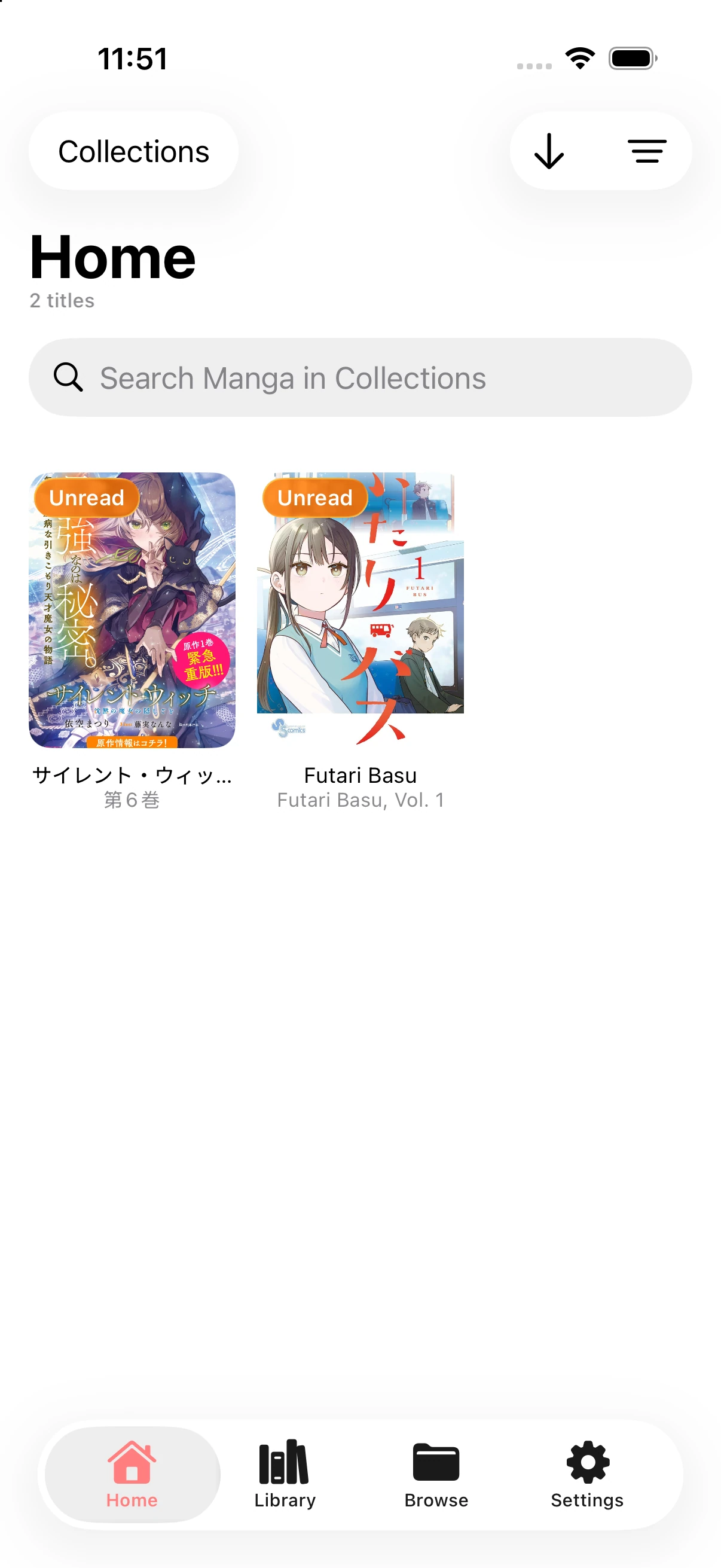
Select chapters to download
Section titled “Select chapters to download”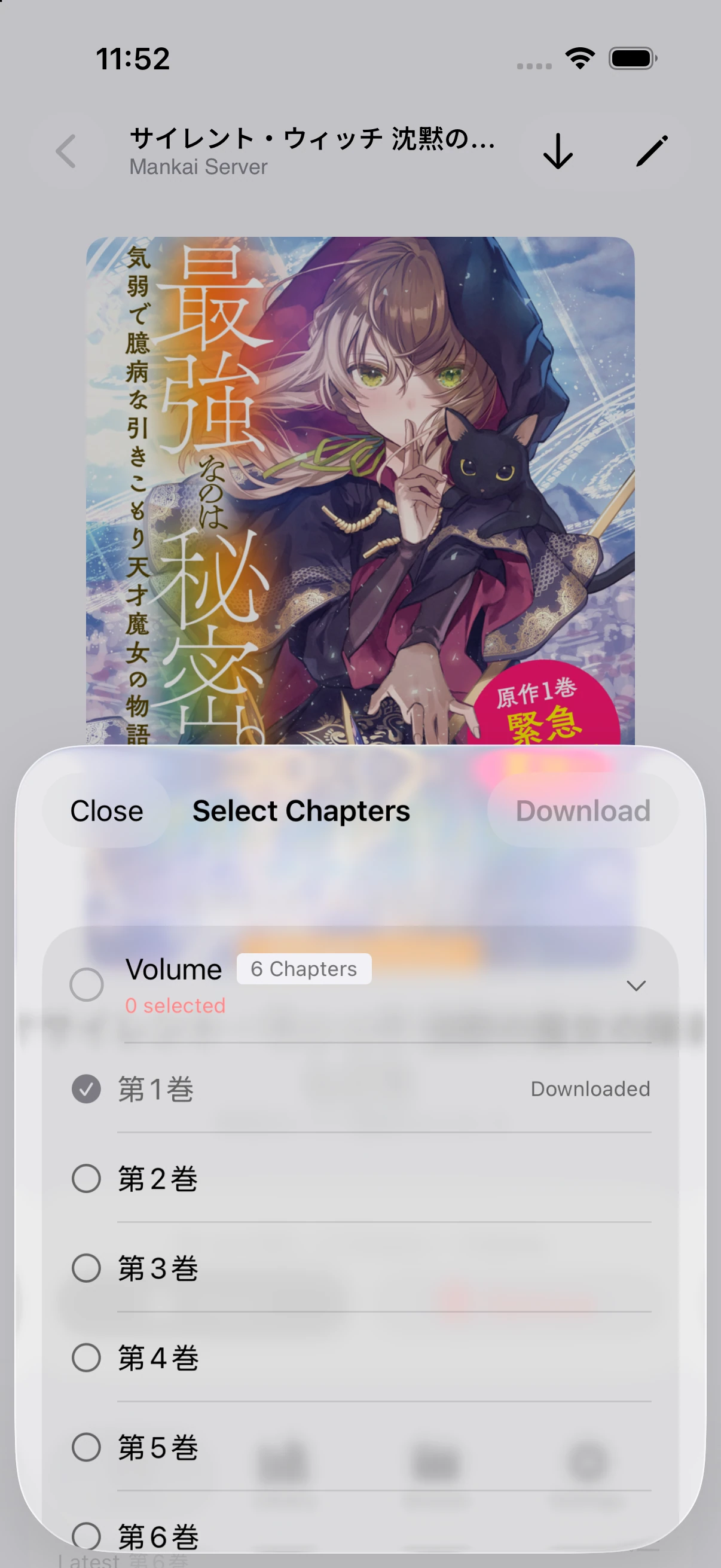
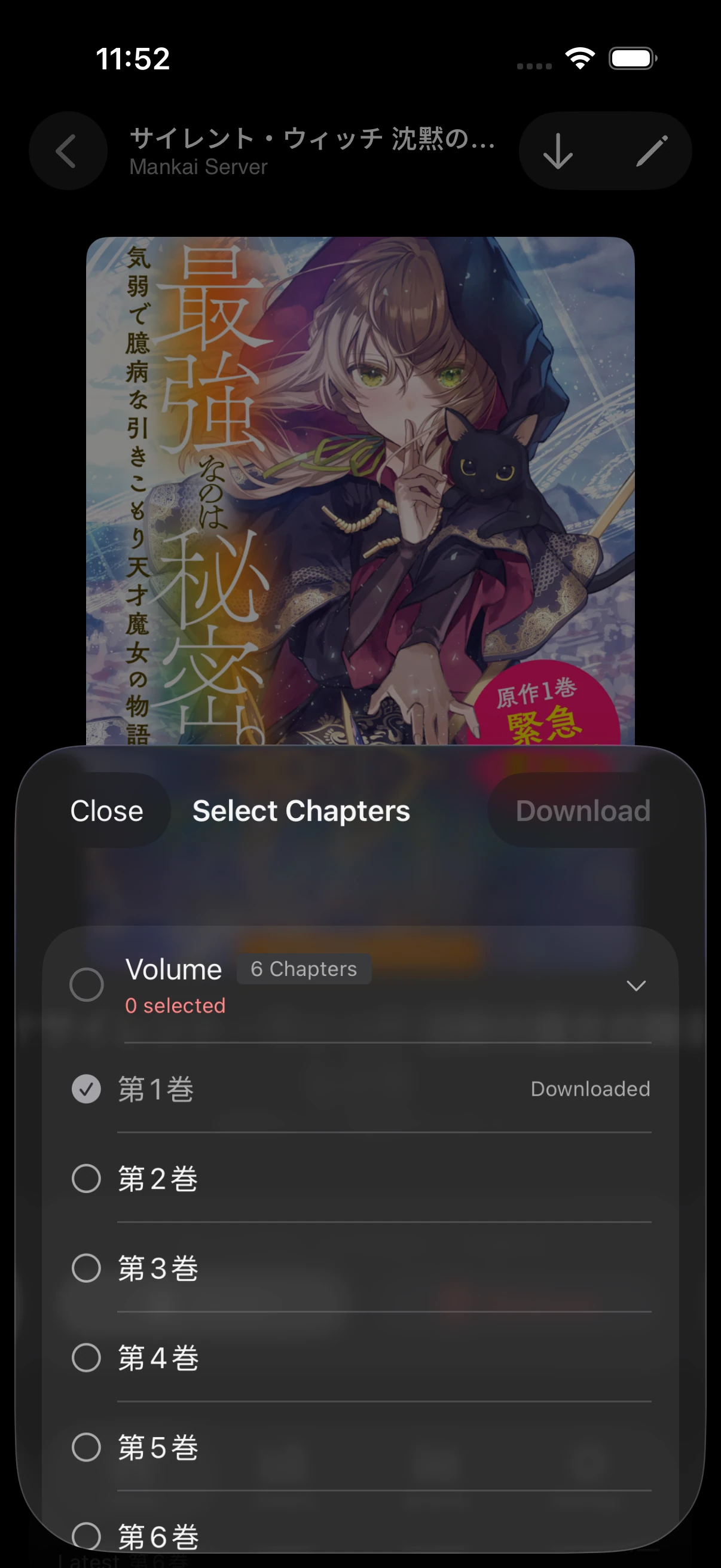
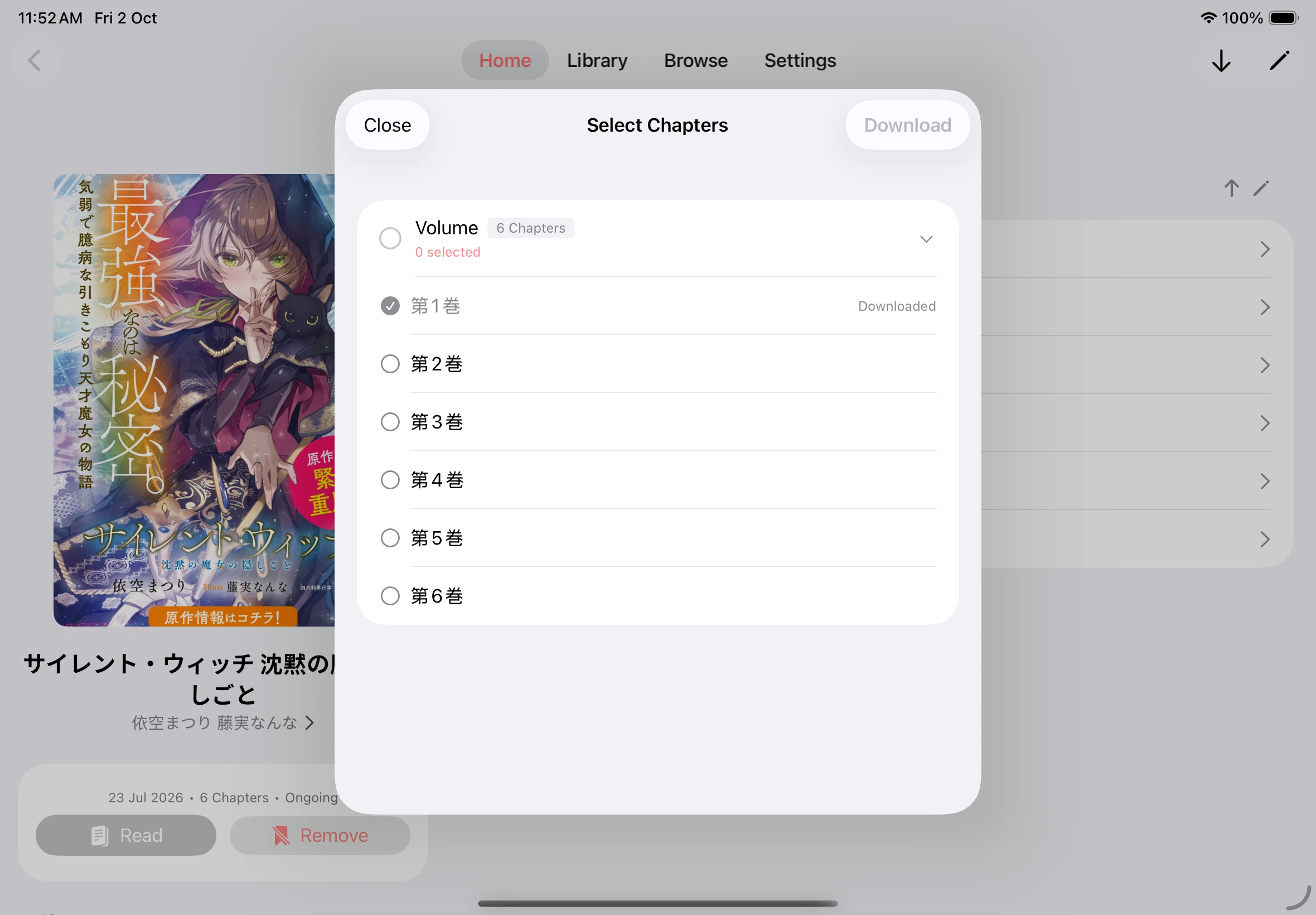
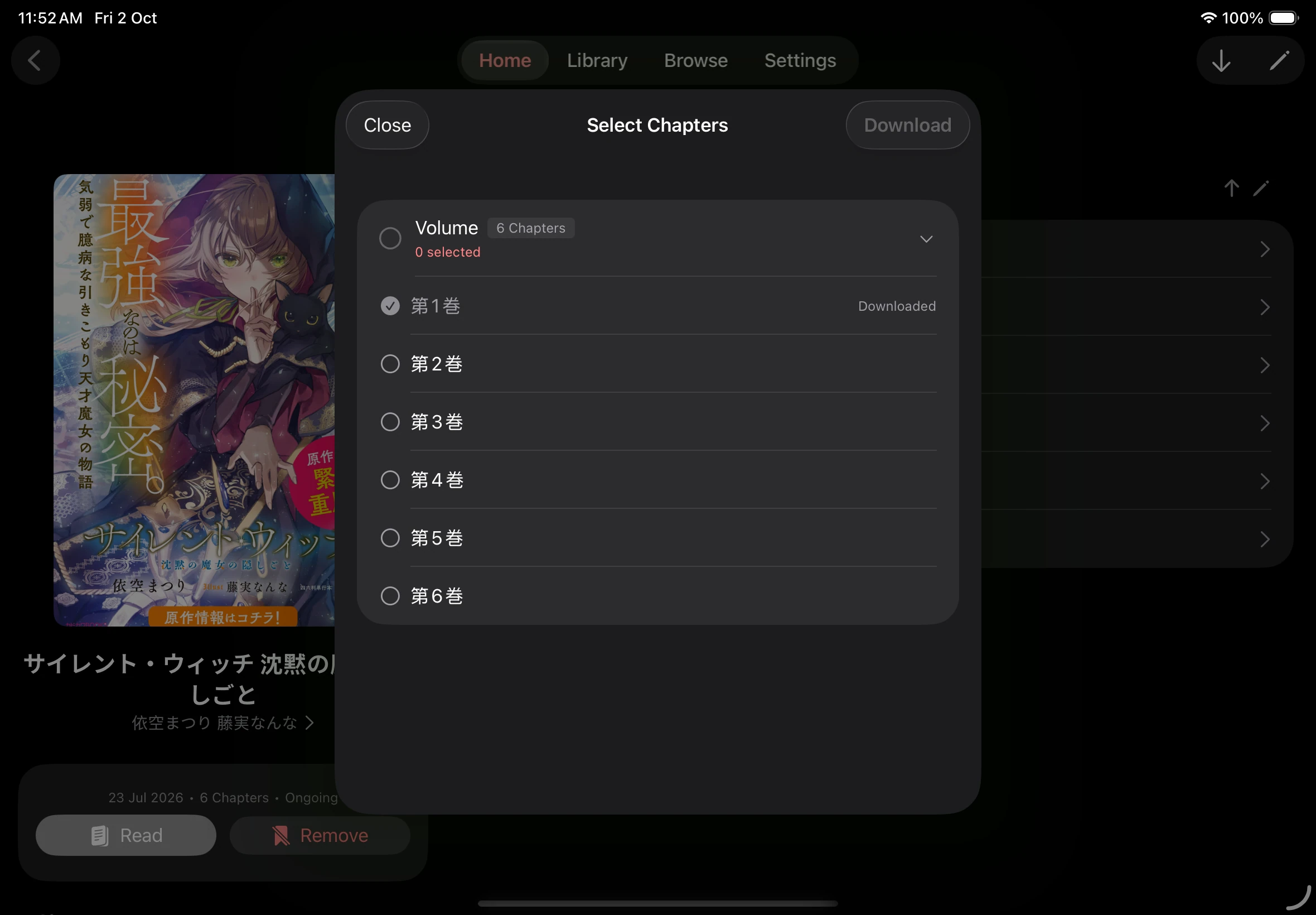
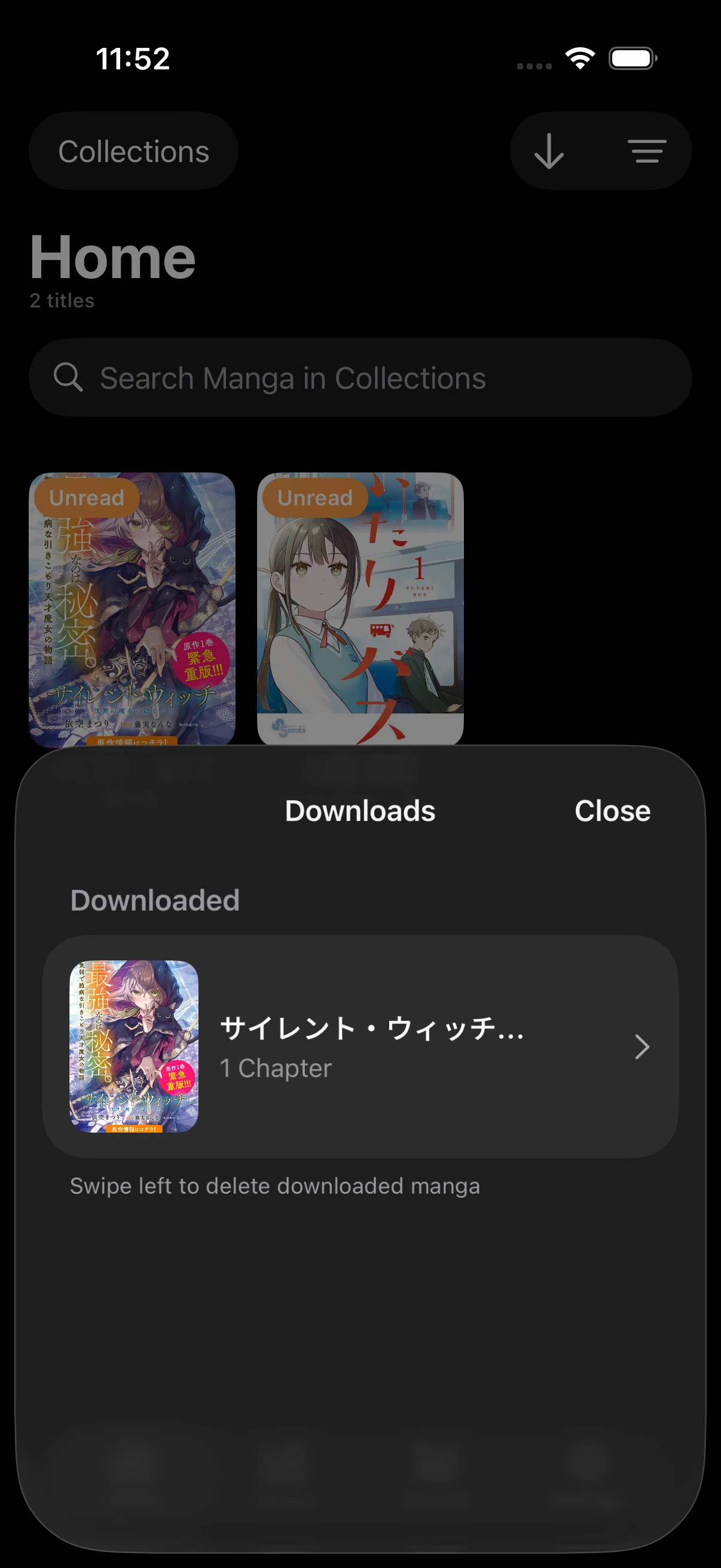
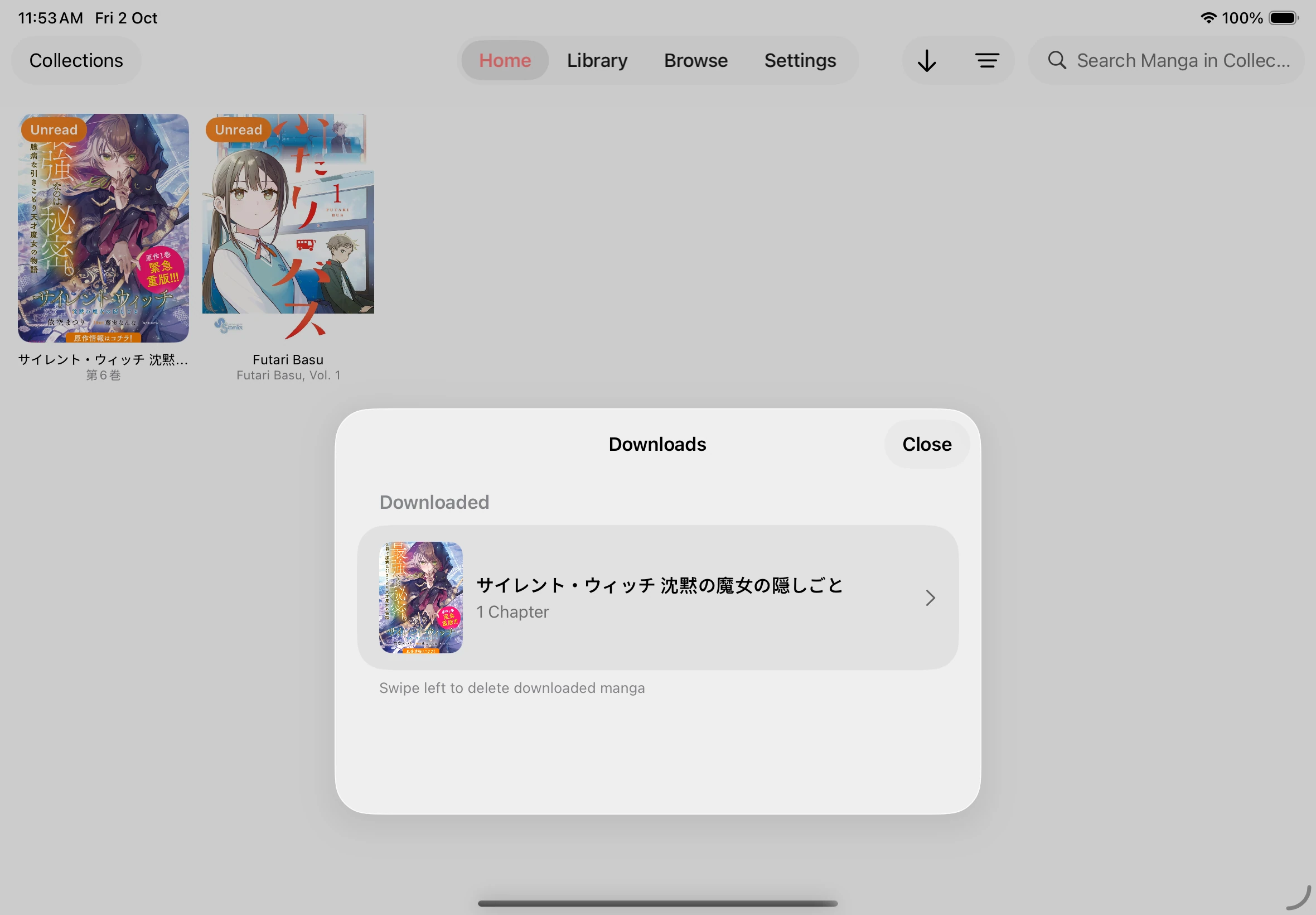
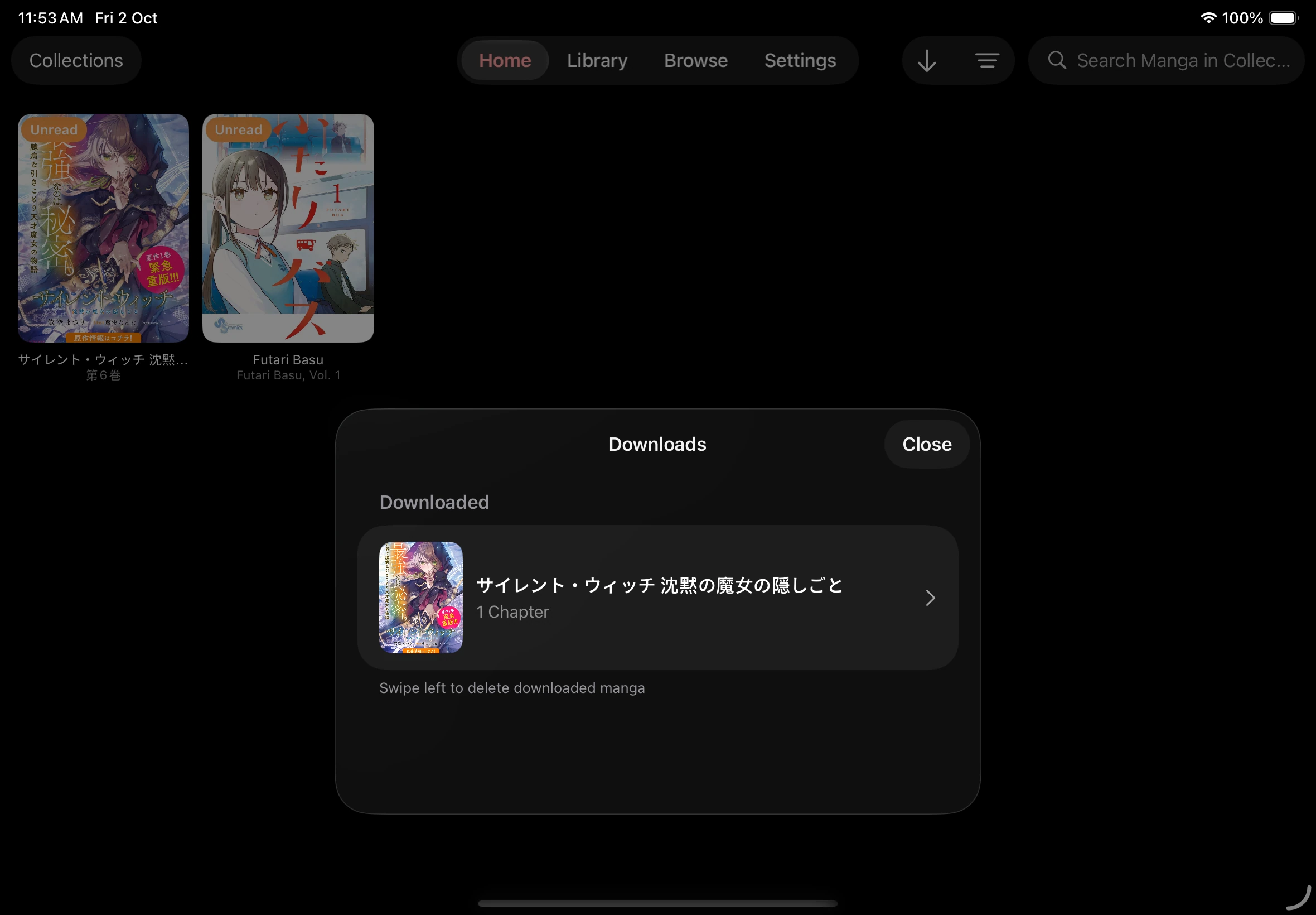
Downloaded books
Section titled “Downloaded books”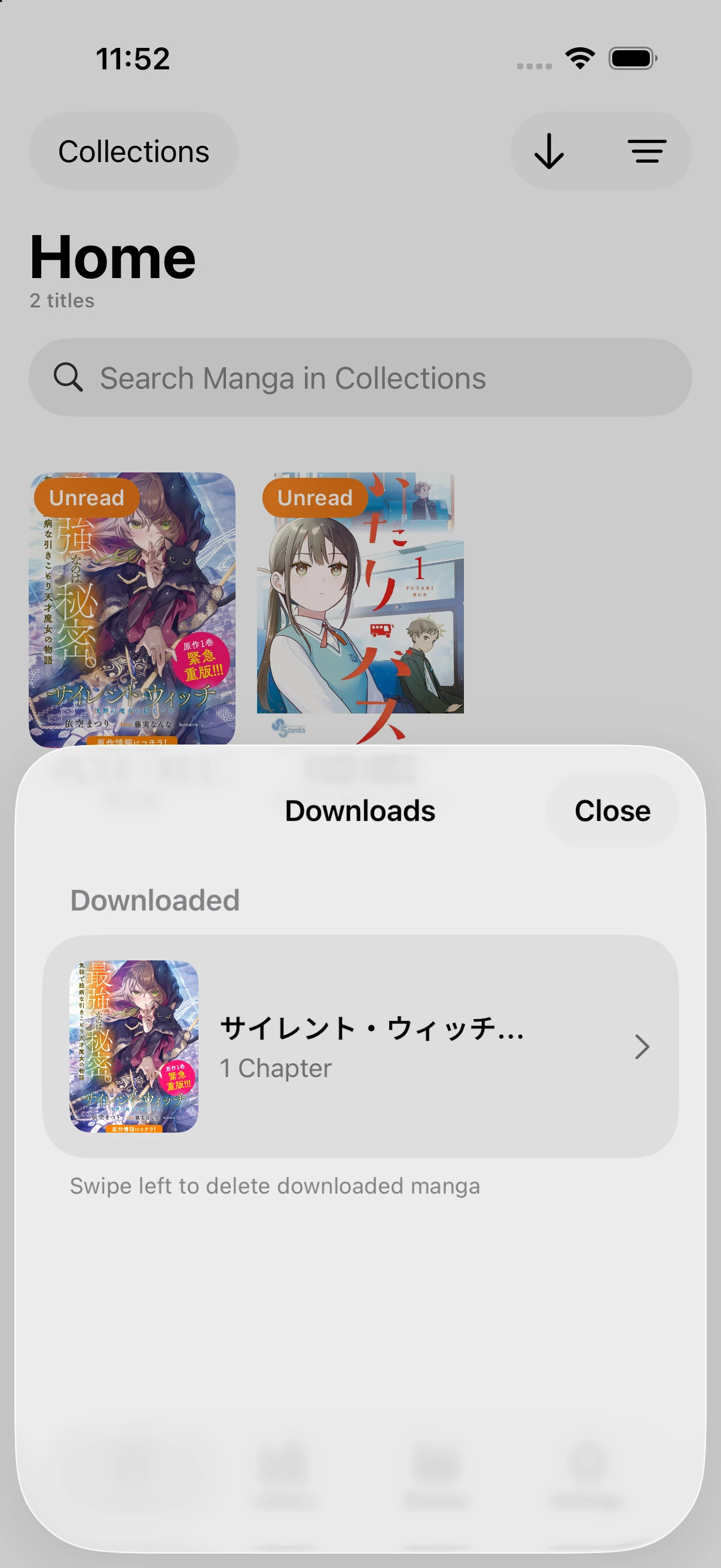
Choose a format and chapters to export
Section titled “Choose a format and chapters to export”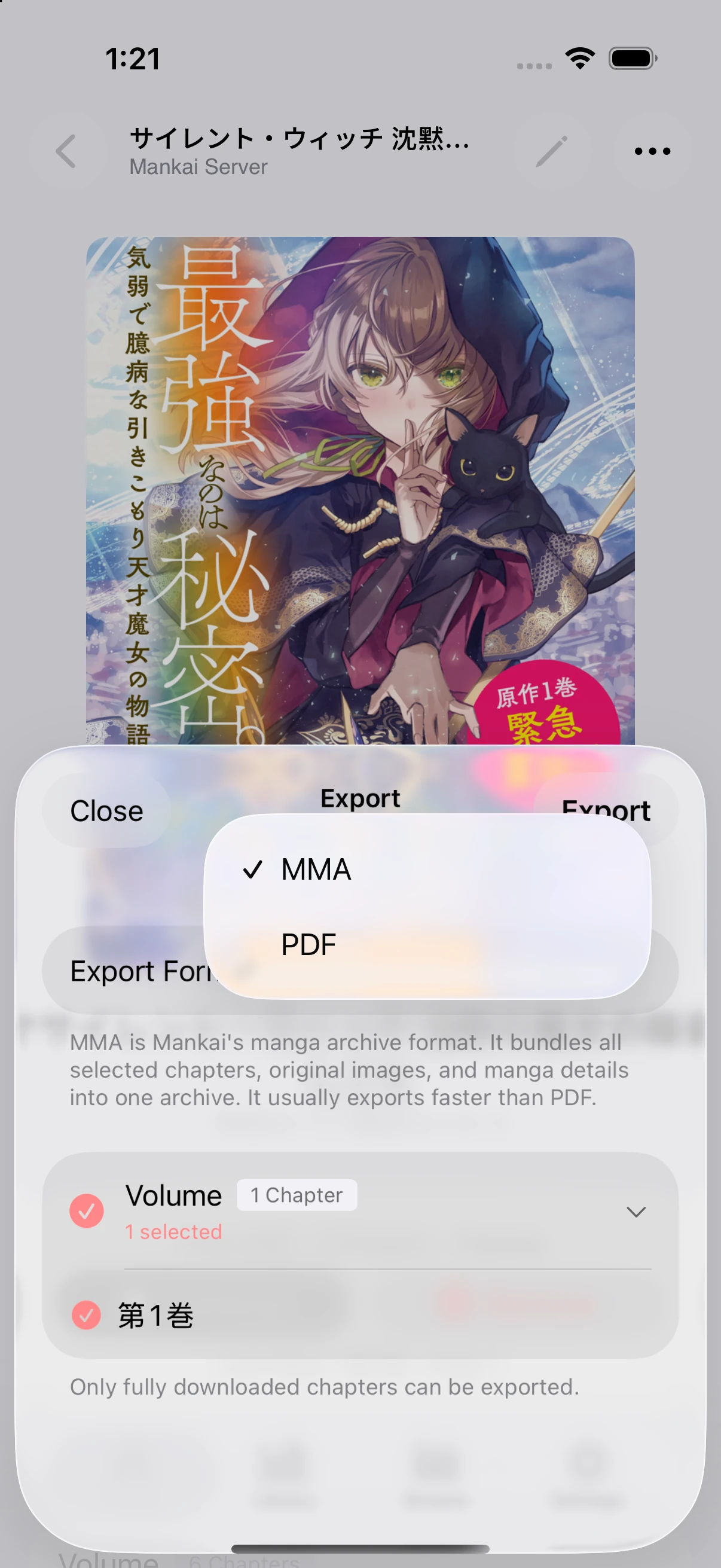
Importing books
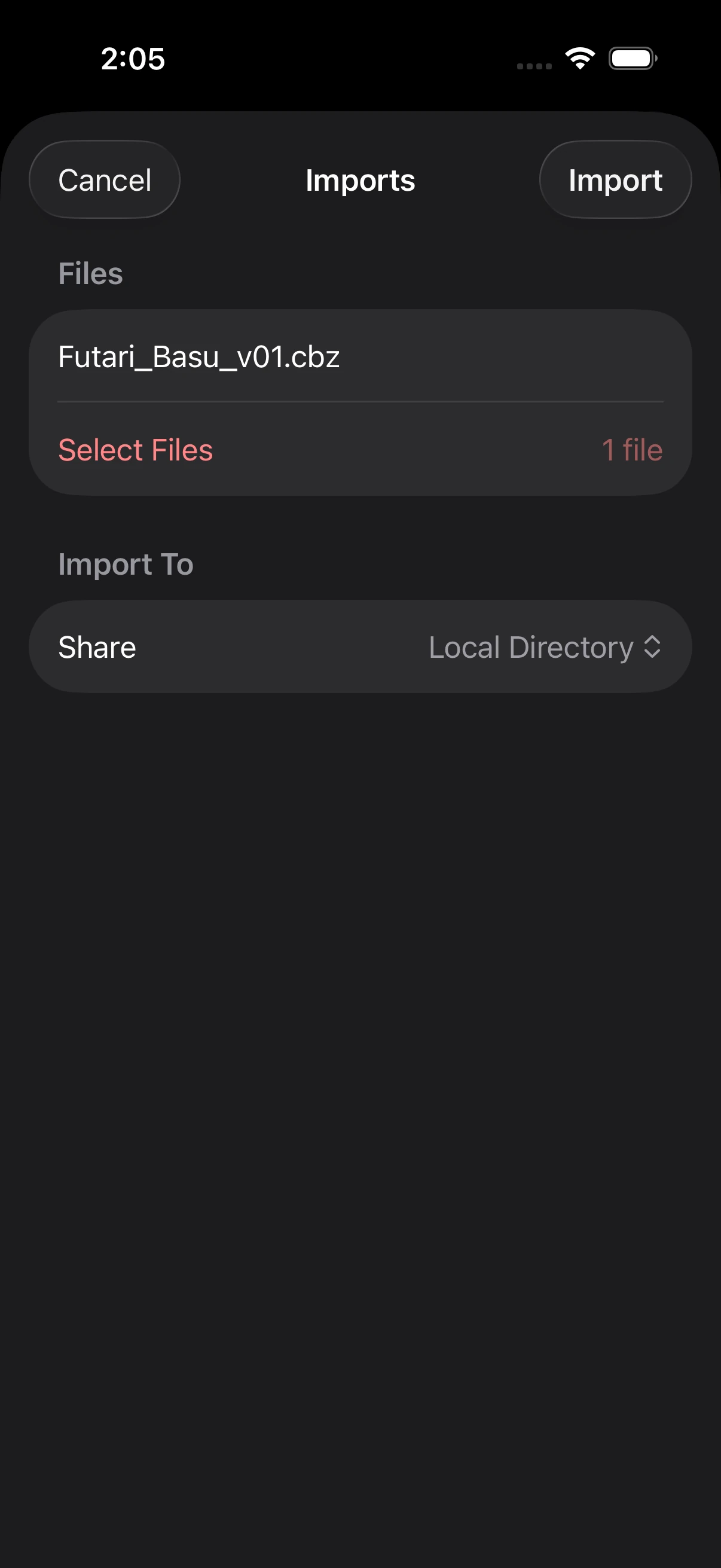
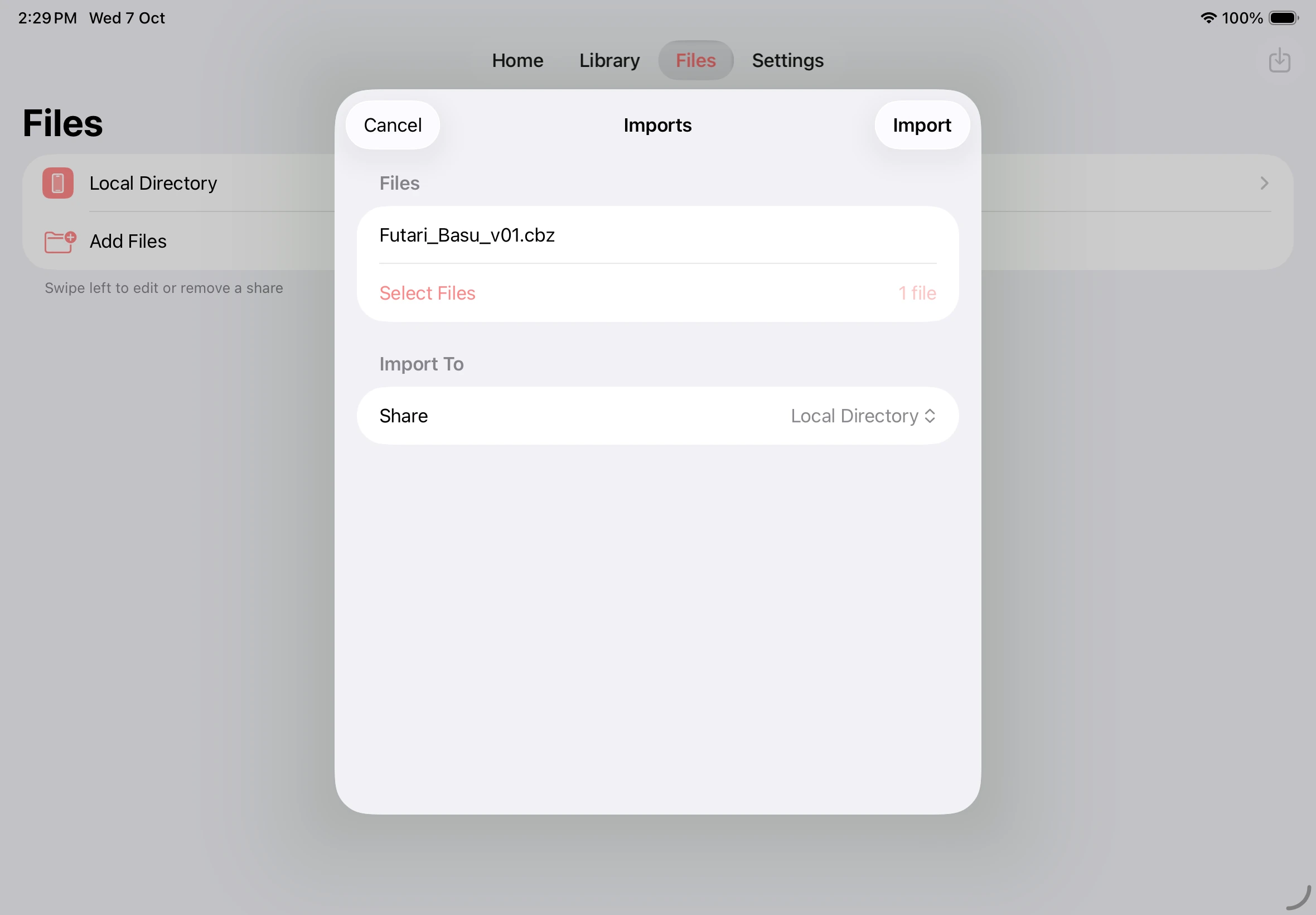
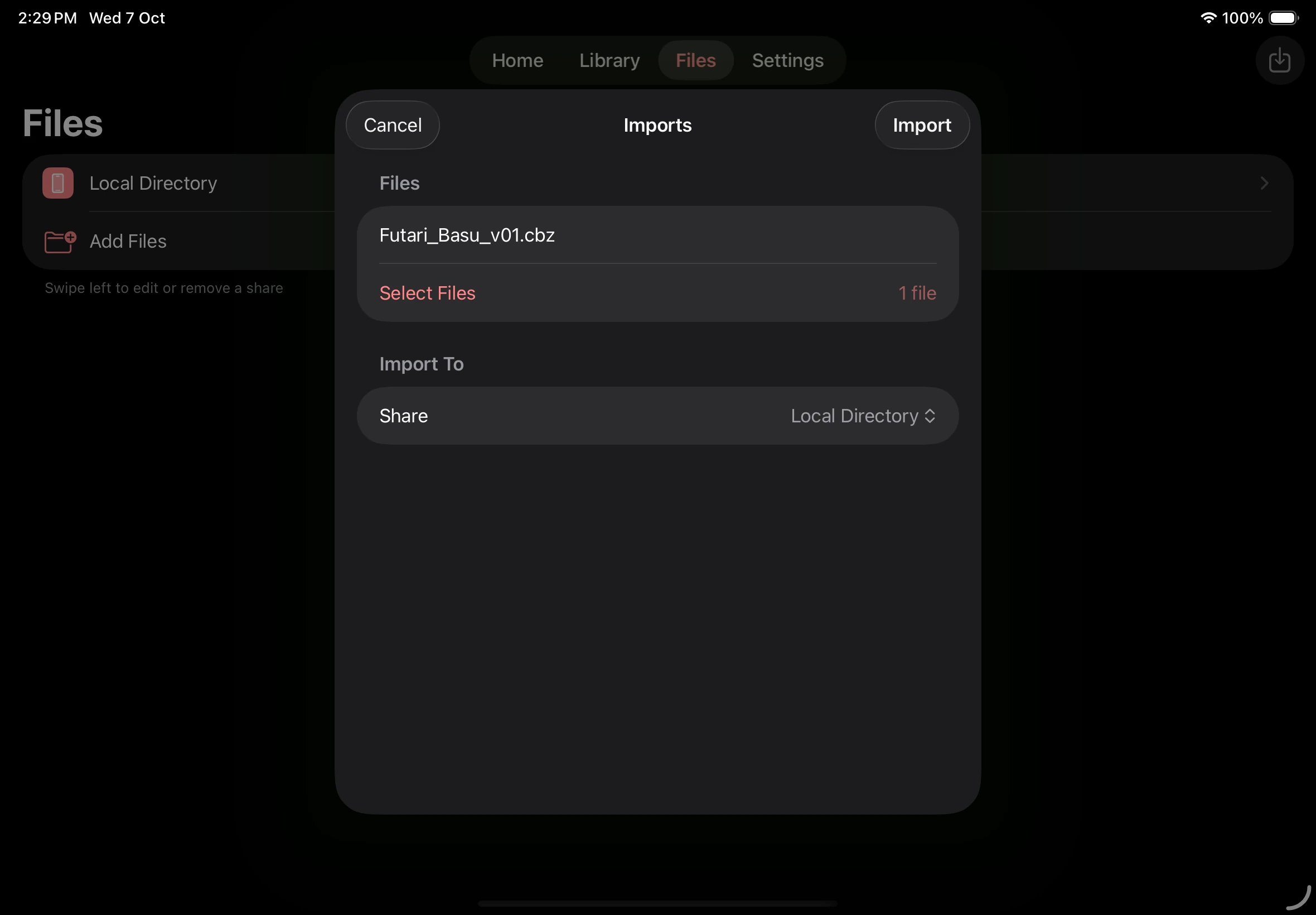
Section titled “Importing books”Import a book
Section titled “Import a book”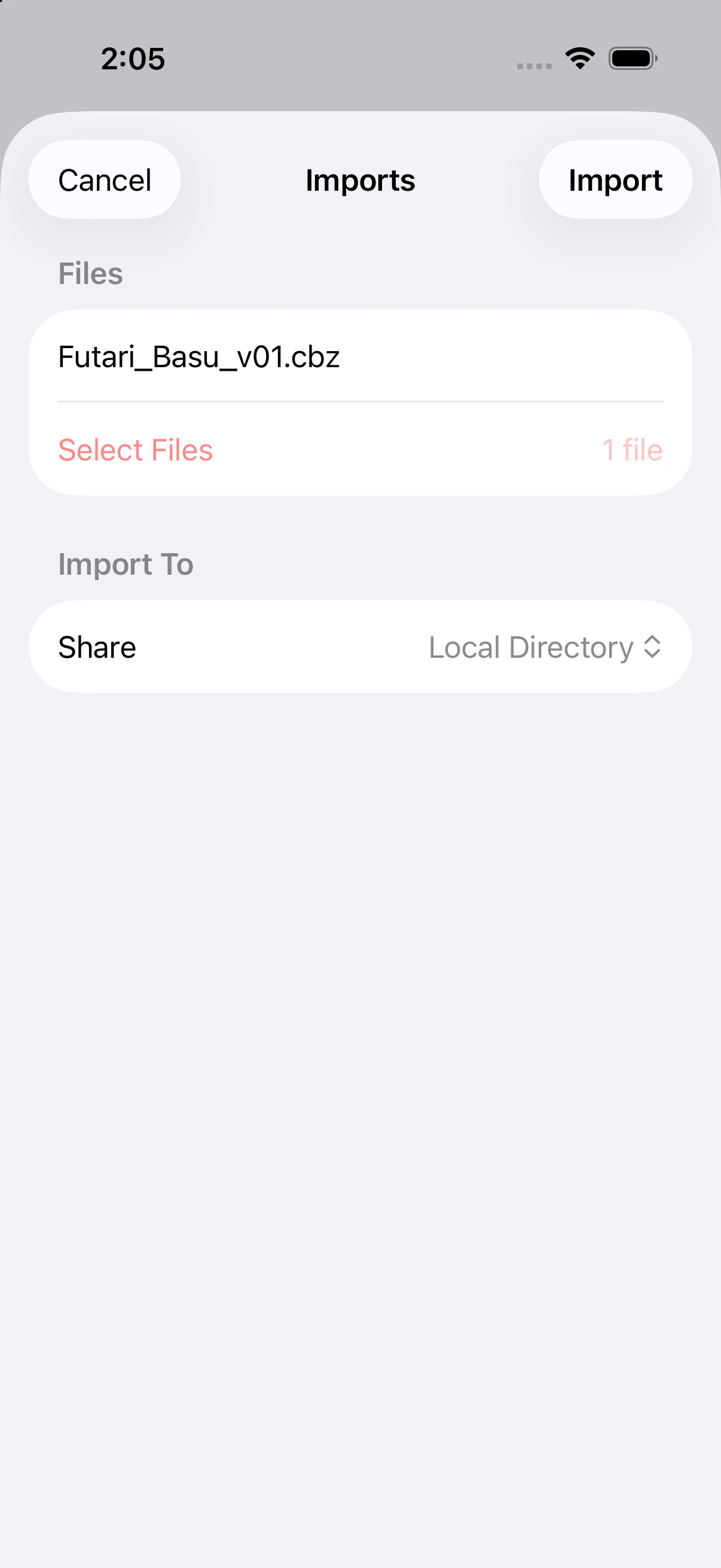
Your imported book
Section titled “Your imported book”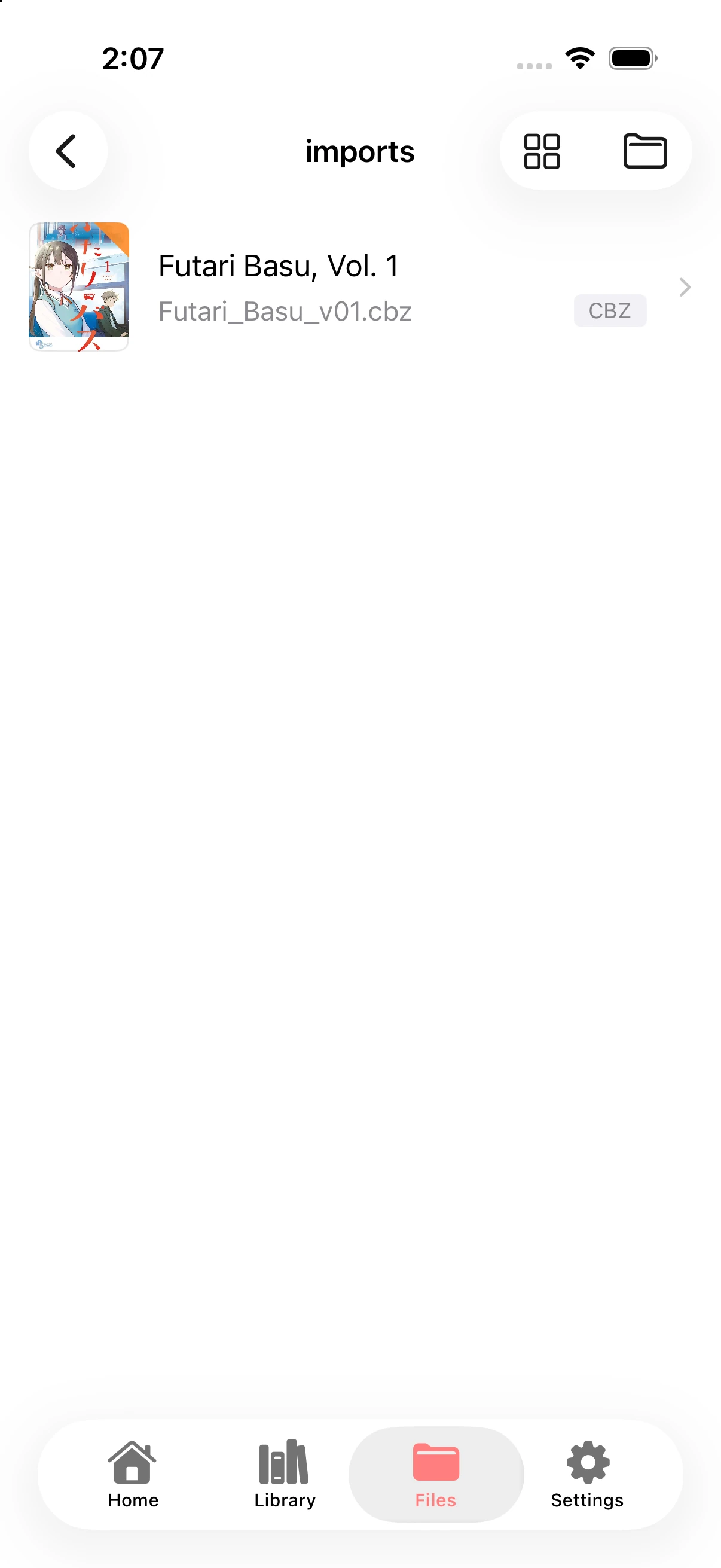
Book details and reading actions
Section titled “Book details and reading actions”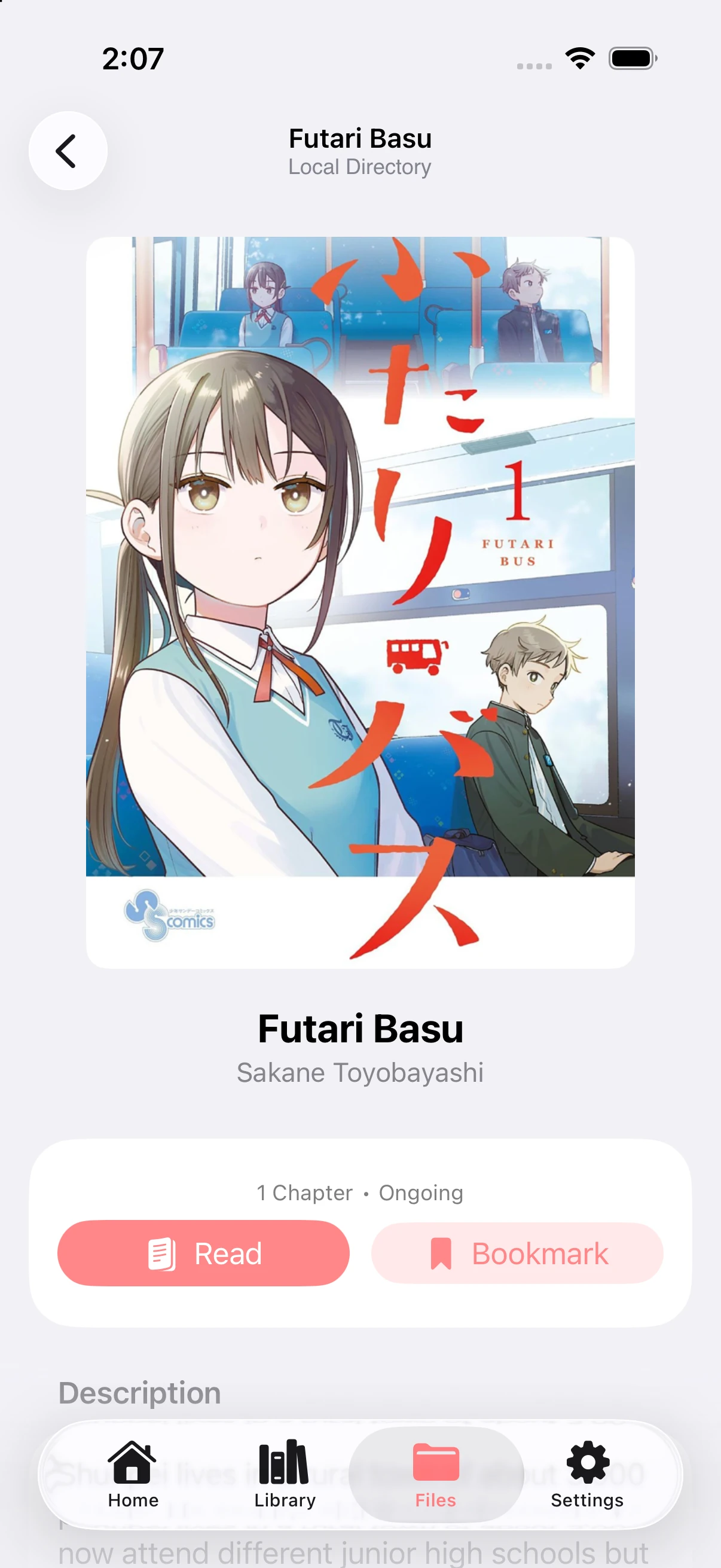
Sources
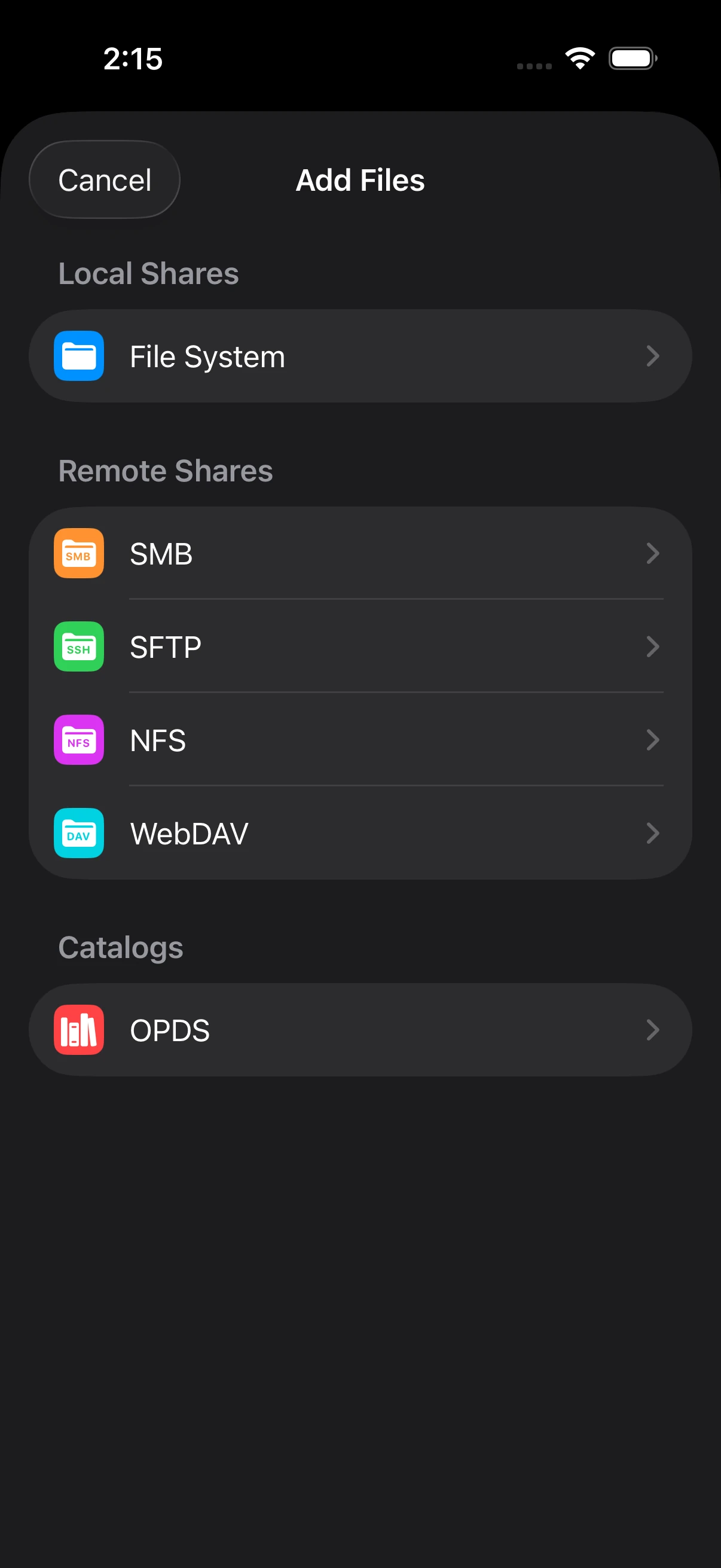
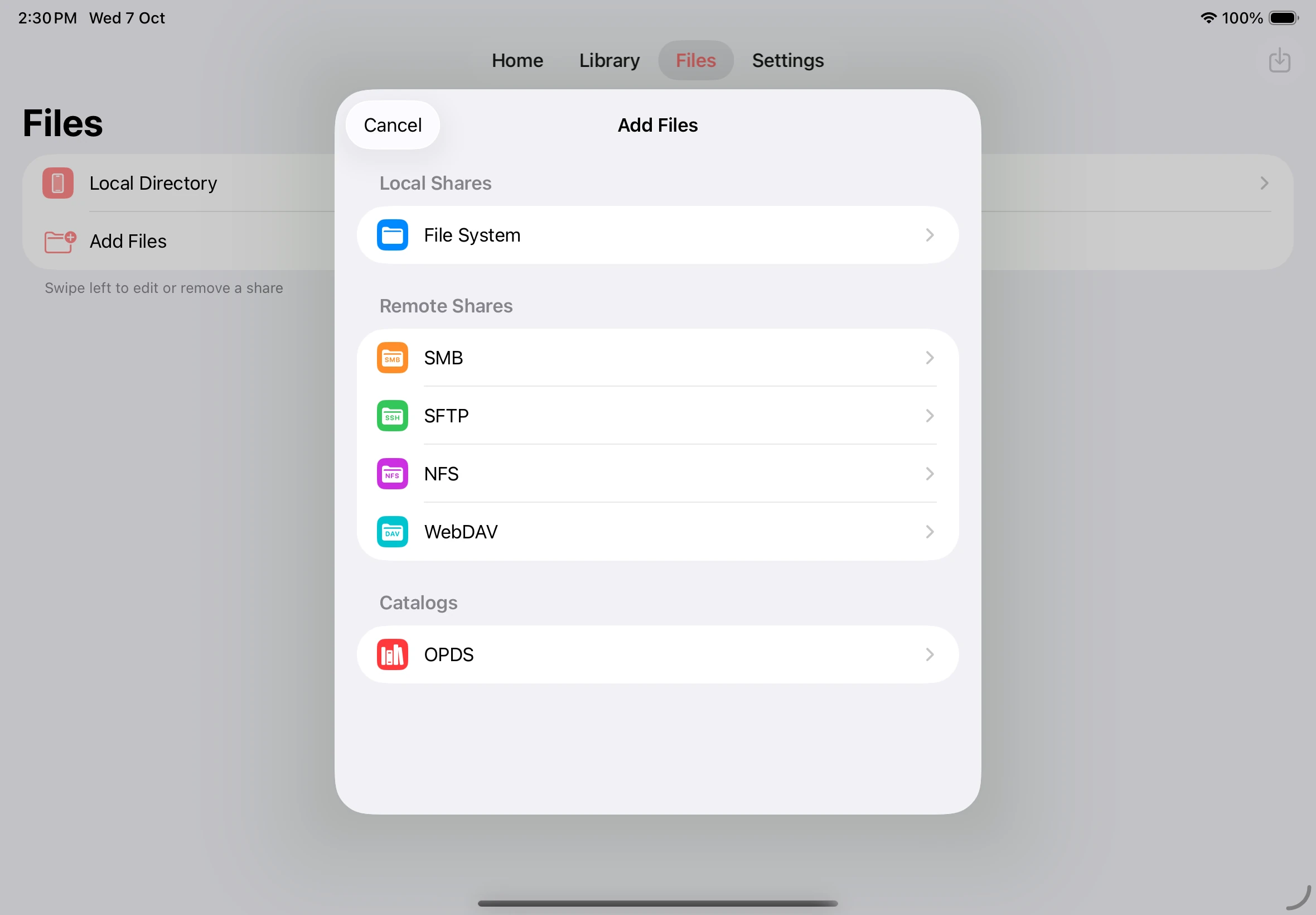
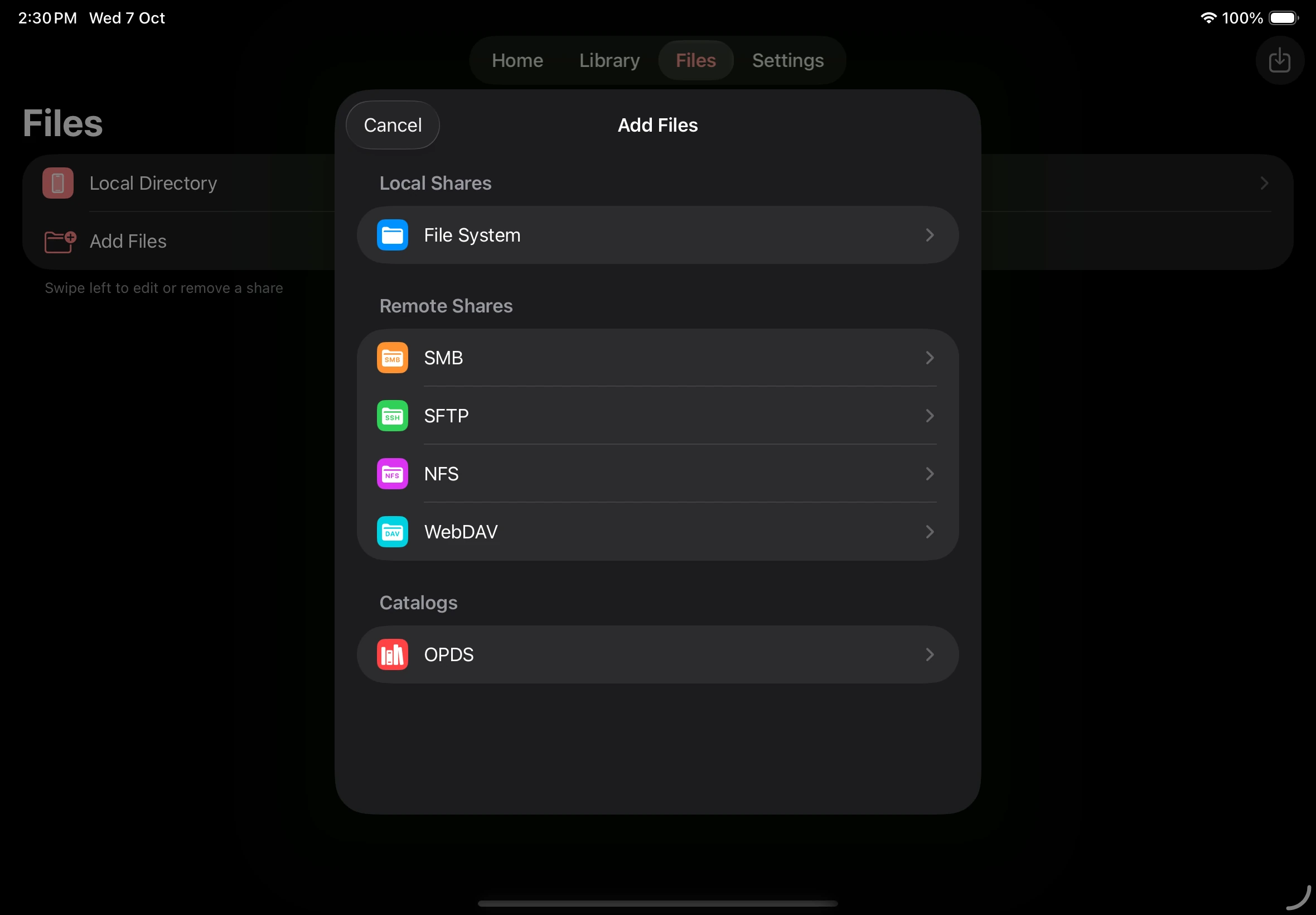
Section titled “Sources”Choose a file source
Section titled “Choose a file source”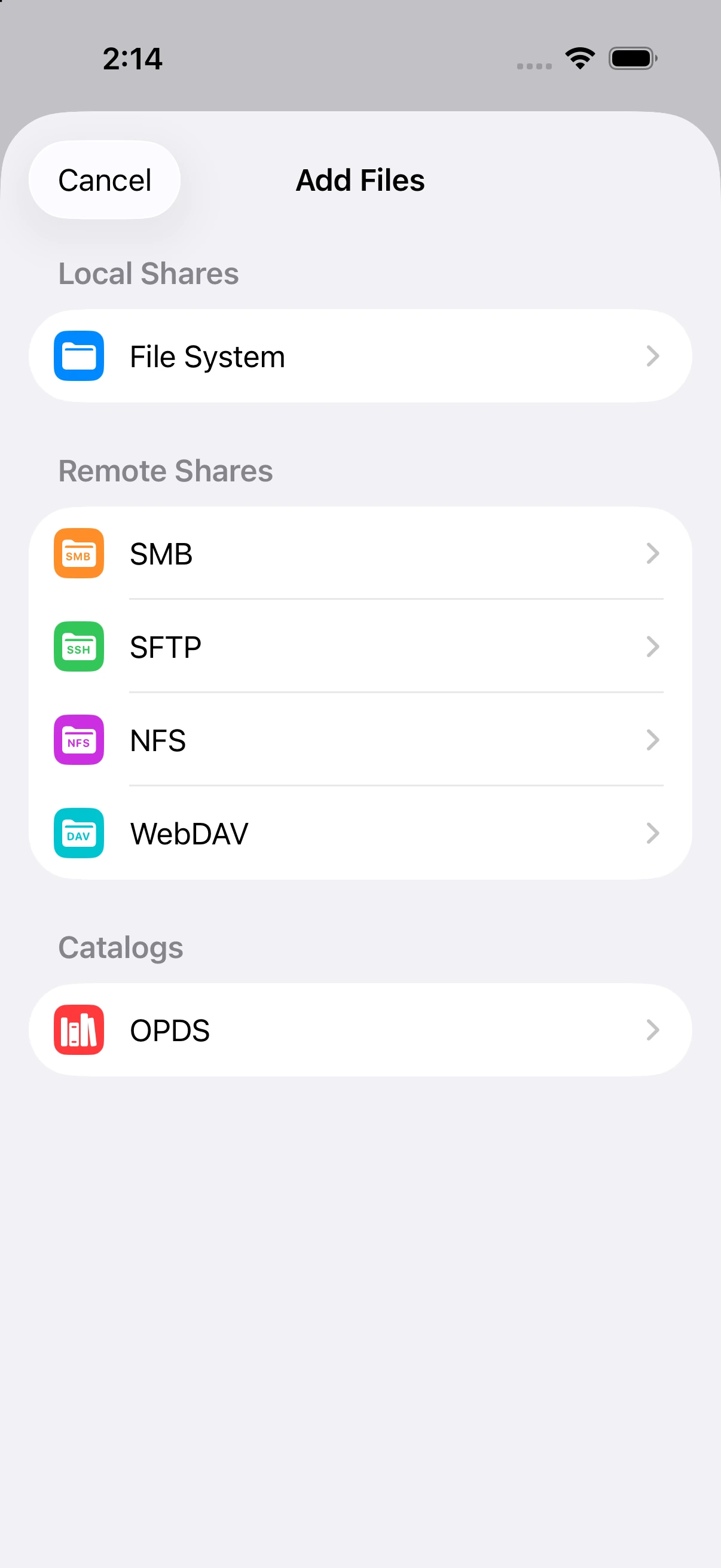
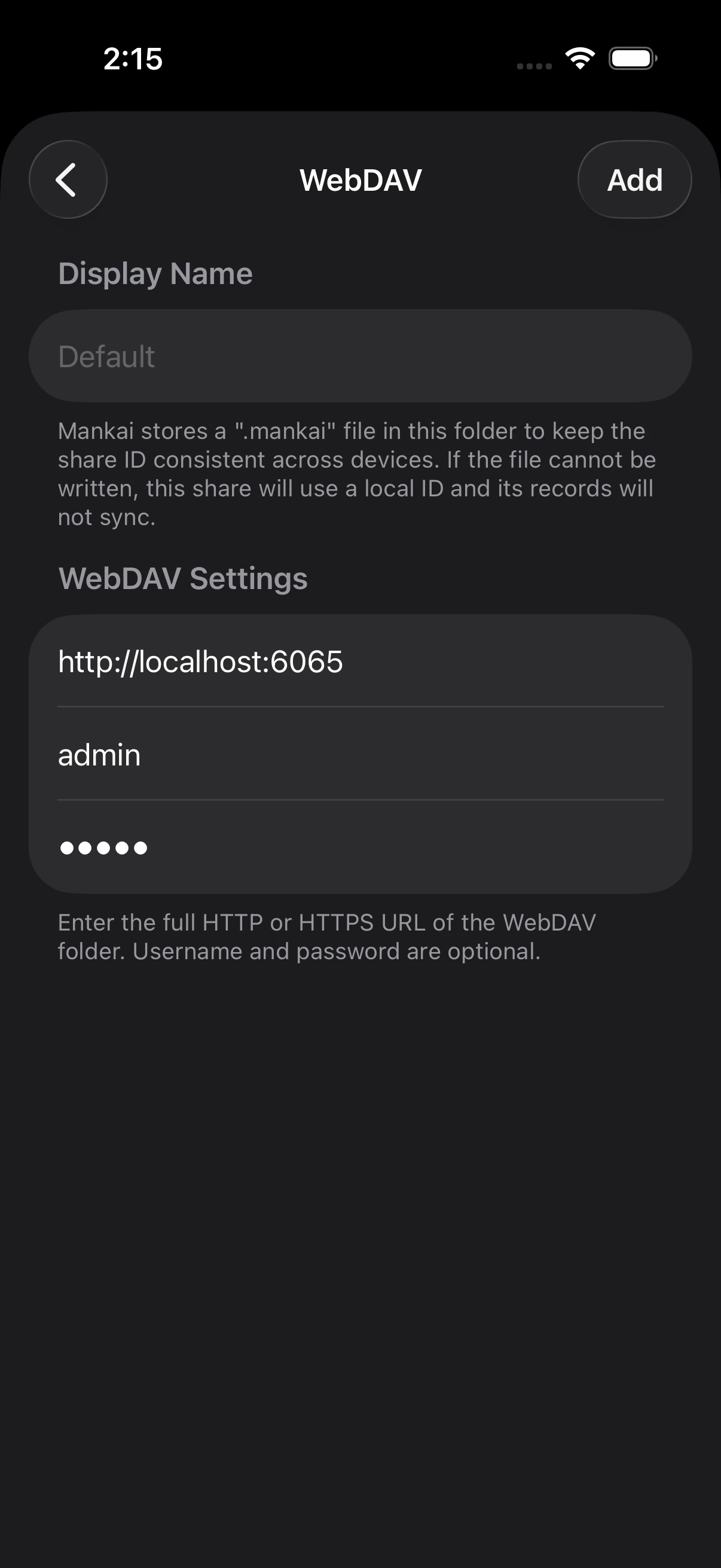
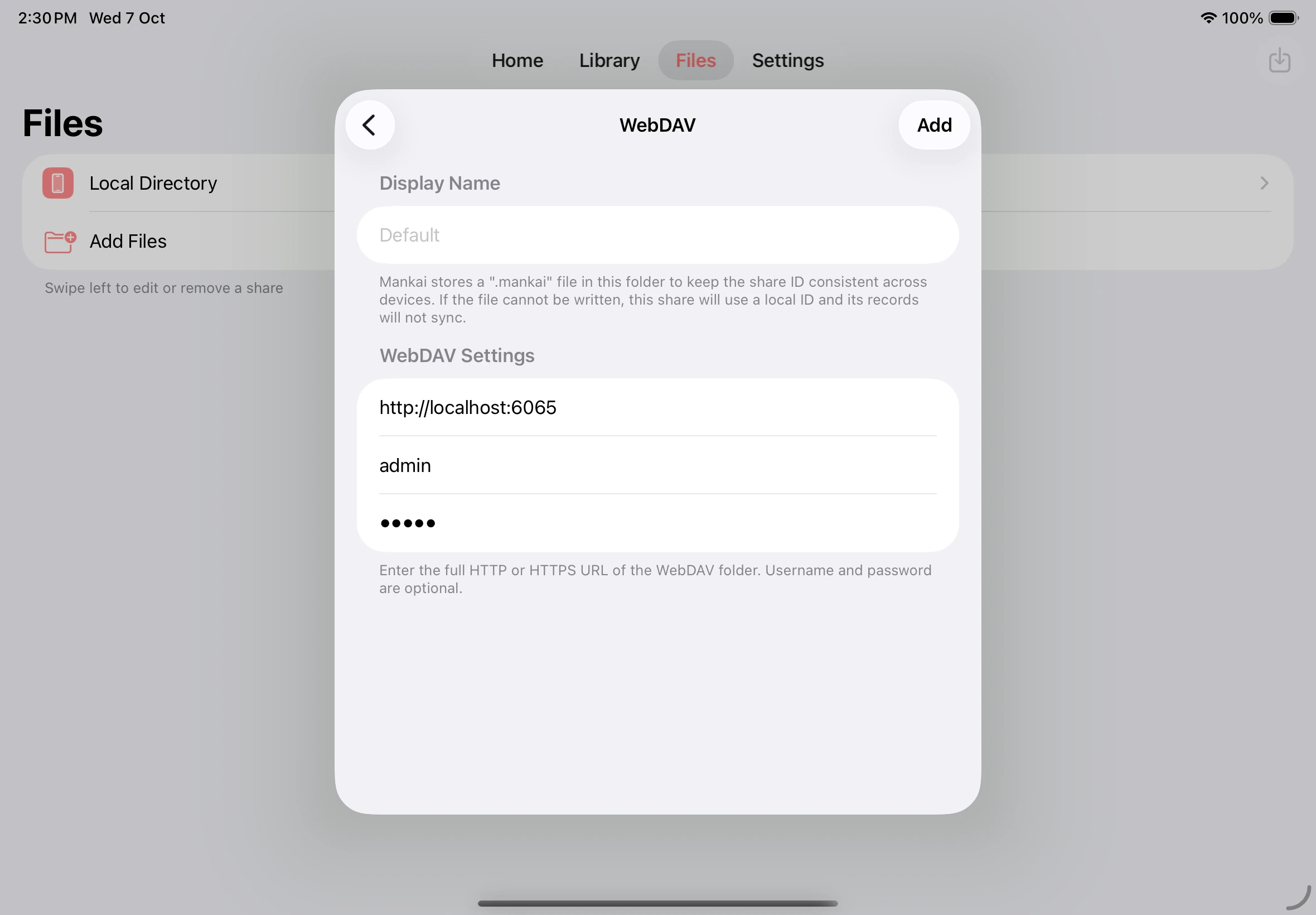
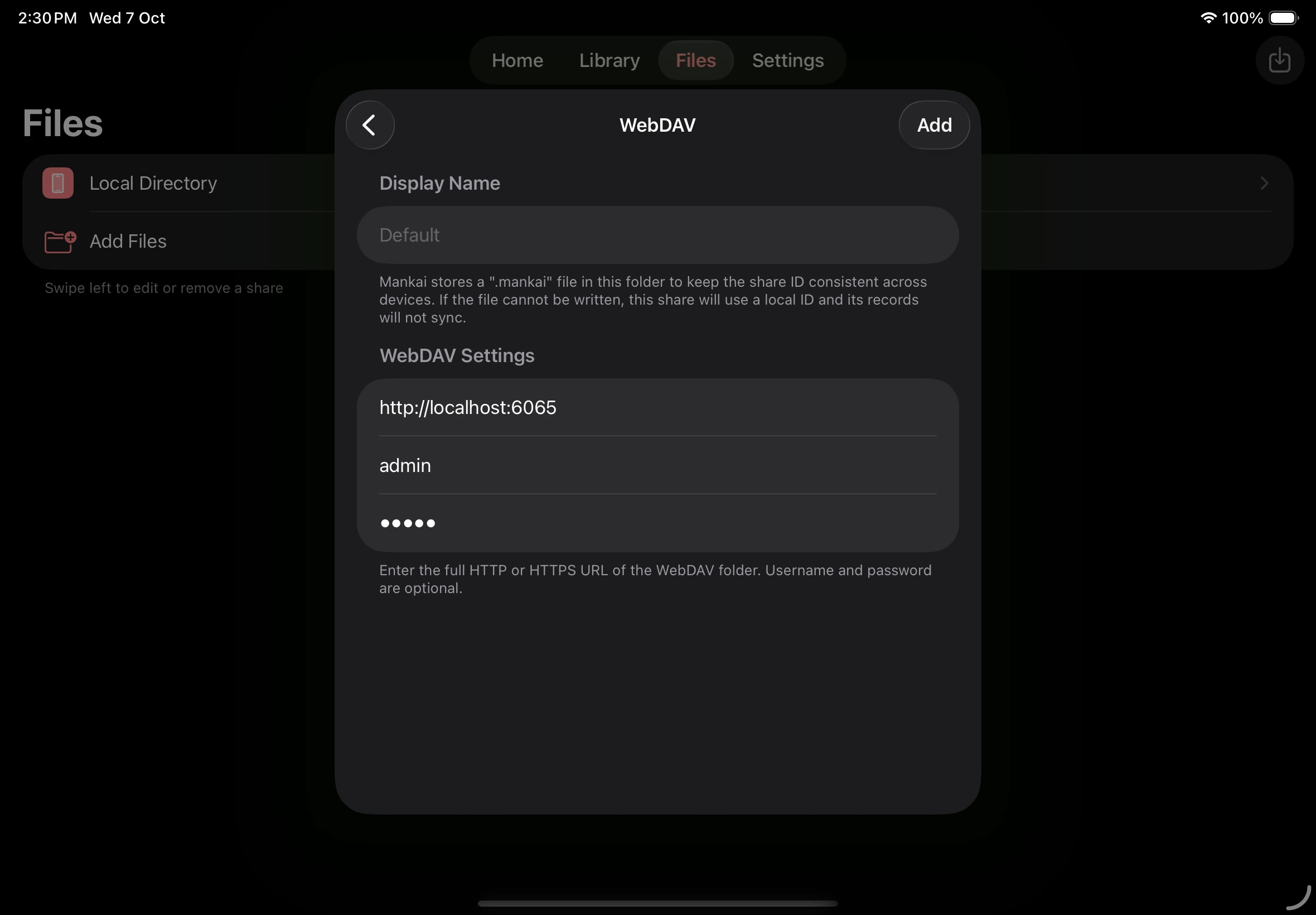
Configure a network share
Section titled “Configure a network share”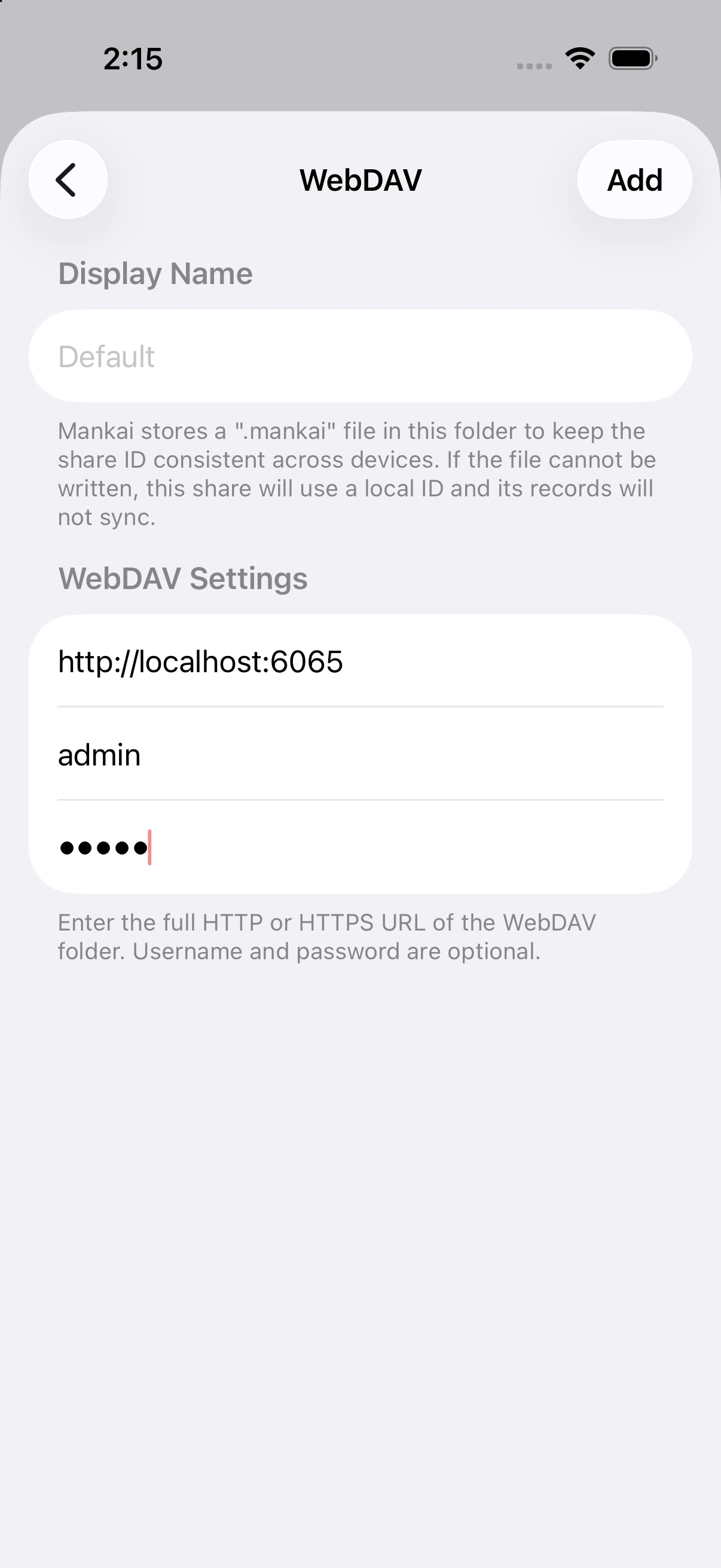
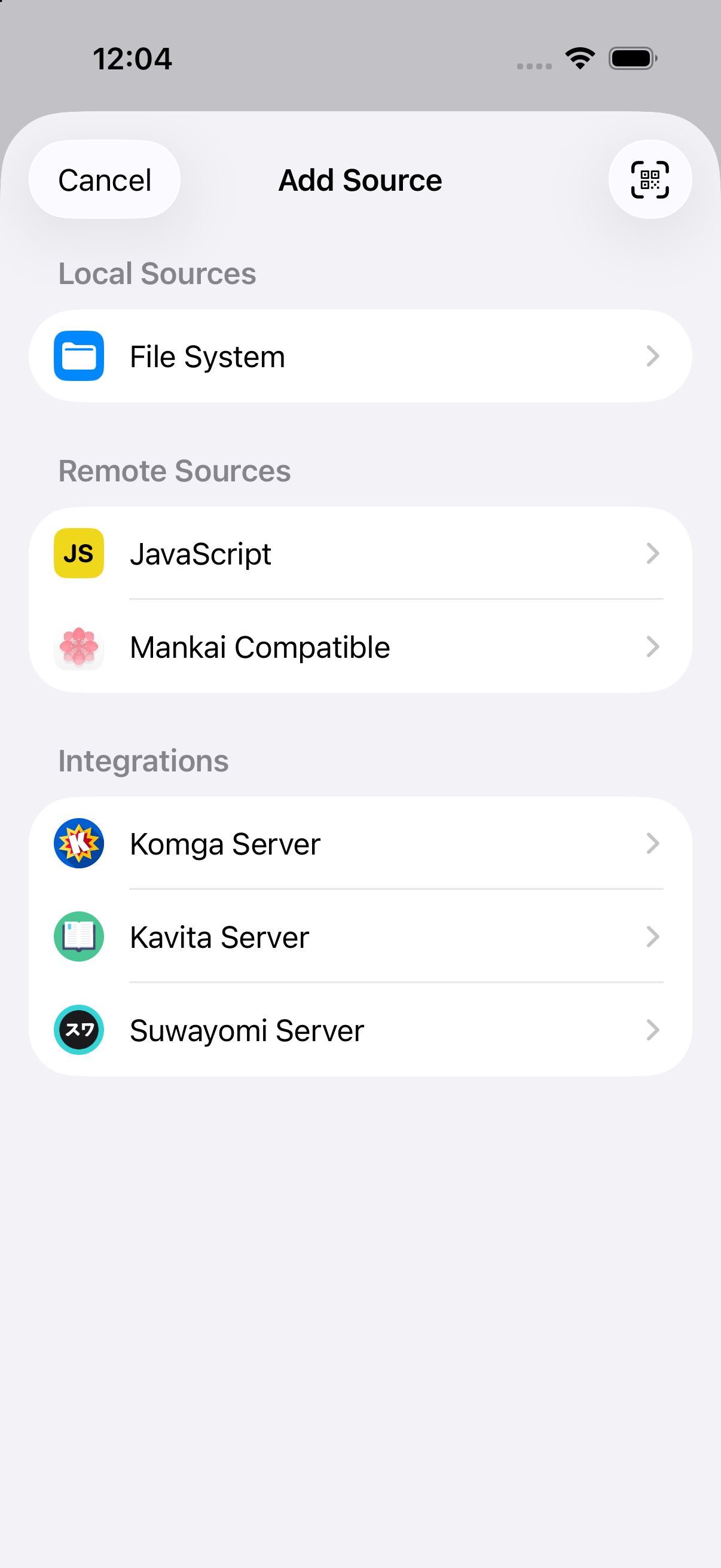
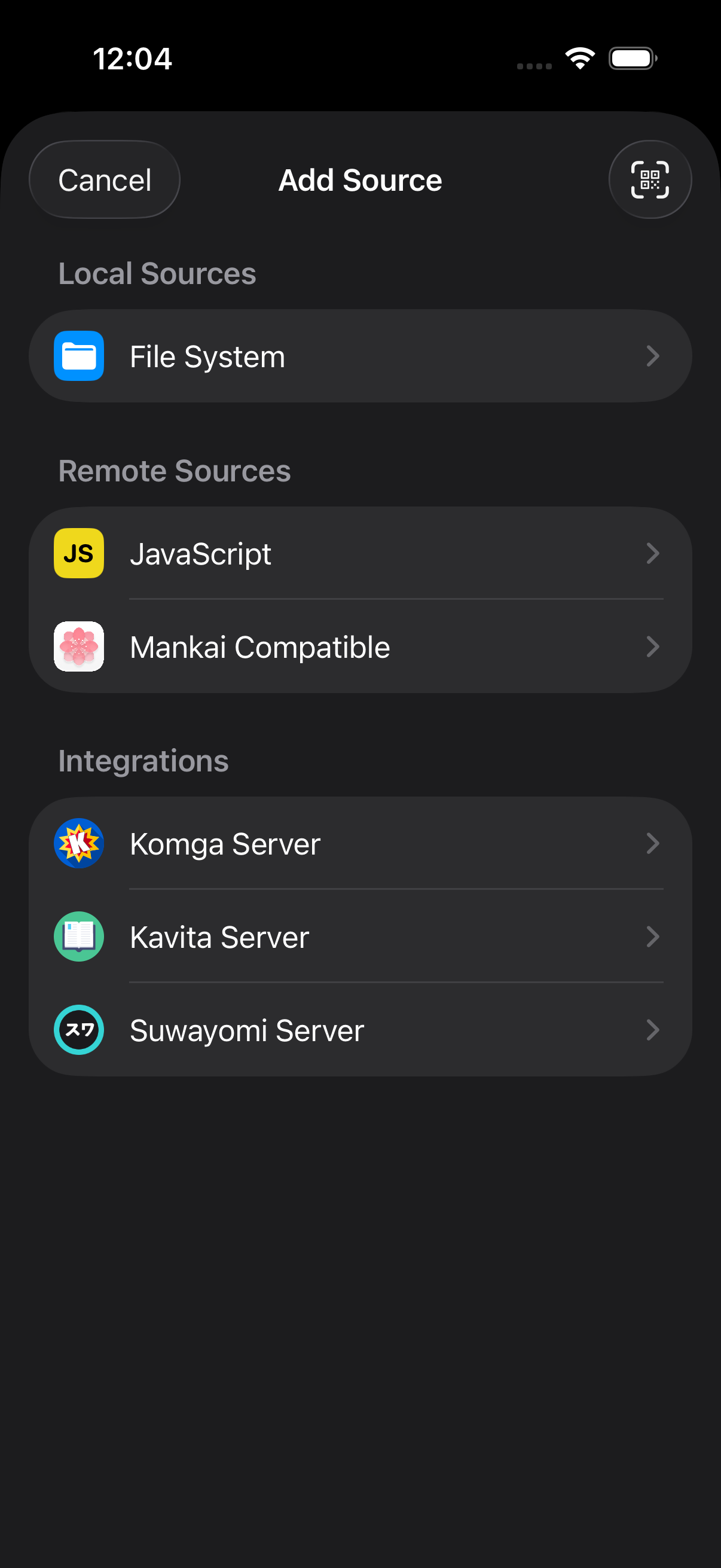
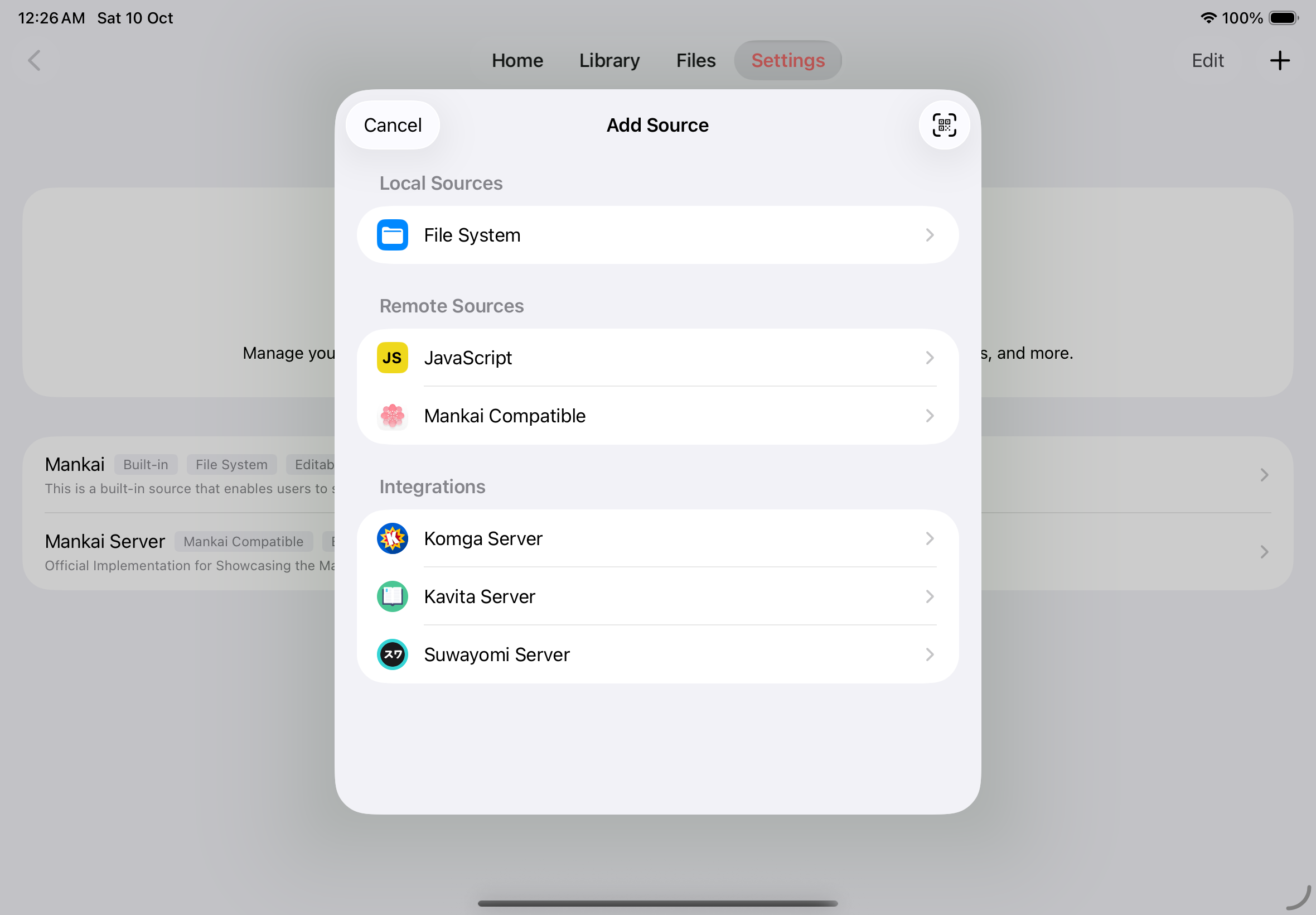
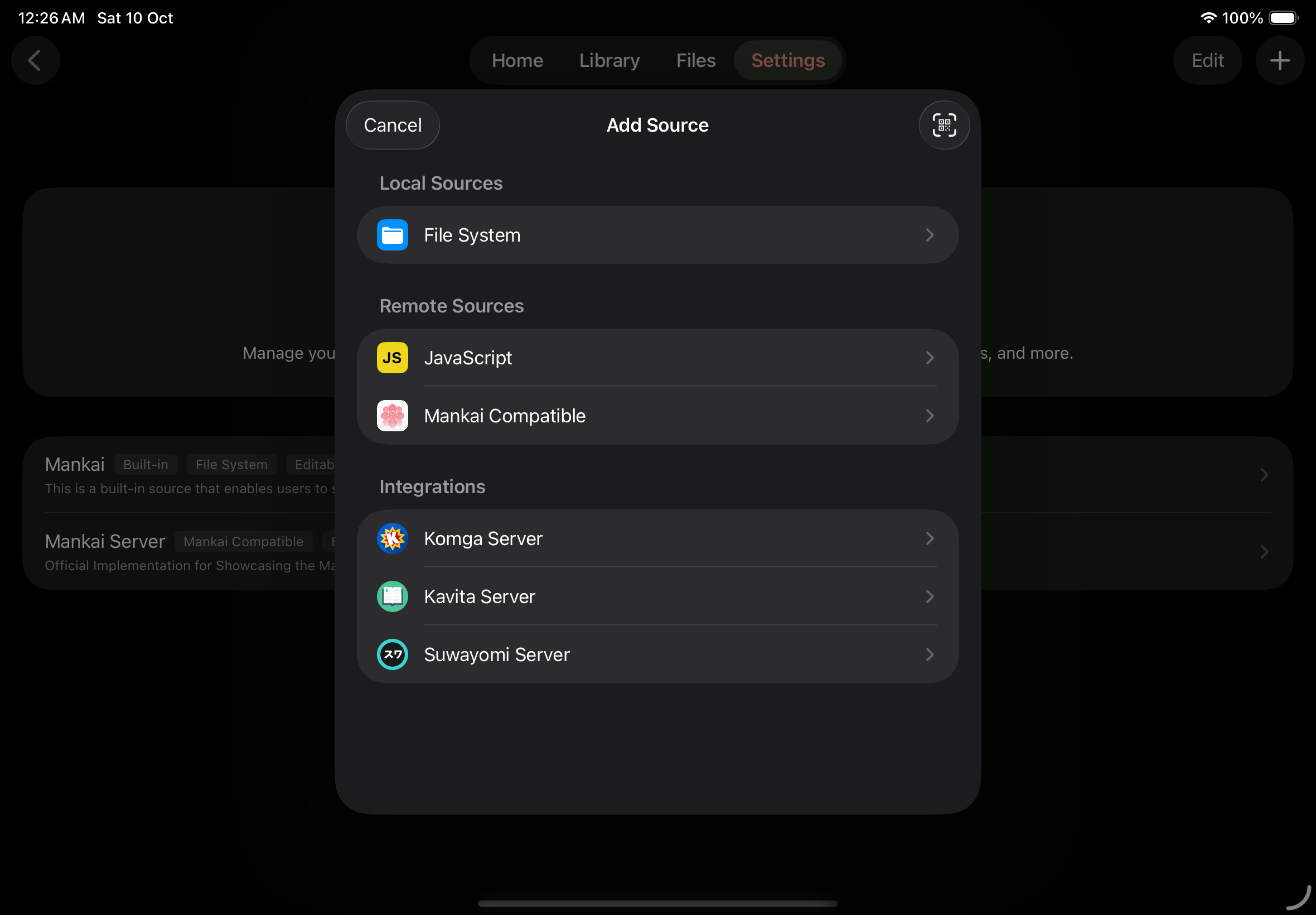
Choose a source type
Section titled “Choose a source type”Choose File System under Local Sources, JavaScript or Mankai Compatible under Remote Sources, or Komga Server, Kavita Server, or Suwayomi Server under Integrations. The QR code button opens the scanner, where you can also import a QR code from Photos or paste an add-source link.
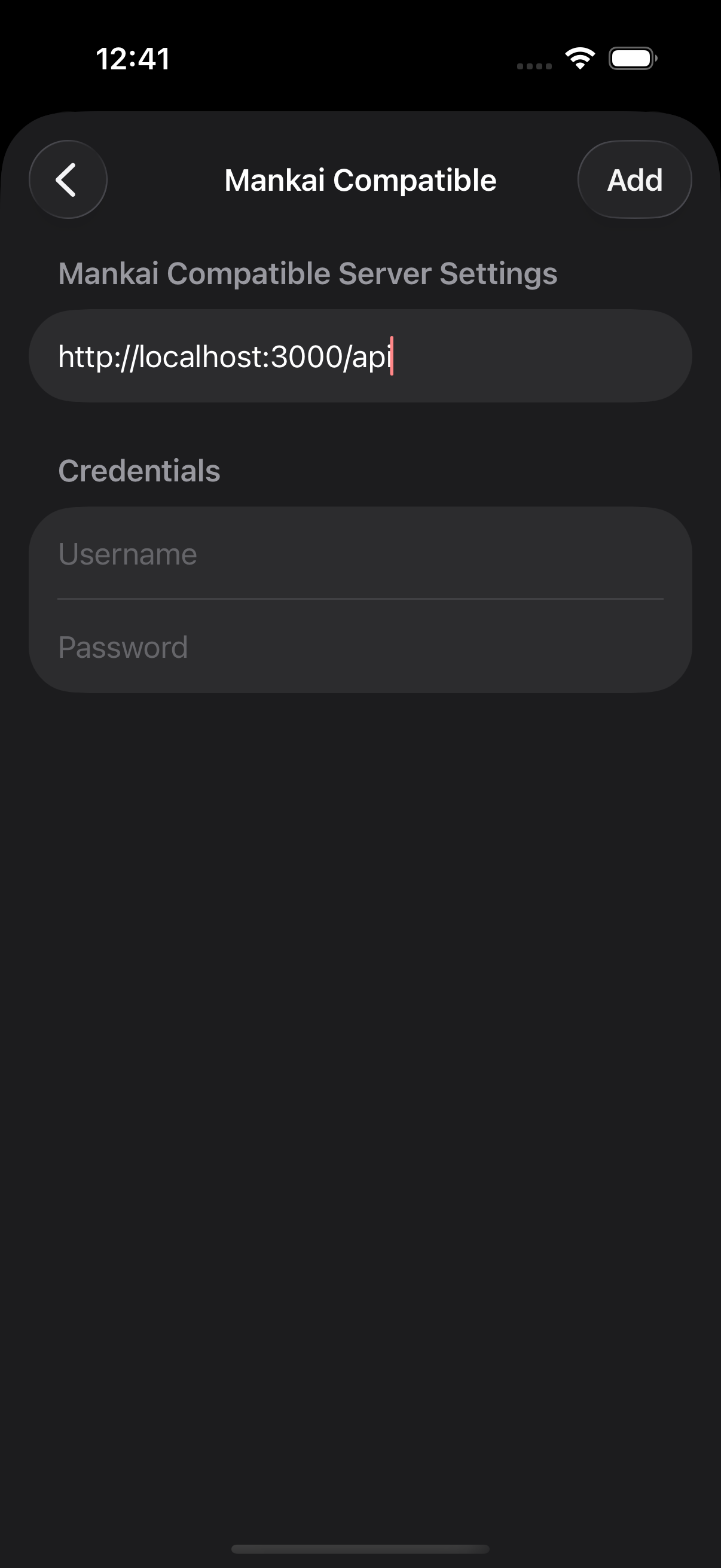
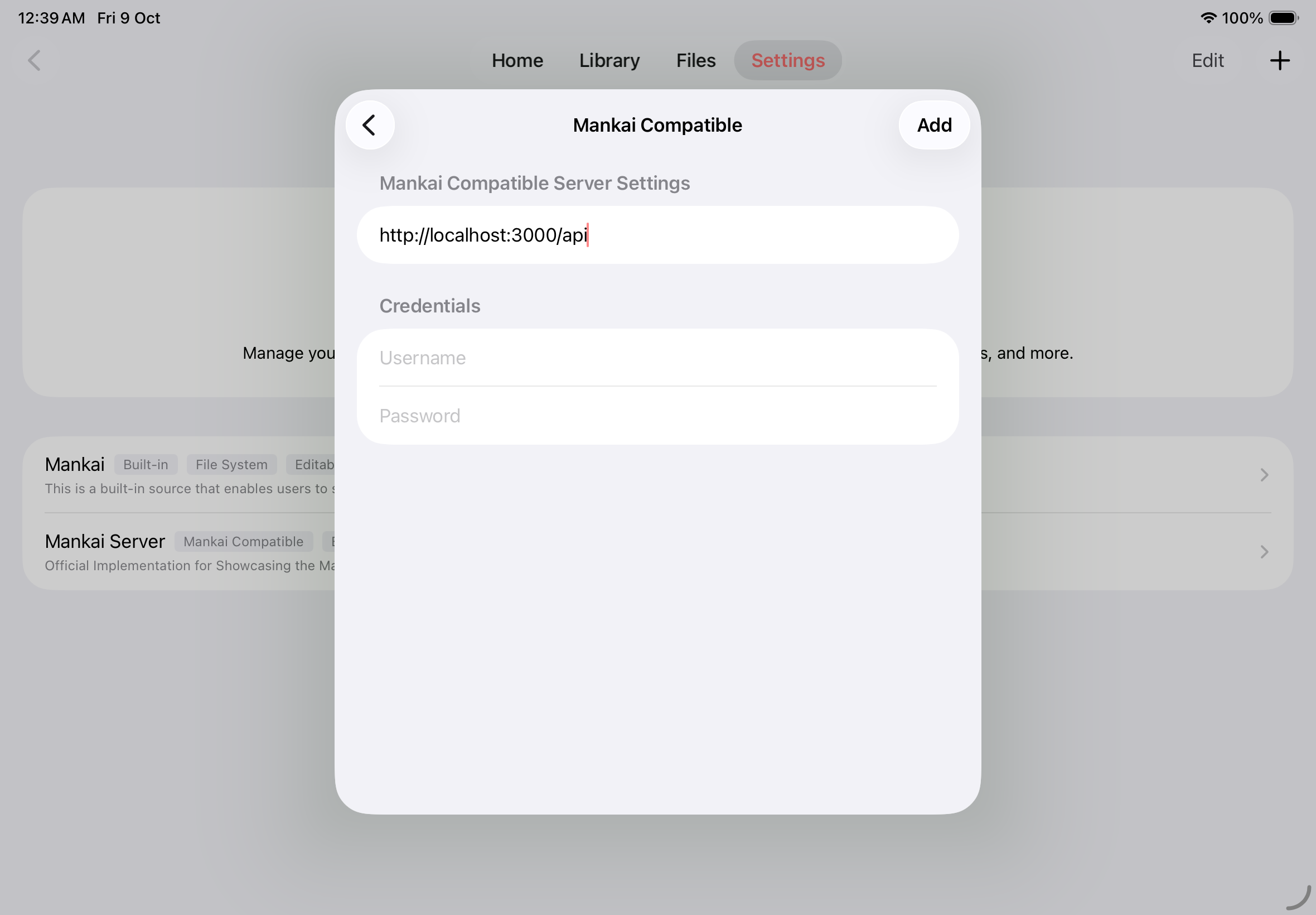
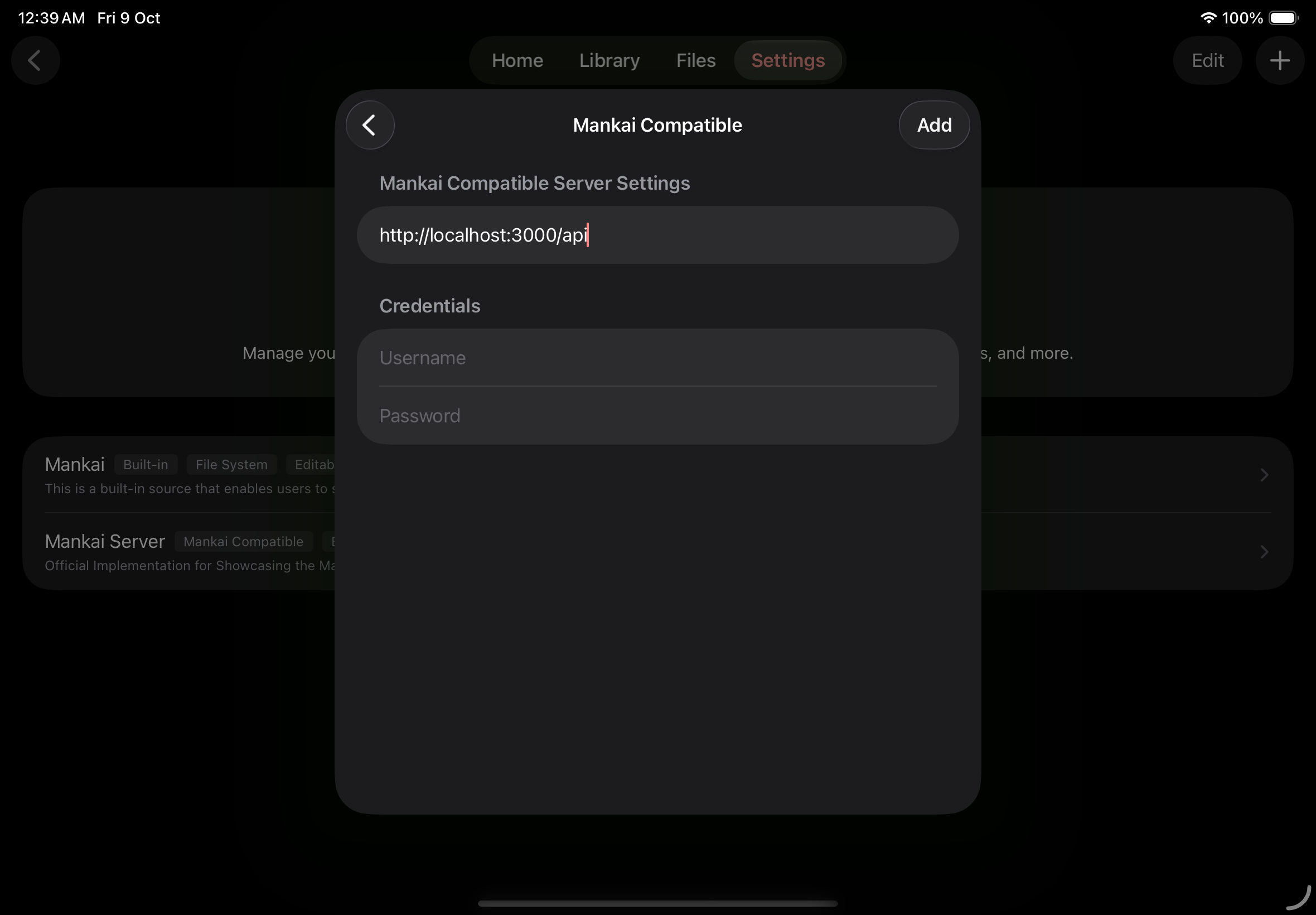
Configure a Mankai Compatible source
Section titled “Configure a Mankai Compatible source”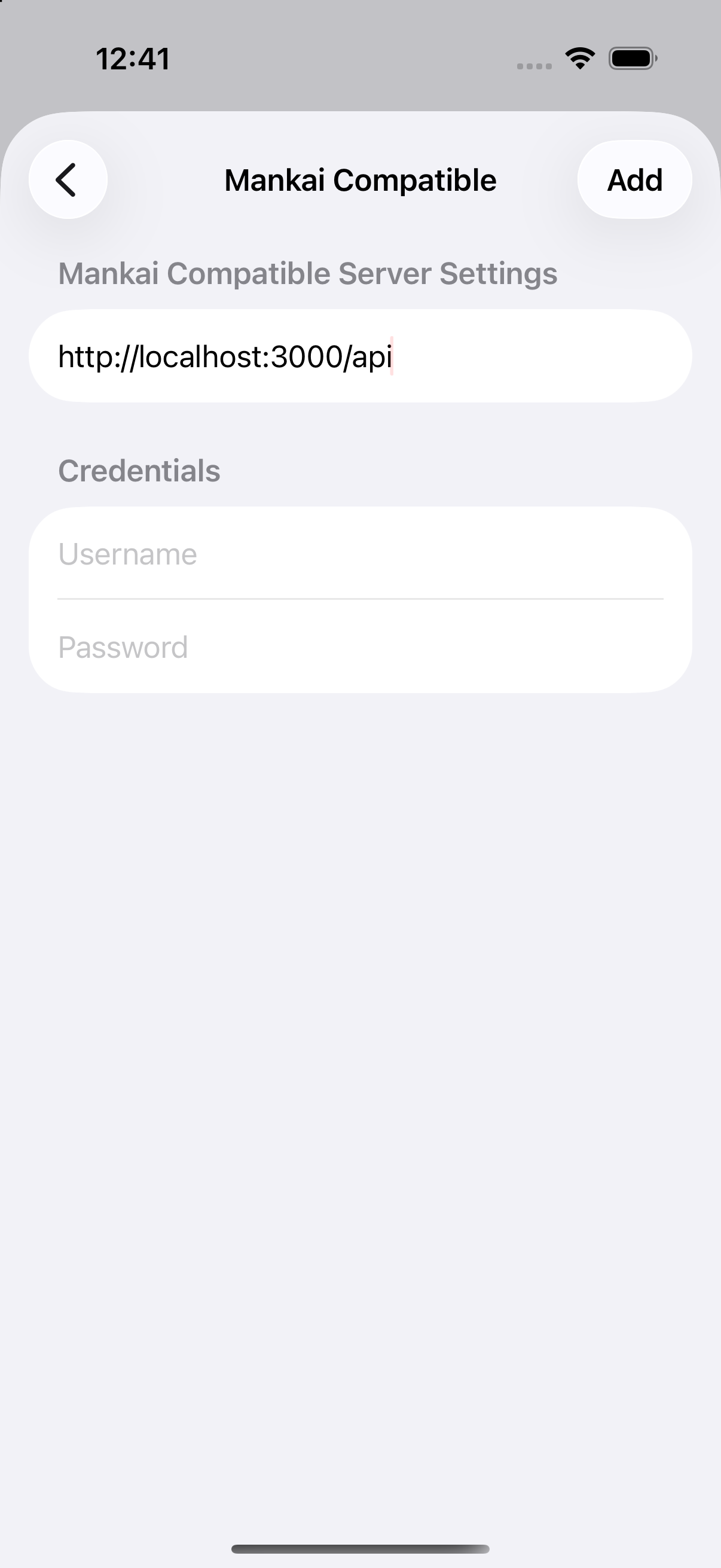
Reading
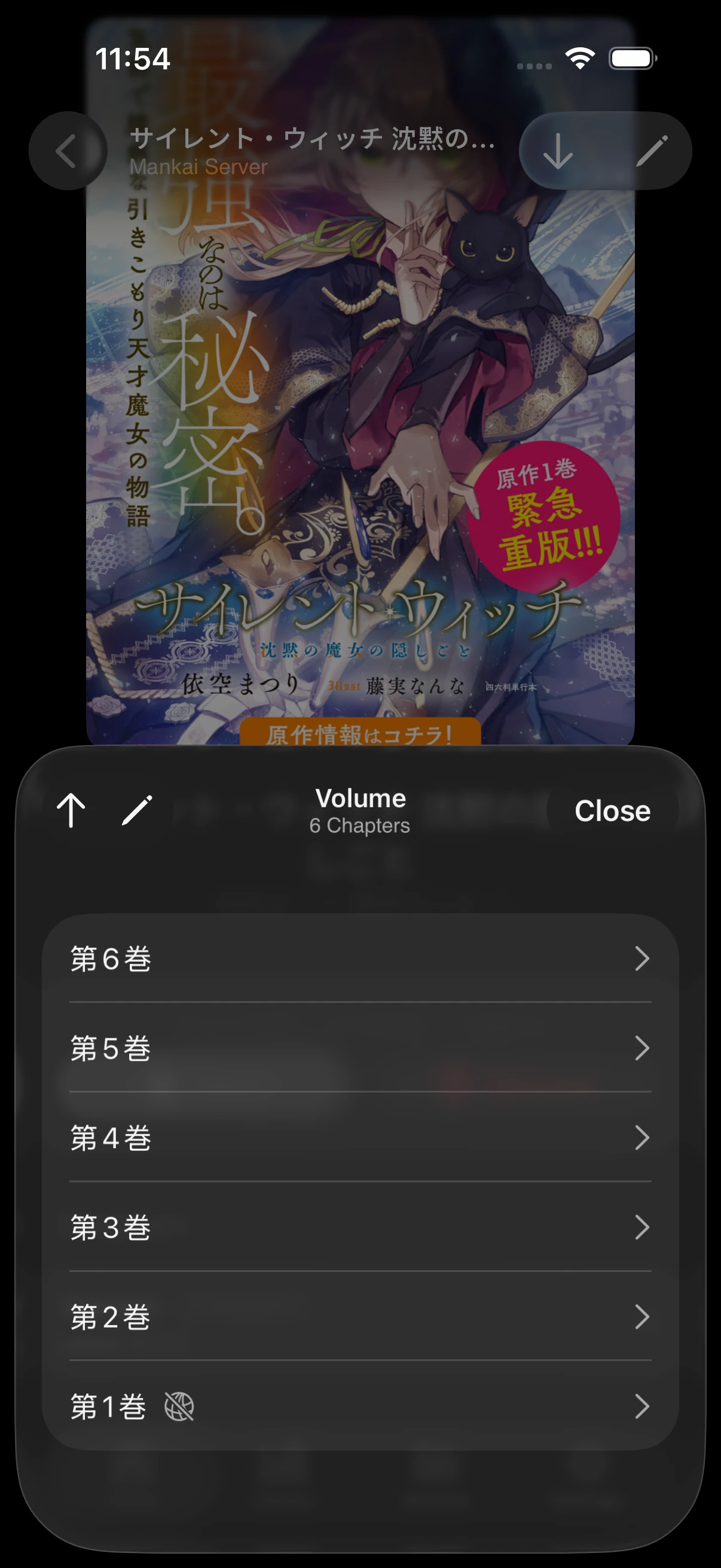
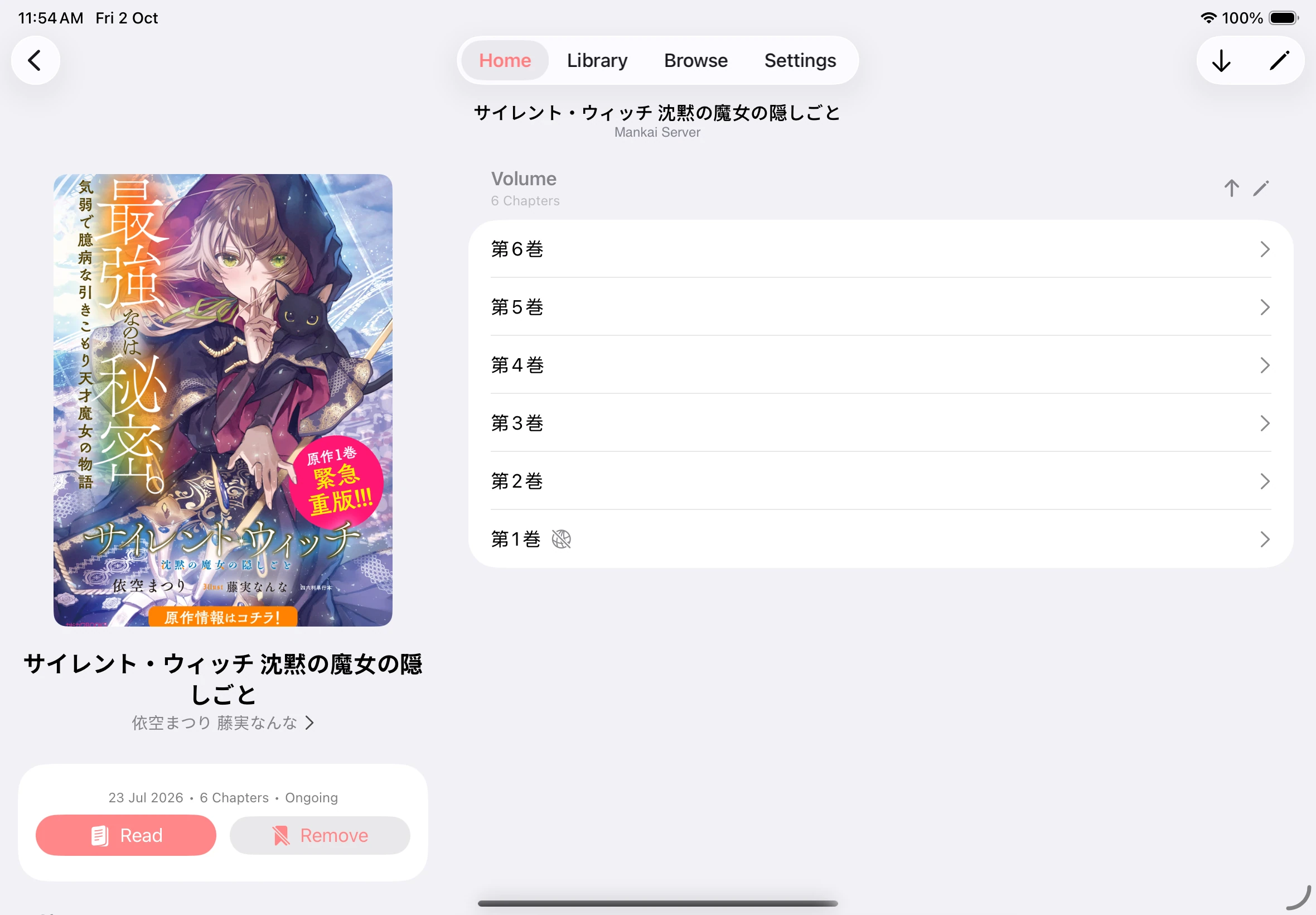
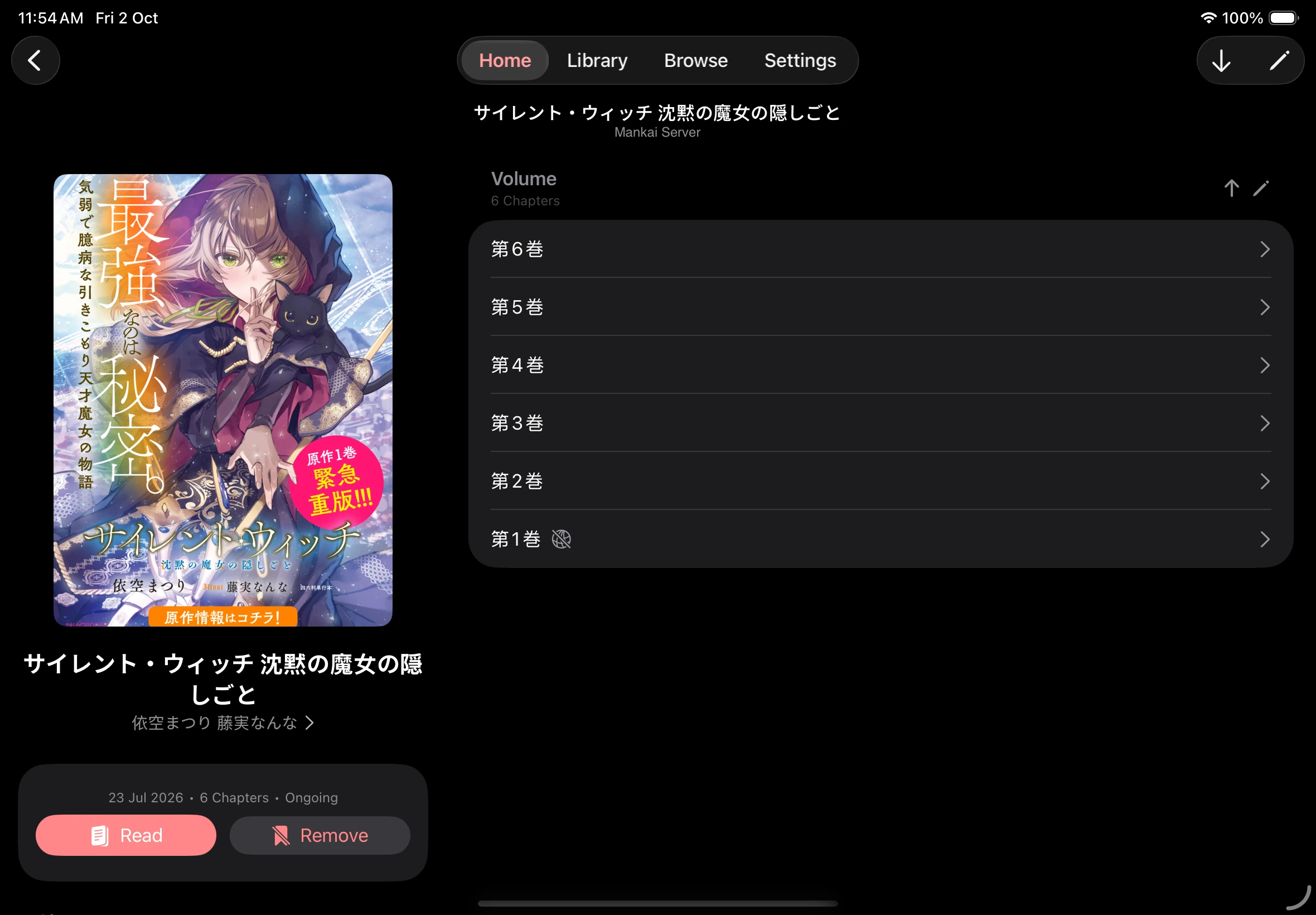
Section titled “Reading”Choose a chapter
Section titled “Choose a chapter”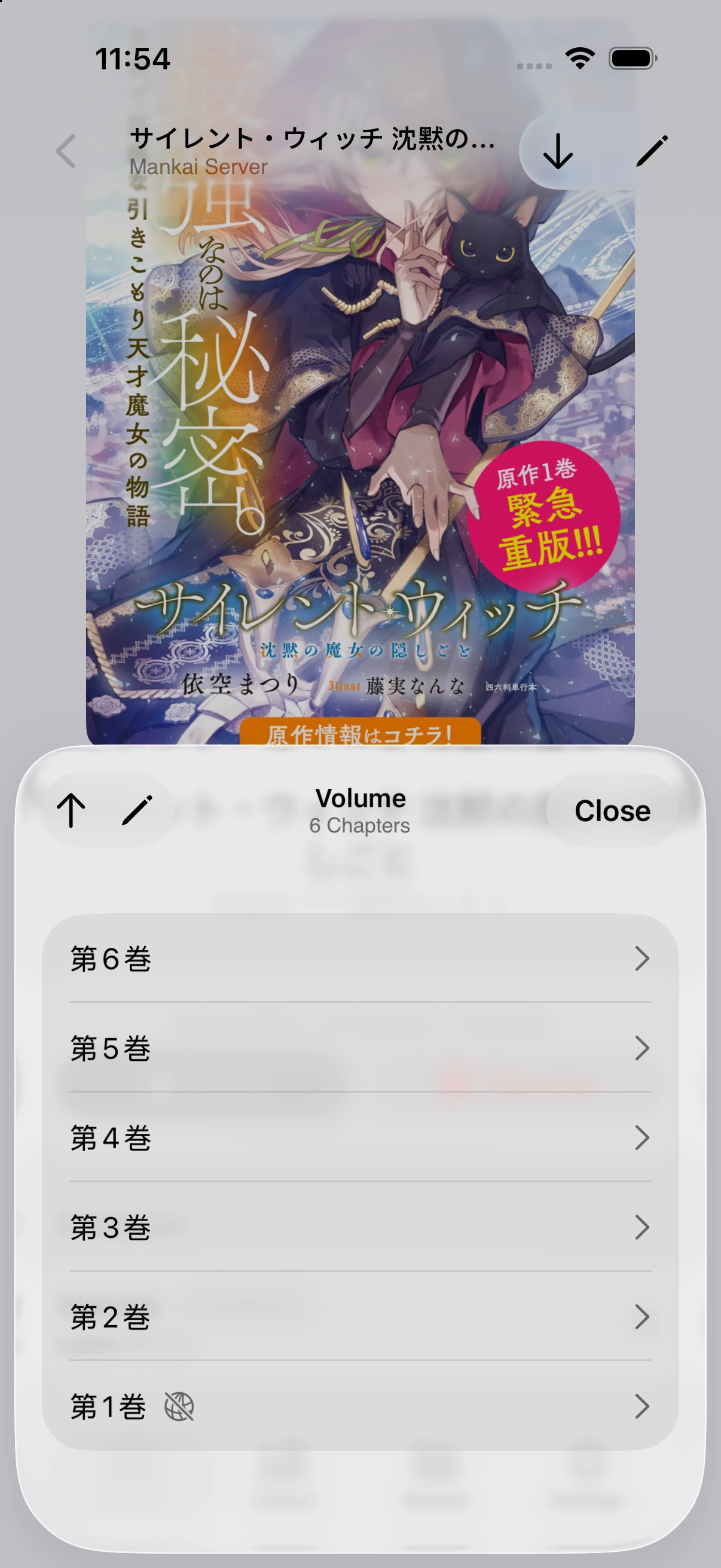
Reader controls
Section titled “Reader controls”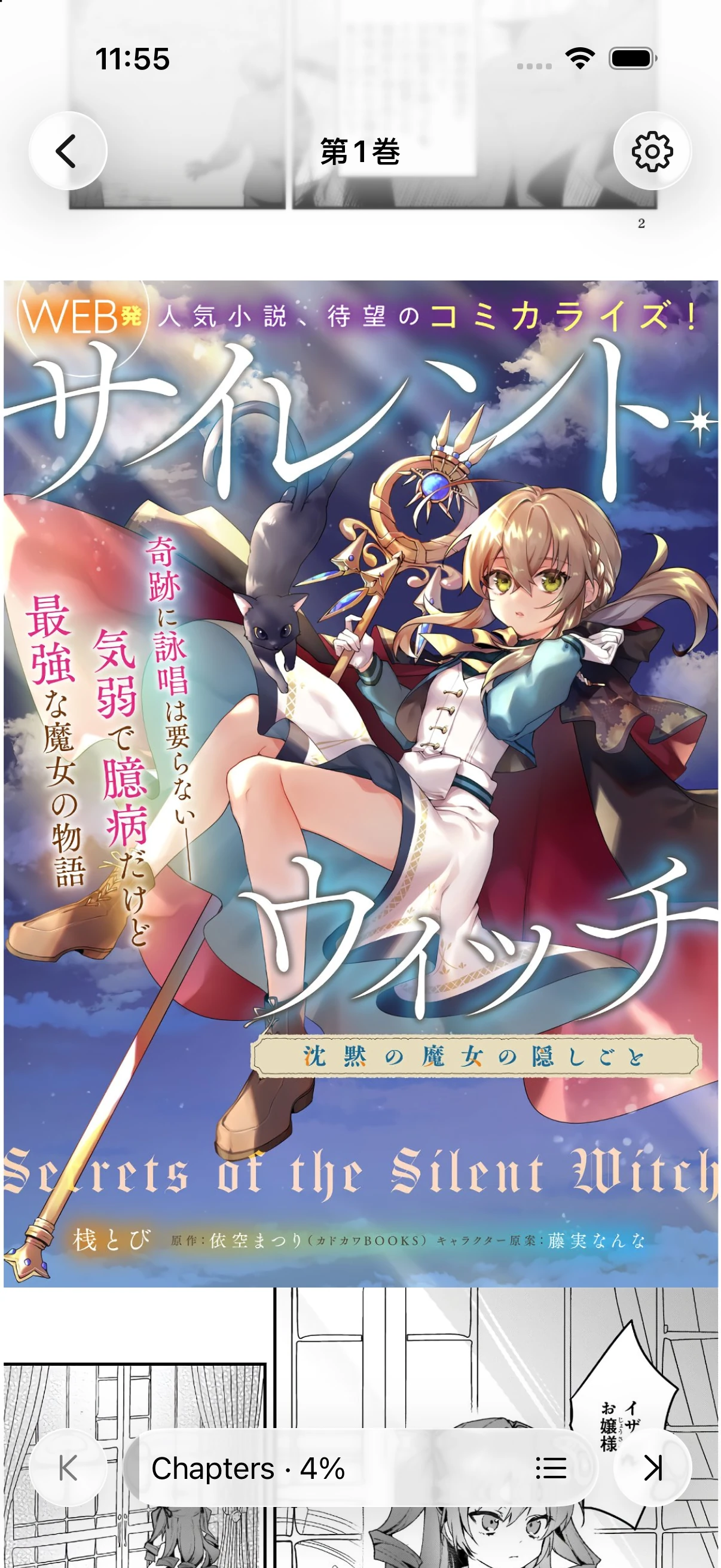
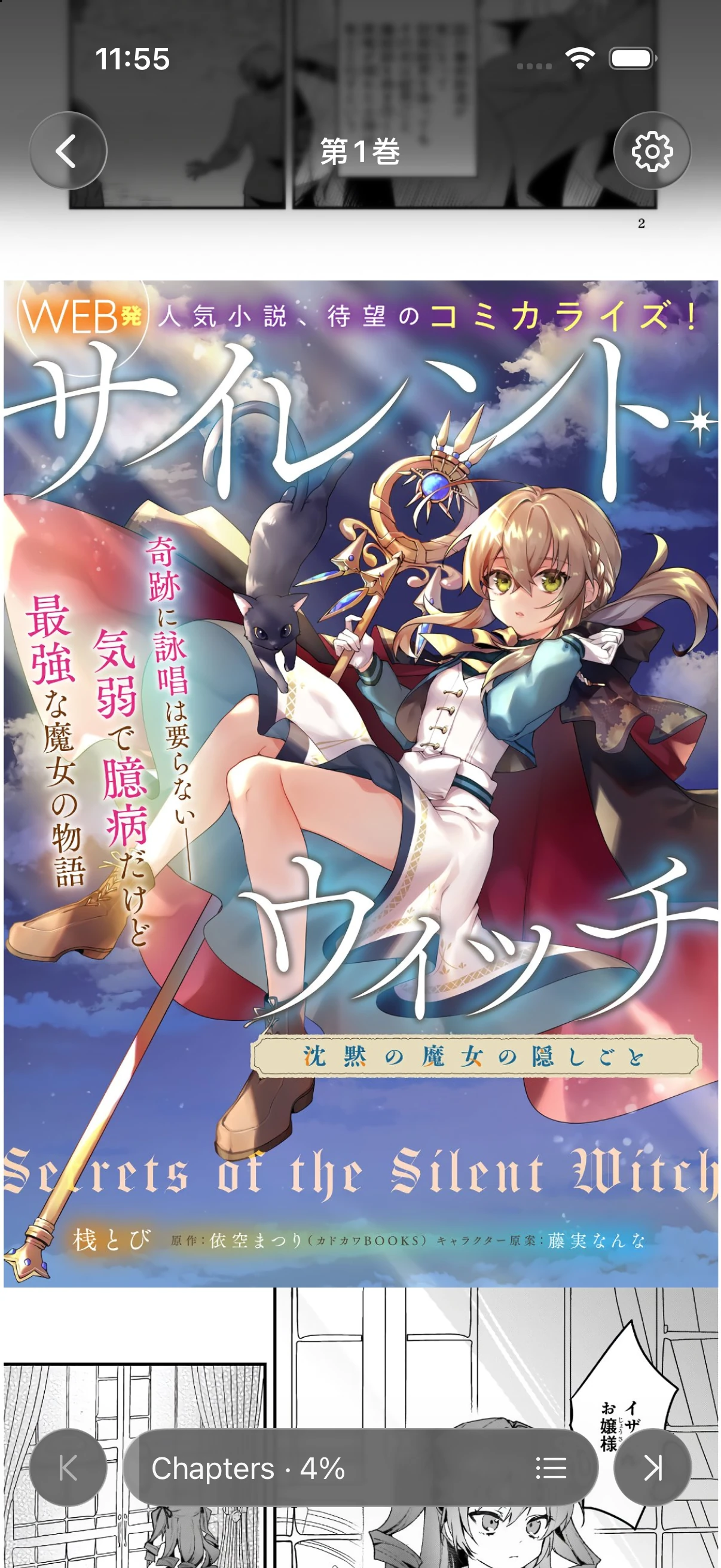
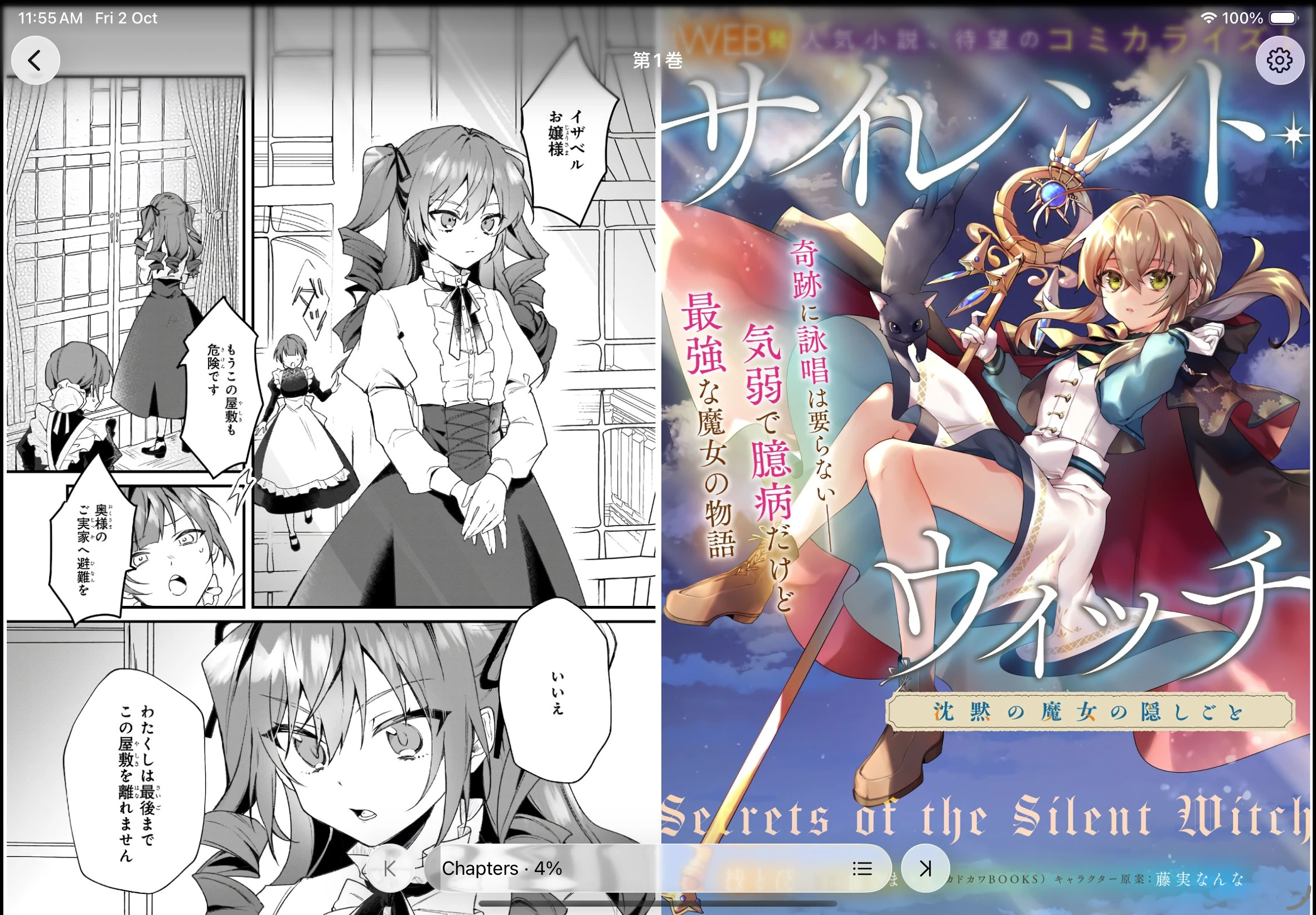
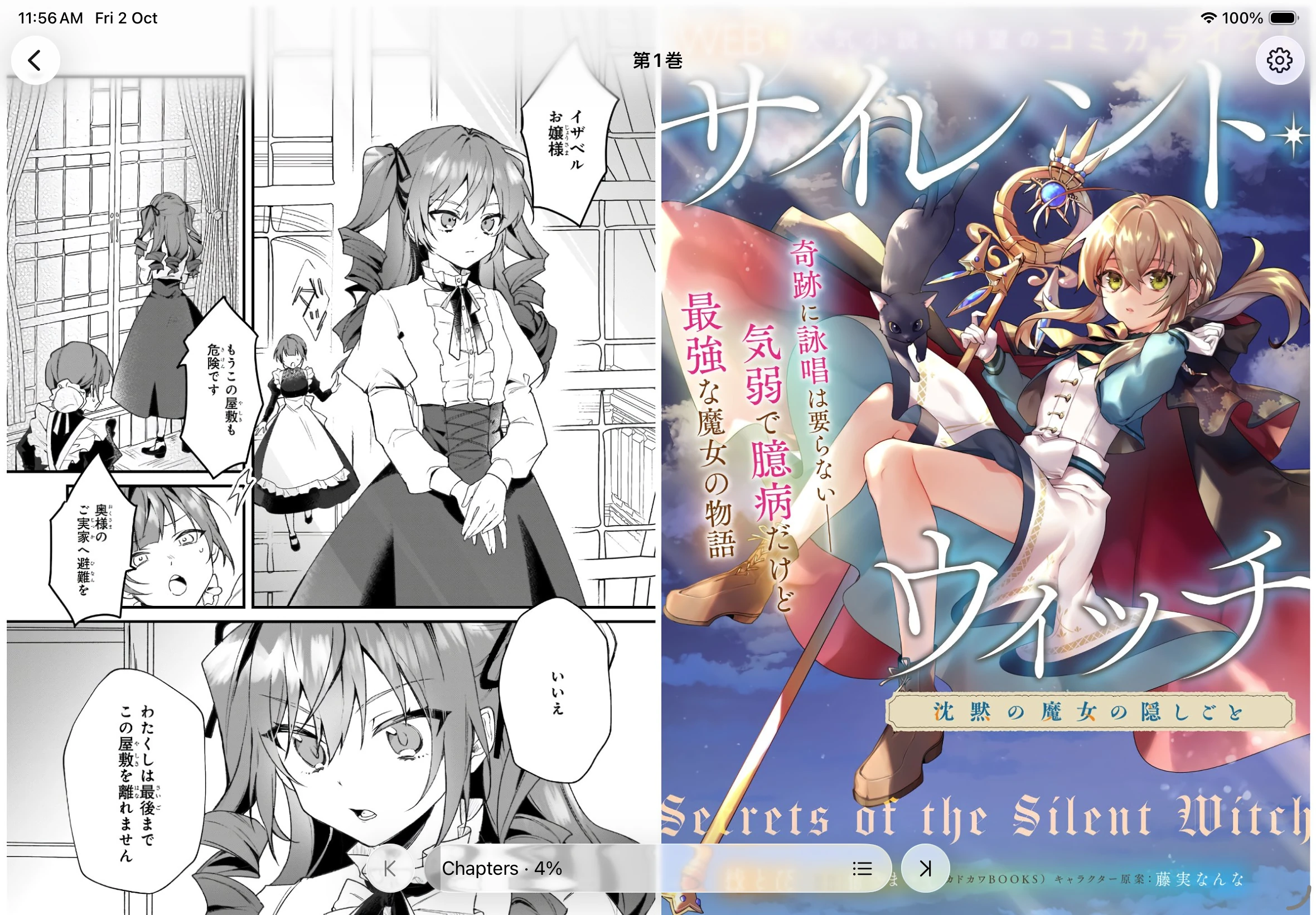
Choose your reading layout
Section titled “Choose your reading layout”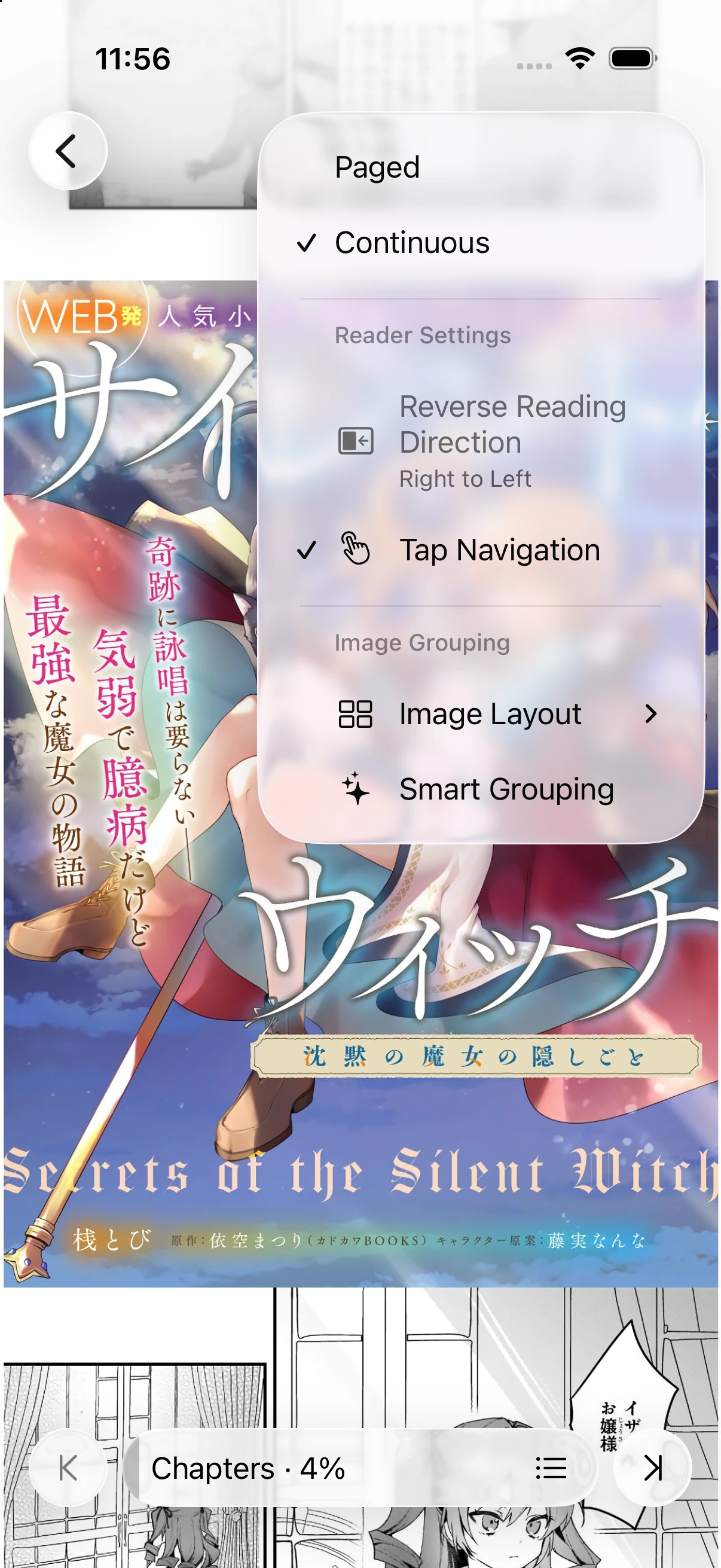
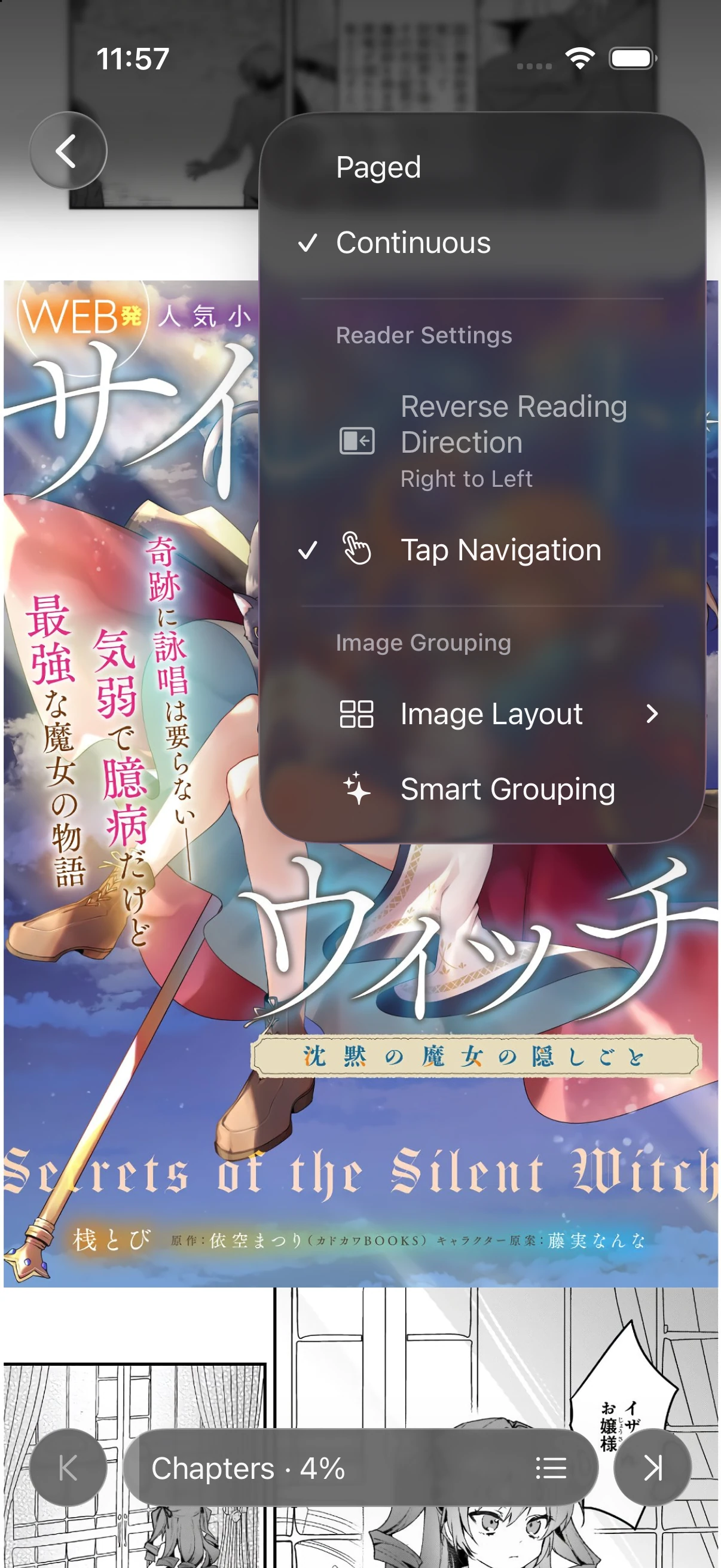
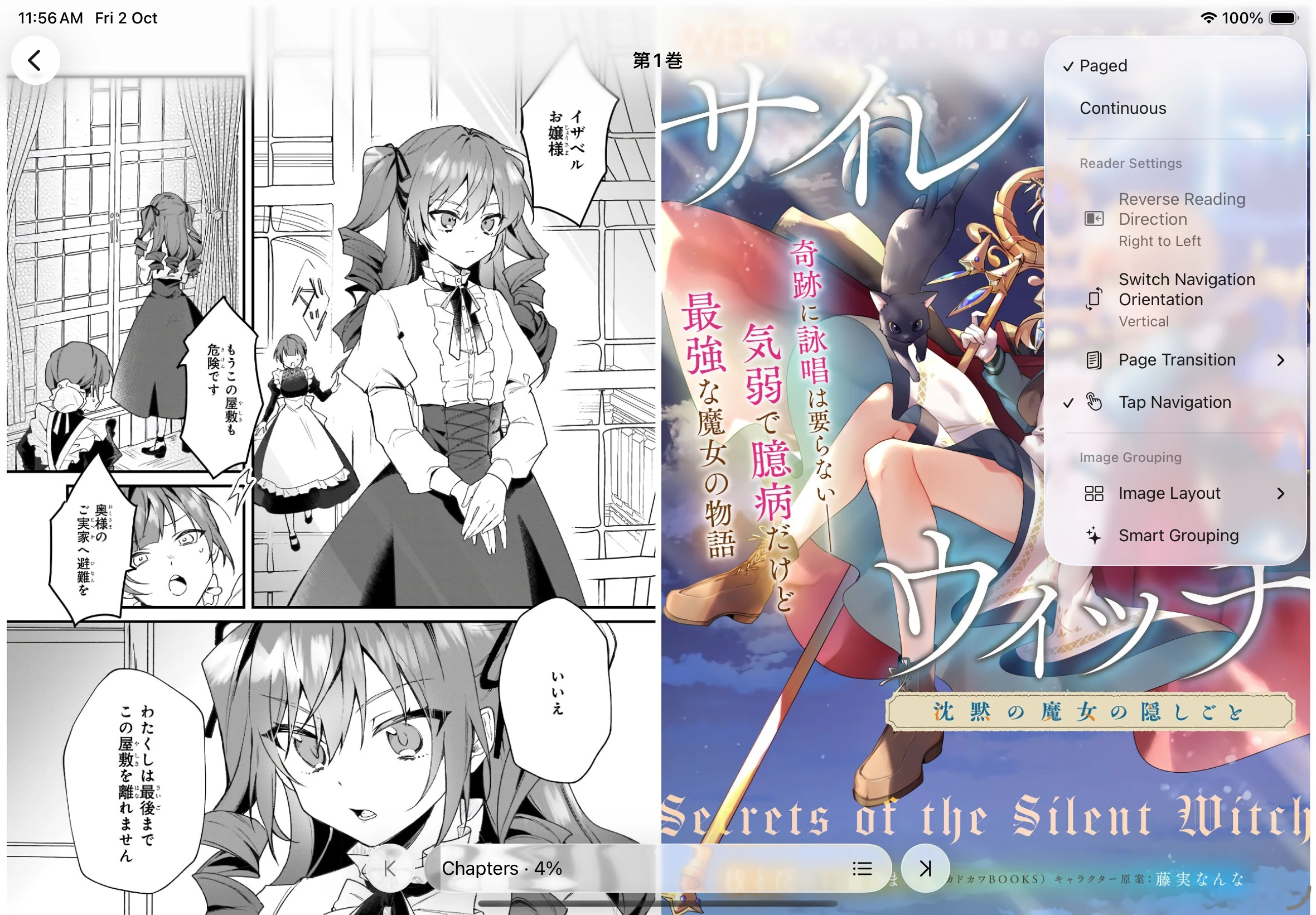
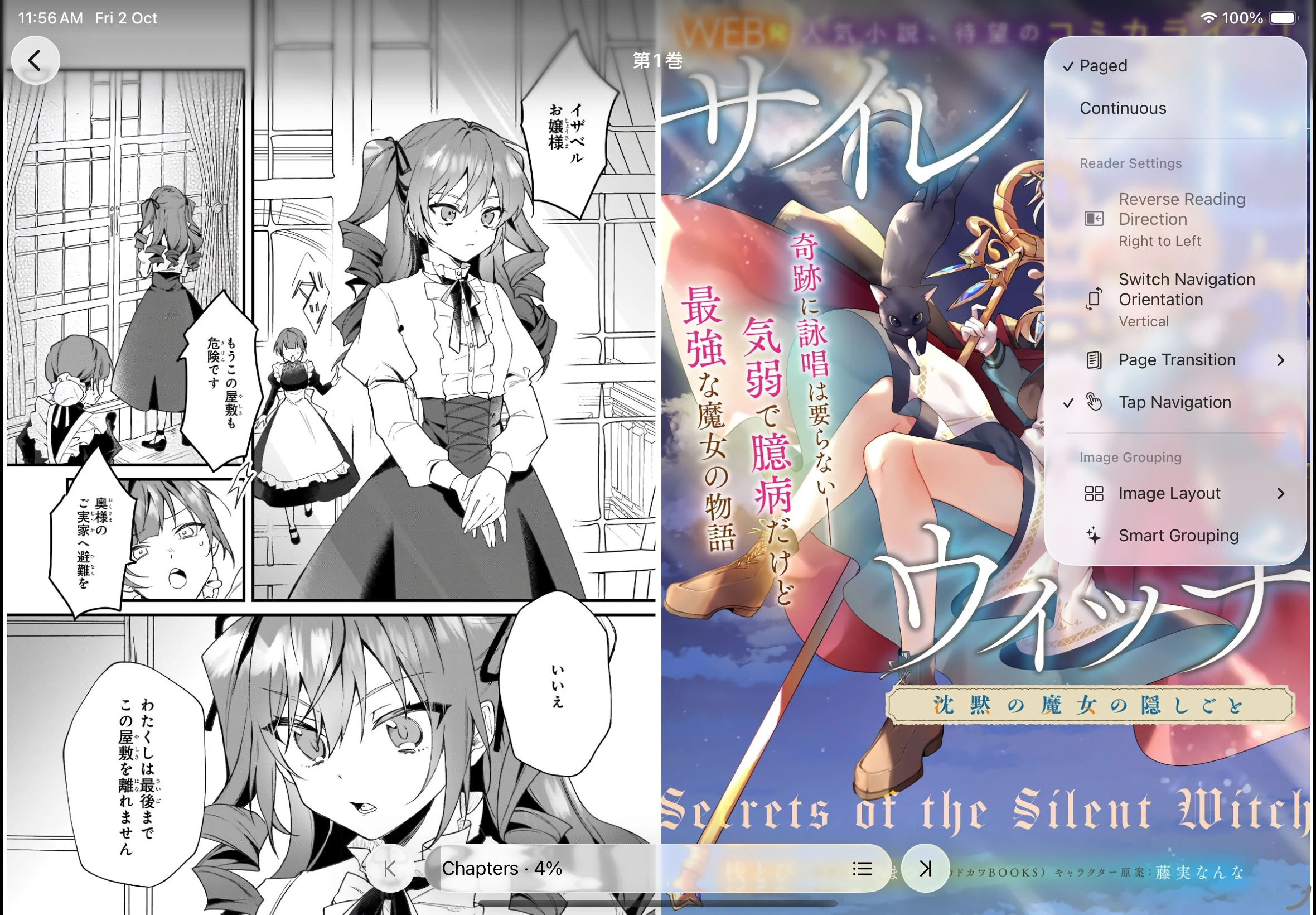
Image processing
Section titled “Image processing”Manage image processors
Section titled “Manage image processors”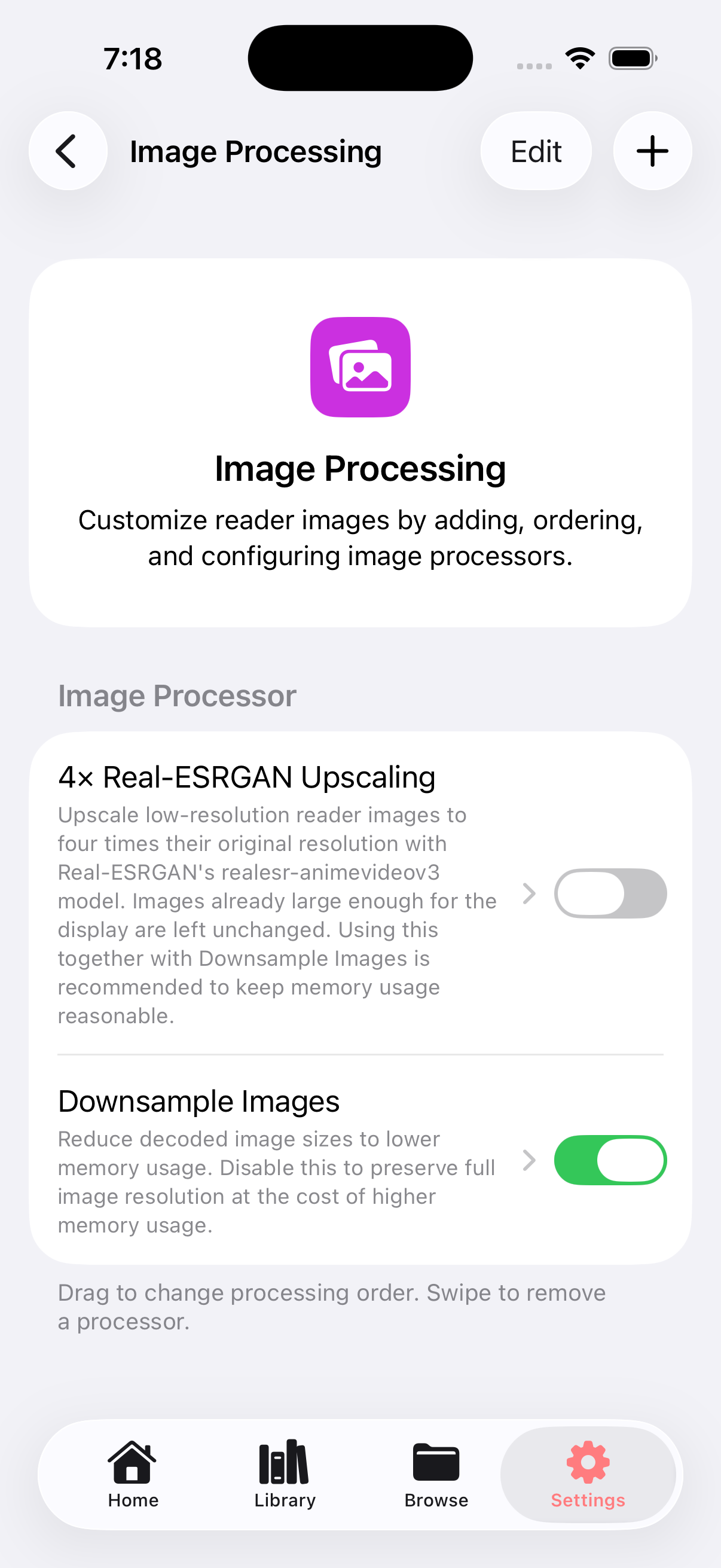
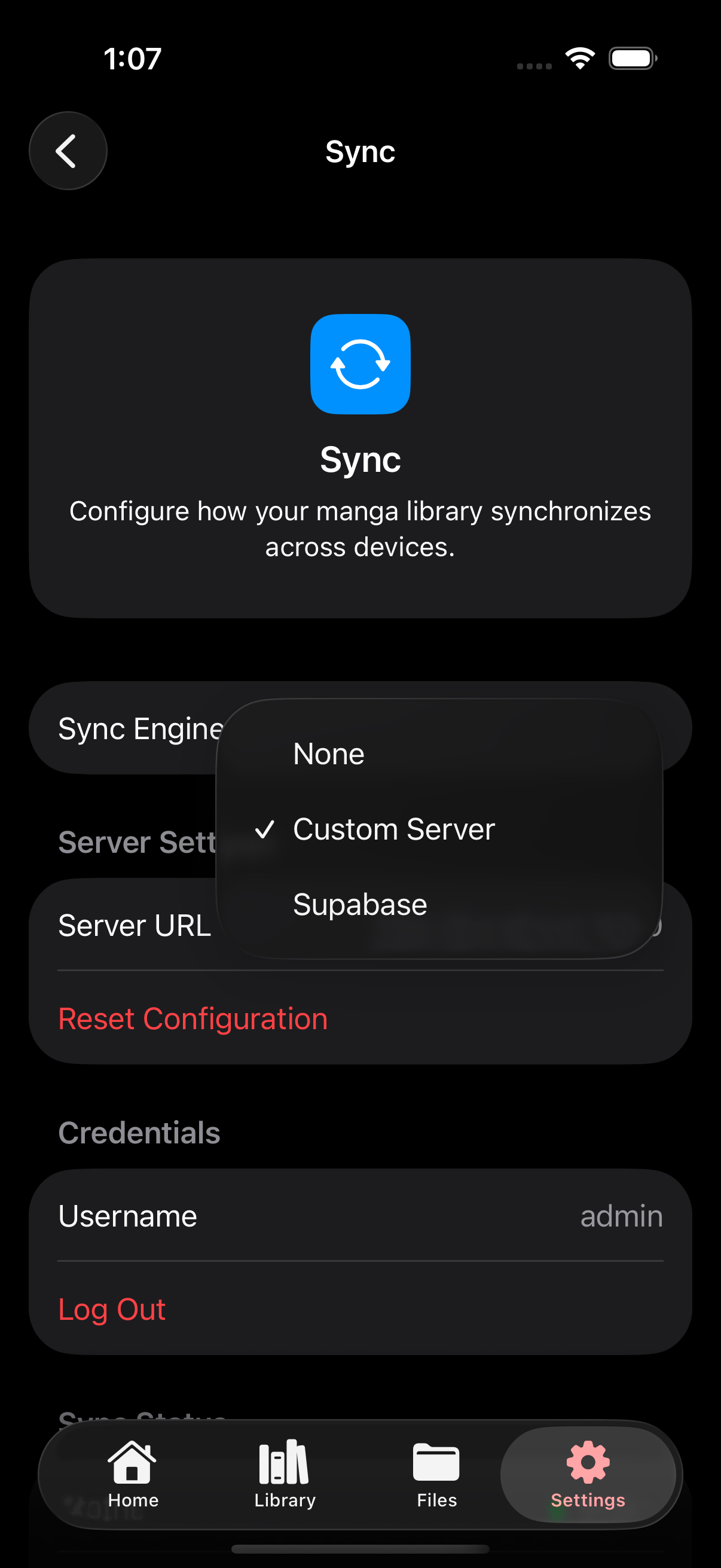
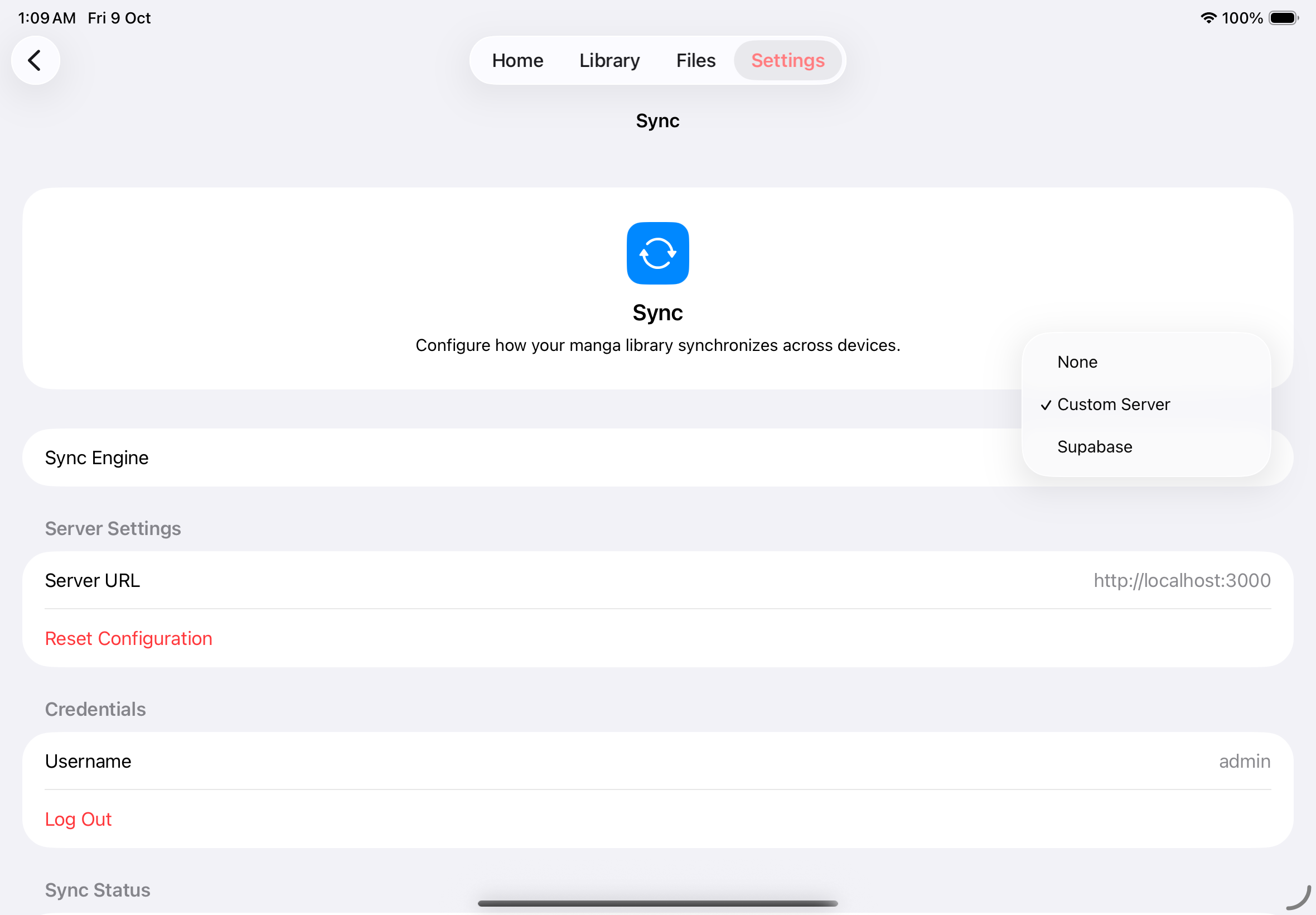
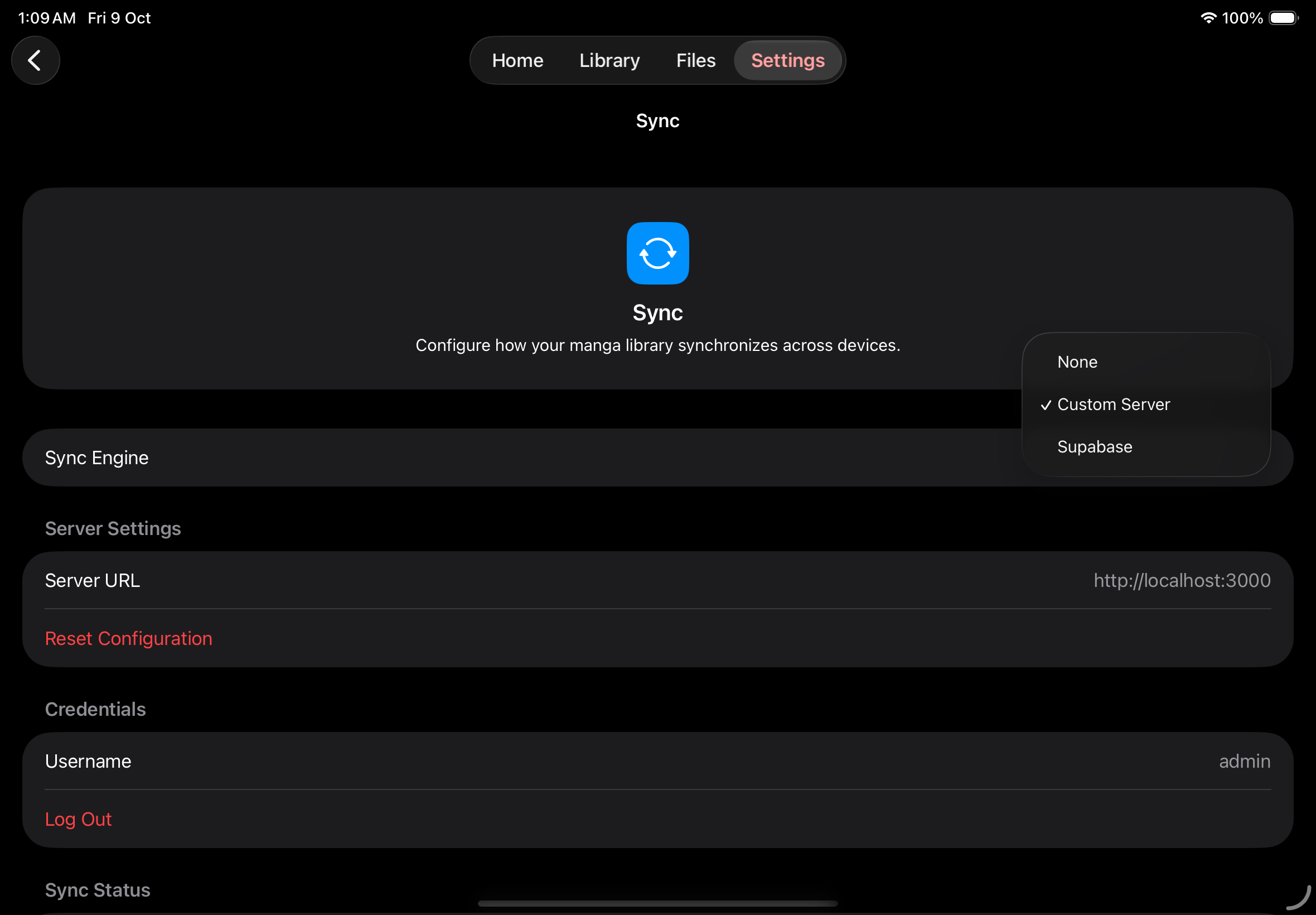
Choose a sync engine
Section titled “Choose a sync engine”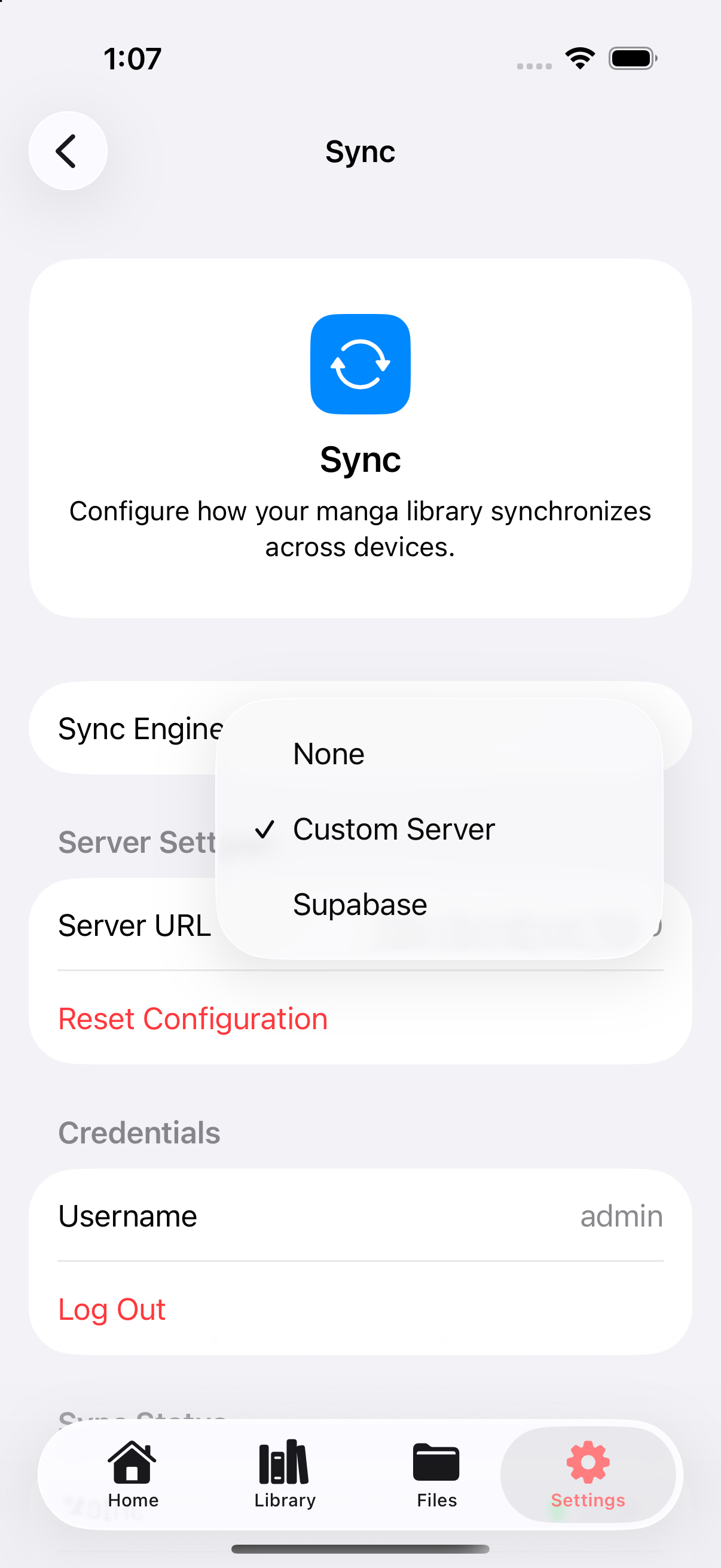
Check sync status
Section titled “Check sync status”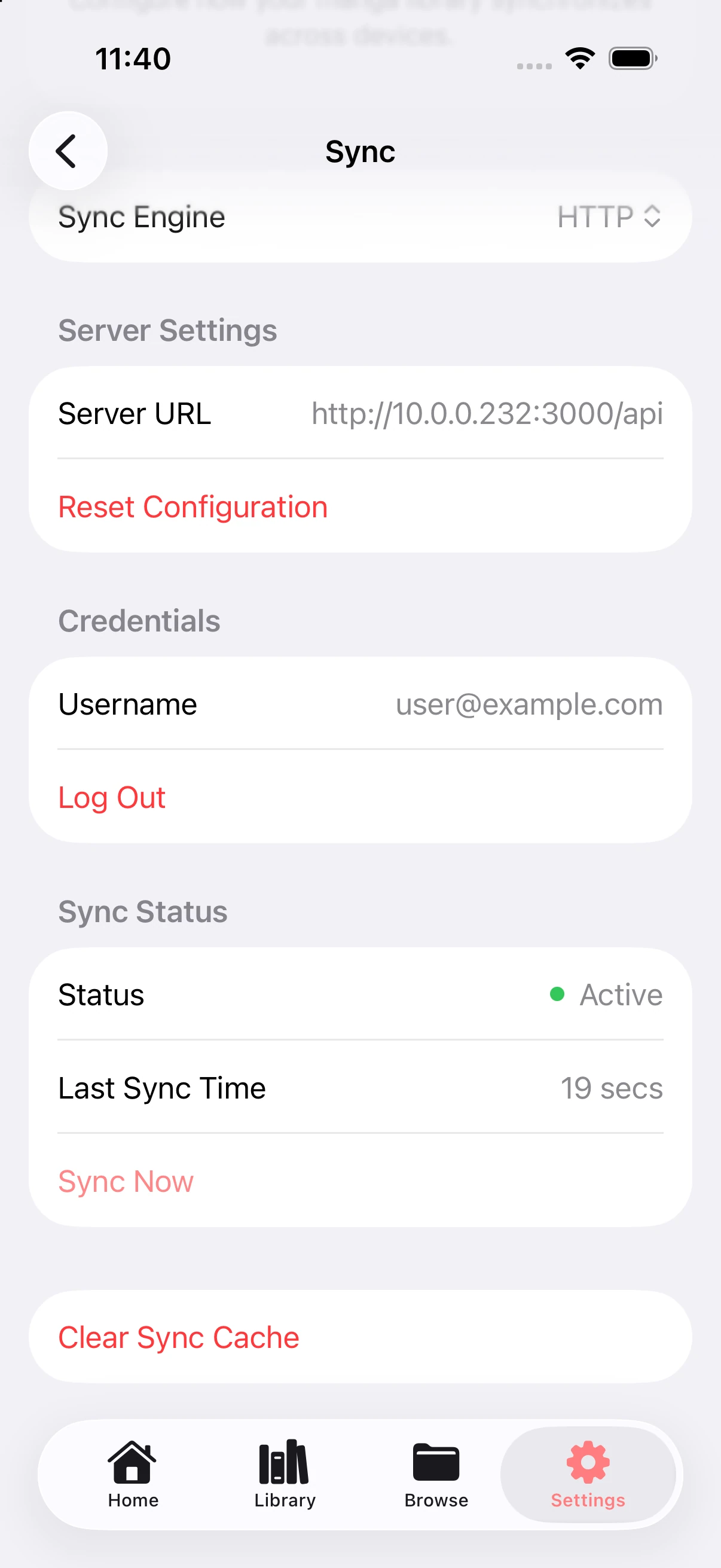
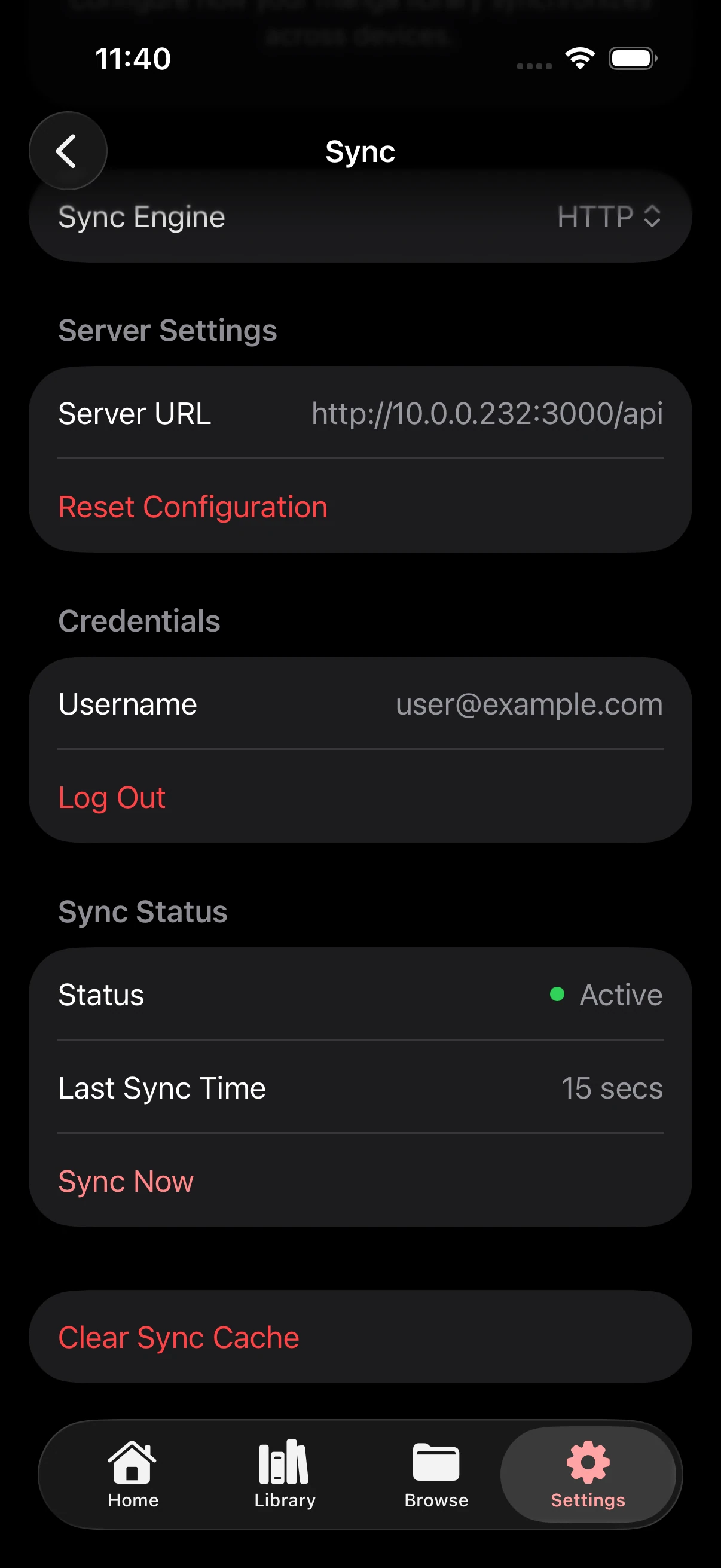
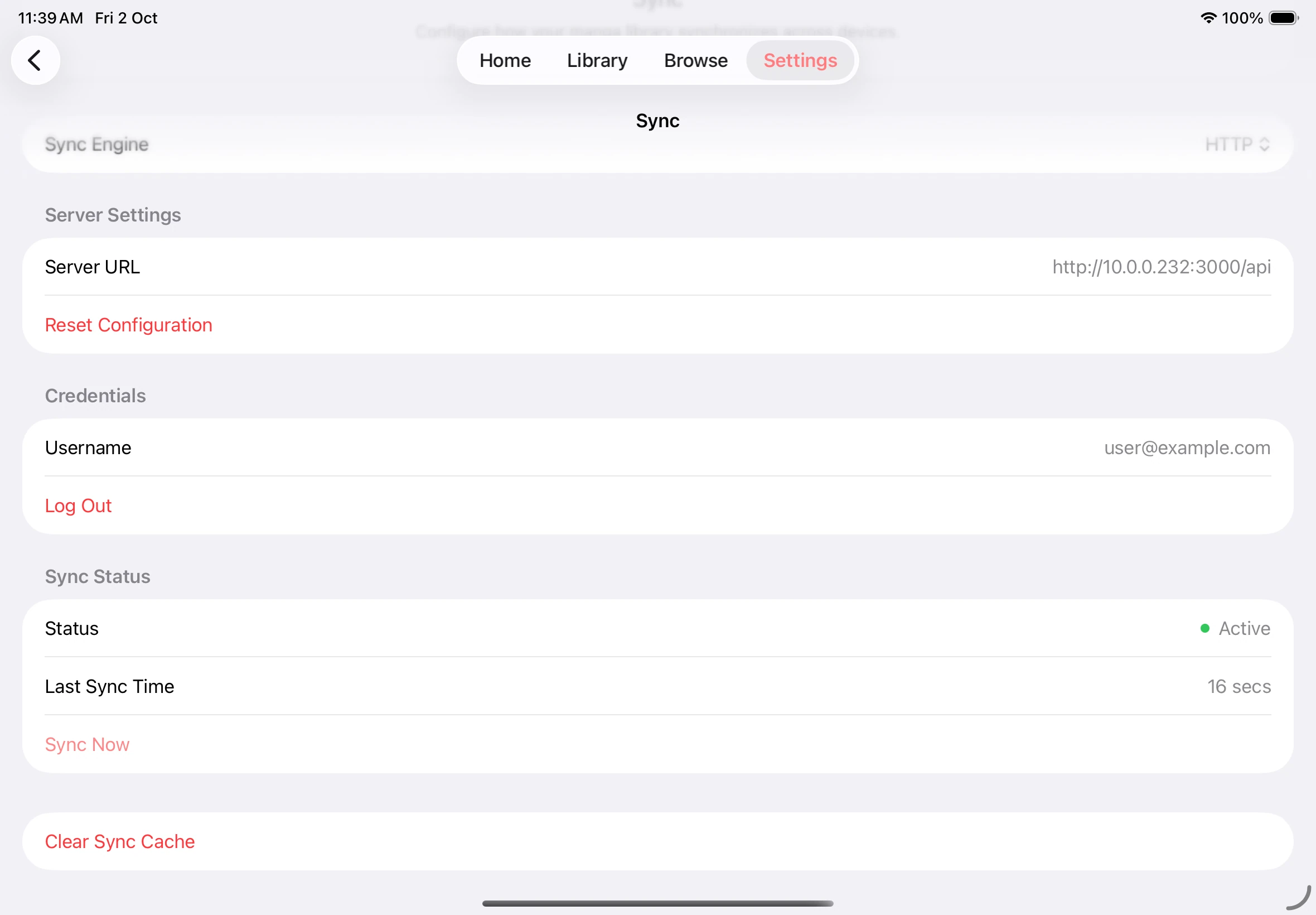
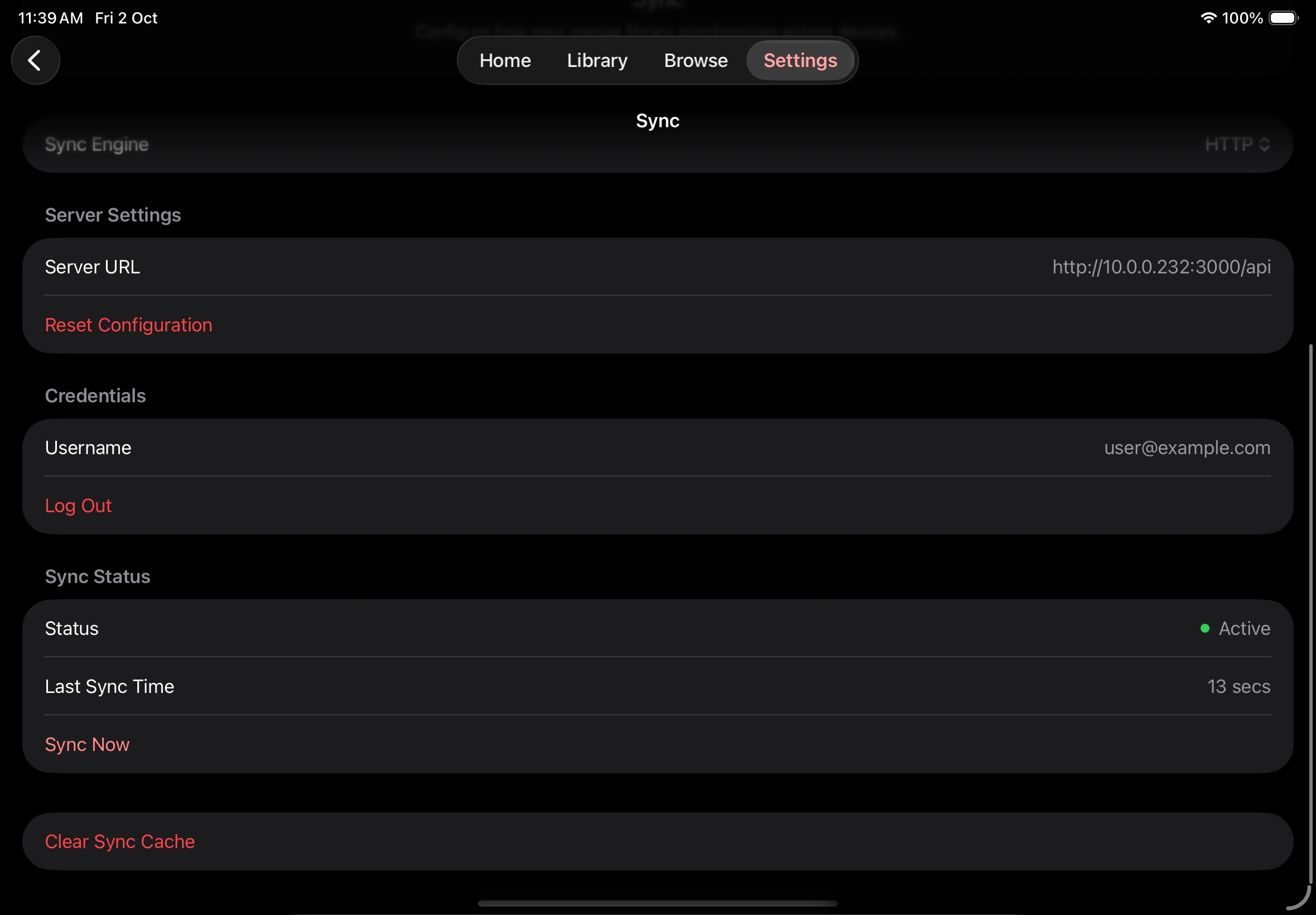
Check source sync support
Section titled “Check source sync support”